18
11. Smart Clean
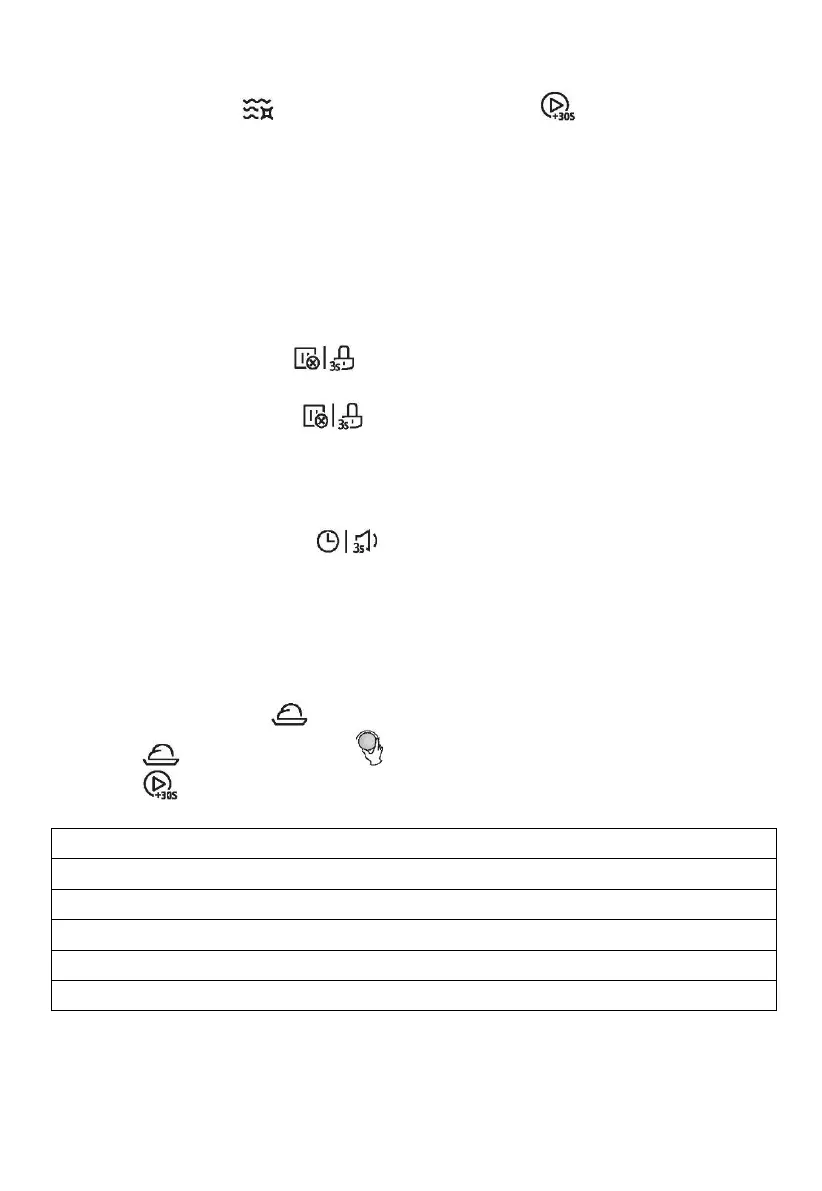
In waiting state, press " " once, “AC” will display, Press " " to start cleaning (100%
microwave clean for 5 minutes)
The Smart Clean program helps you to easily clean your appliance and remove unpleasant
odors. You just need to place a bowl of water inside the microwave and select the Smart
Clean function, the natural power of the steam will soften the food residues in a few
minutes, preparing them to be eliminated.
Note: It is forbidden to hold the water with metal vessels.
12. Child Lock
Lock: In waiting state, press " " for 3 seconds, there will be a long "beep" denoting
entering into the children-lock state and locked indicator will light.
Unlock: In locked state, press " " for 3 seconds, there will be a long "beep" denoting
that the lock is released, and locked indicator will disappear.
13. Time Function
1) During cooking state, press " " to check the current time. It will be displayed for
3 seconds.
14. Low Temperature Control function
This function allows to keep low temperature through the dedicated button. There are 5
dedicated menus that can surely meet your needs.
1) In waiting state, press " " once, “L1” will display,
2) Press " " repeatedly or turn " " to choose the menu. “L1-L5” are available.
3) Press " " to start cooking.


 To Next Page