LOCK indicator lights.
To cancel the CHILD LOCK: Press and hold the STOP/CANCEL button for 3 seconds until lock indicator
on display turns off.
AUTO COOK
For food or the following cooking mode, it is not necessary to program the duration and the cooking power.
It is sufficient to indicate the type of food that you wish to cook as well as the weight or serving of food.
For example: to cook 400g of fish.
1. Press the AUTO COOK button once.
2. Turn TIME/WEIGHT dial to indicate a weight of 400g.
3. Press START/QUICK START button.
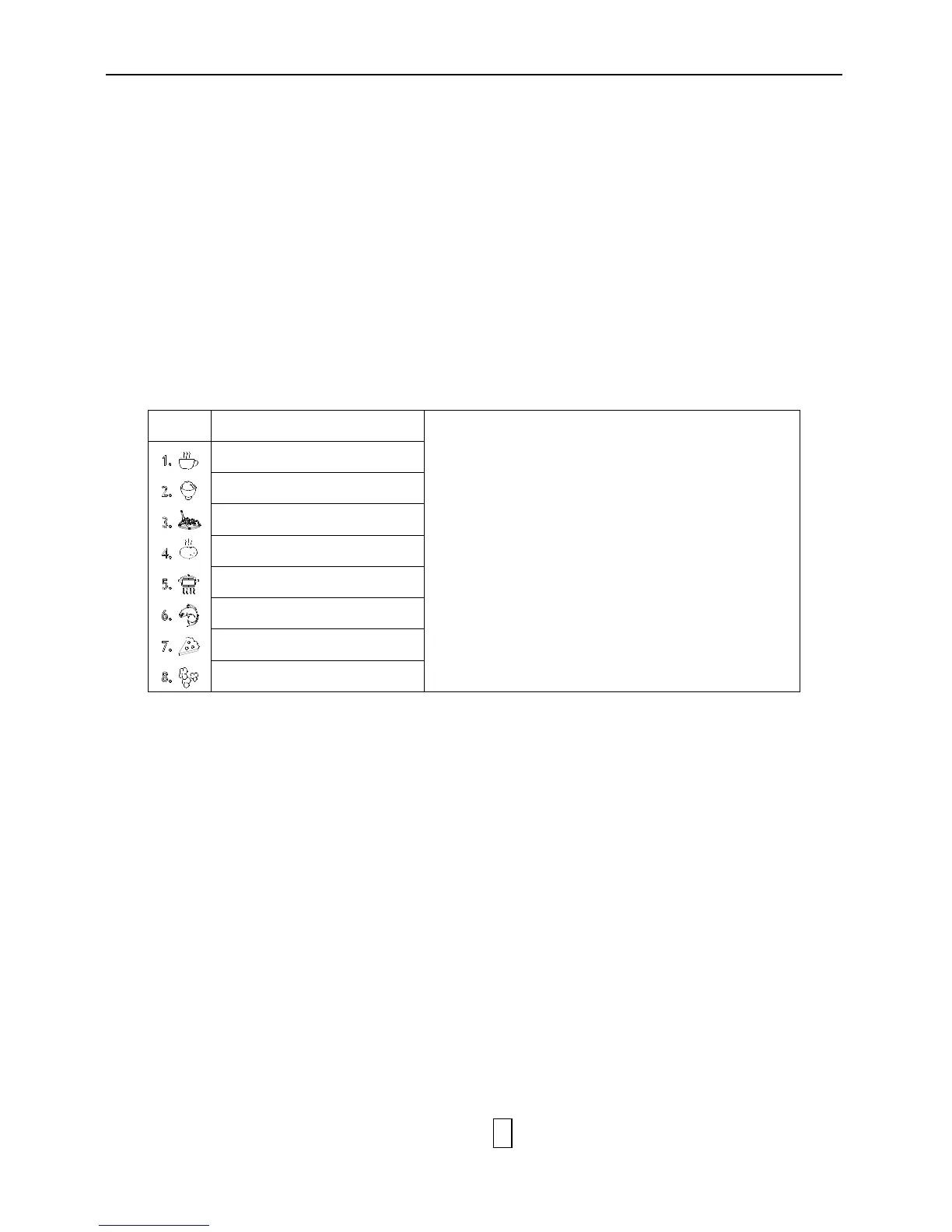
Auto Cook Menu
Note :
▪ Turn TIME/WEIGHT dial to indicate weight or
serving of food
▪ The result of auto cooking depends on factors
such as the shape and size of food, your personal
preference as to the doneness of certain foods and
even how well you happen to place food in the
oven. If you find the result at any rate not quite
satisfactory, please adjust the cooking time a little
bit accordingly.
▪ For Spaghetti add boiling water before cooking.


 To Next Page