8
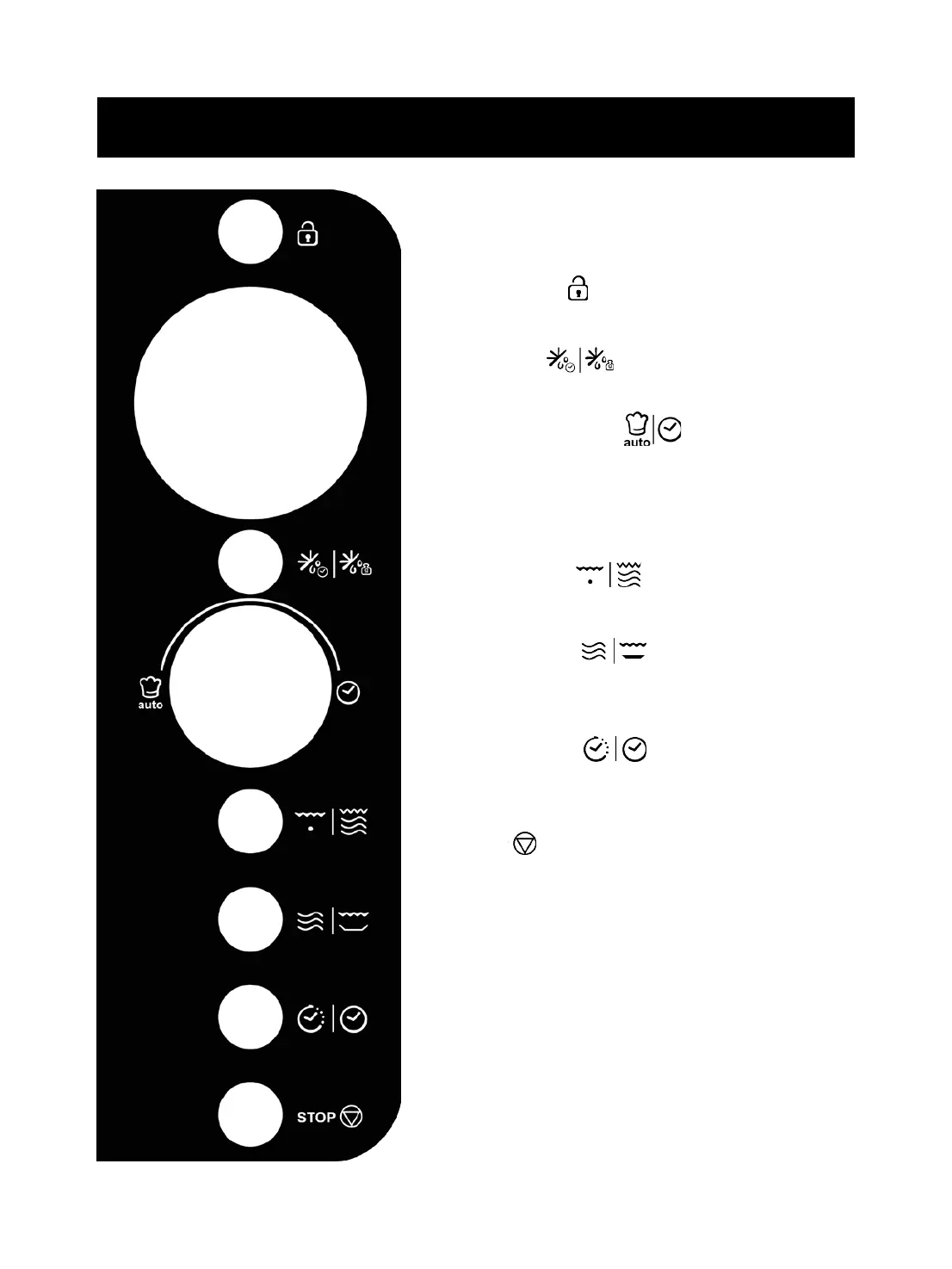
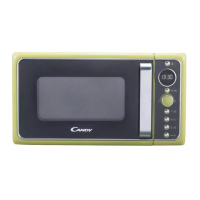
Control Panel
DISPLAY
Cooking time, power, indicators and clock time are
displayed.
MENU/LOCK
Use to mute function and child lock.
DEFROST
Use to set speed defrost or weight defrost.
MENU/TIME (knob)
Turn to set time or select auto cook menus.
Press to start cooking program.
Simply press it a number of times to set cooking time and
cook immediately at full power level.
GRILL/COMB.
Use to set grill or combination cooking program.
MICRO/CRISP
Use to set microwave cooking program.
Use to set crisp fried program.
CLOCK/TIMER
Use to set the time of clock.
Use to set timer function.
STOP
Press to reset the oven before setting a cooking program.
Press once to temporarily stop cooking, or twice to cancel
cooking altogether.



 To Next Page