EN 24
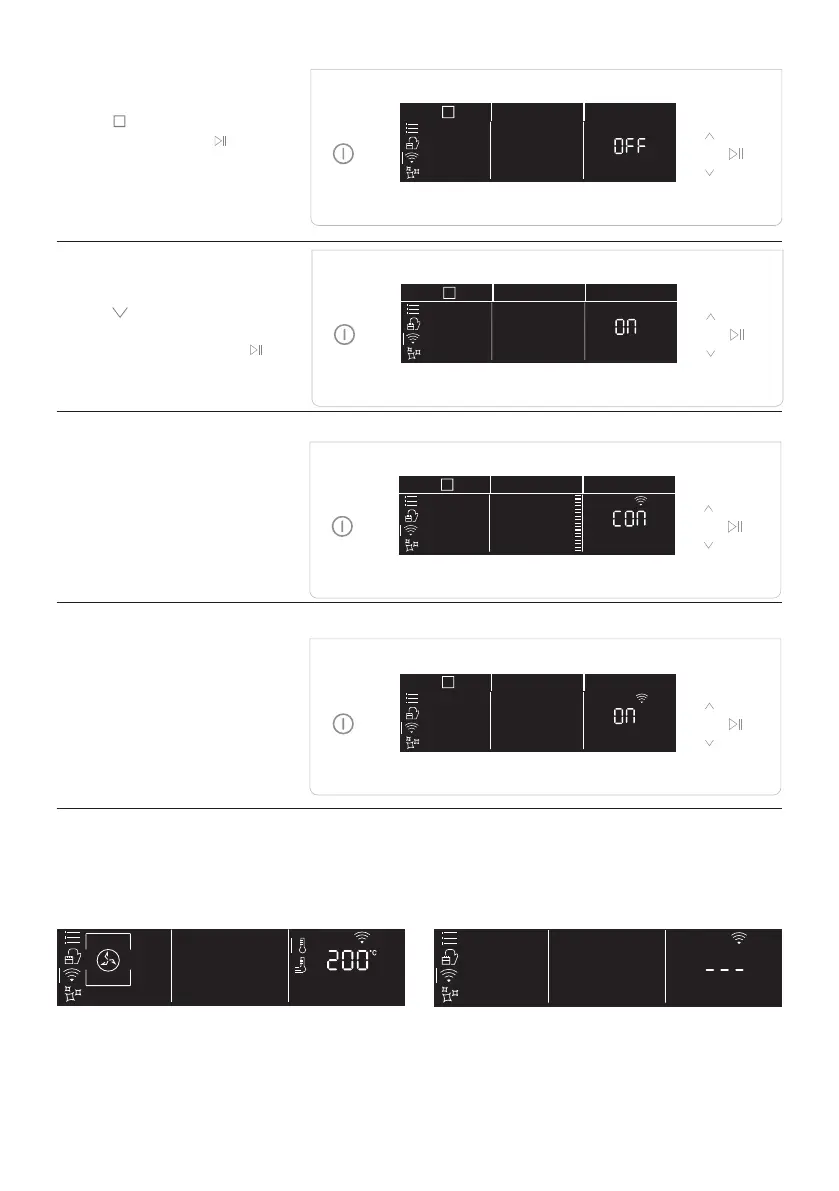
Step 5
• Tap
icon to select the
.
Step 6
• Tap and select On or
page 23 ) and tap start
.
Step 7
• After a while, the text
Connect begins to scroll.
Continue the pairing
process via app.
Step 8
•
the oven status will
automatically switch
according to your choice.
NOTE:
• Make sure to have minimum a 2.4GHz Home Wi-Fi network.
• Make sure to have your Home Wi-Fi password and name ready. You will need them later.
• Make sure your appliance is in a place where there is an excellent Home Wi-Fi signal.
• And yes, stay close to your appliance.
While cooking - WiFi icon blinking Inside WiFi menu - Digits blinking



 To Next Page