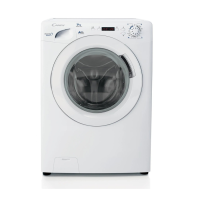
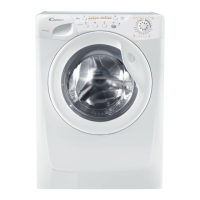
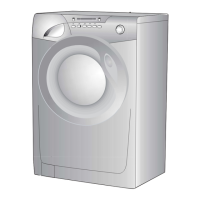
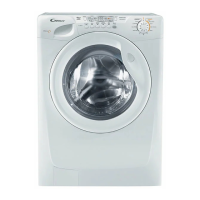
Door handle
Press the finger-bar inside the door handle to open the door.
A
7
NOTE: When the "Start/Pause" button has been pressed,
the appliance can take few seconds before it starts
working.
“START/PAUSE” button
Press to start the selected cycle .
Changing the settings after the programmes has started (PAUSE)
Press and hold the “START/PAUSE” button for about 2 seconds, the flashing lights on the
options buttons and time remaining indicator will show that the machine has been paused,
adjust as required and press the “START/PAUSE” button again to cancel the flashing lights.
If you wish to add or remove items during washing, wait 2 minutes until the safety device
unlocks the door.
When you have carried out the manoeuvre, close the door, press "Start/Pause" button and
the appliance will continue working where it left off.
CANCELLING THE PROGRAMME
To cancel the programme, set the selector to the OFF position.
Select a different programme.
Re-set the programme selector to the OFF position.
C
B
Programme Start light
This lights up when the START button has been pressed.


 To Next Page