EasyManua.ls Logo

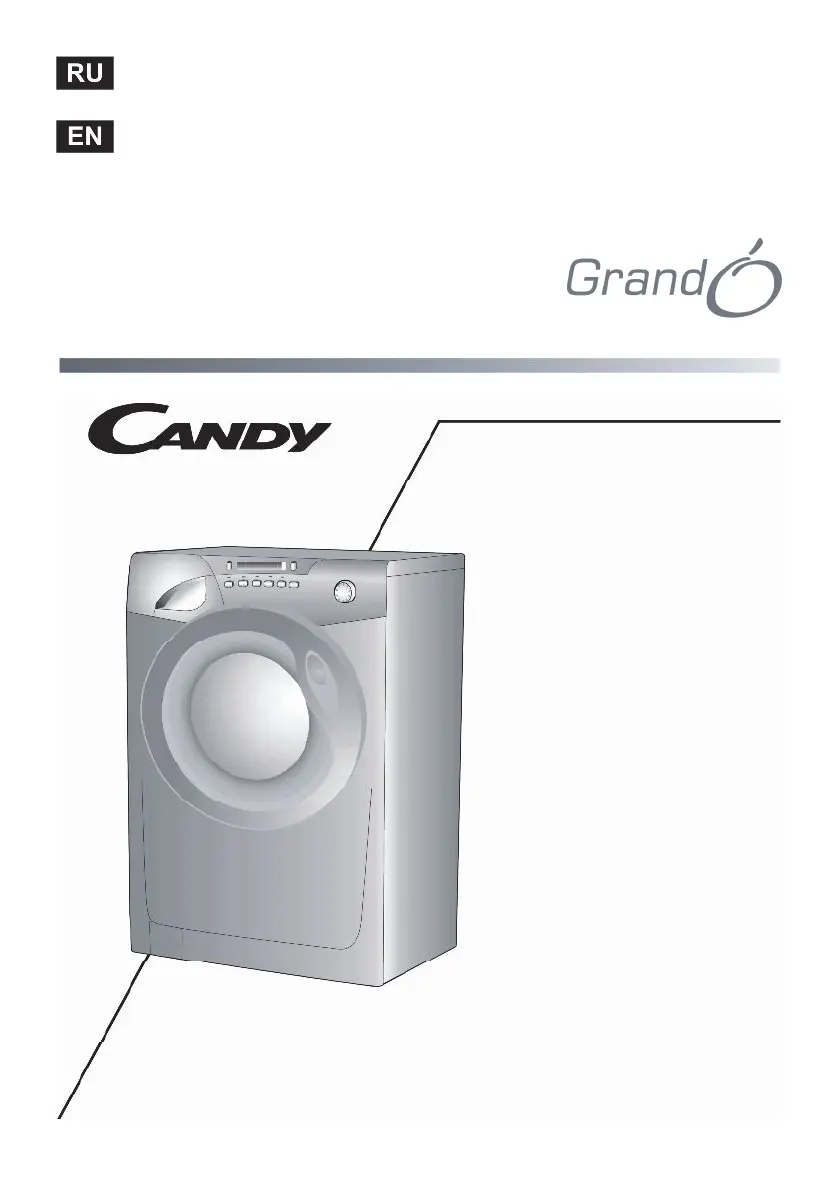
Candy Grand GO4 107 2D - User Manual

Candy Grand GO4 107 2D
72 pages
Go to English
Print Icon
To Next Page IconTo Next Page
Loading...
Инструкция по эксплуатации
2-36
User instructions
38-71
GO4 107 2D
Kg Detector

Questions and Answers

  • T
    Tommy StephensonAug 14, 2025
    Why my Candy Grand GO4 107 2D Washer is not spinning?
    • K
      kevinburnsAug 14, 2025
      If your Candy Washer isn't spinning, it could be due to the following reasons: * The washing machine has not discharged water. Wait a few minutes until the machine discharges water. * The “No spin” setting is selected (available on some models only). Turn the program dial onto the spin setting.
  • M
    Maureen RobertsAug 17, 2025
    What to do if there is water on the floor around my Candy Washing machine?
    • M
      Michael JonesAug 17, 2025
      If you find water on the floor around your Candy washing machine, it could be due to a leak from the washer between the tap and inlet tube. Replace the washer and tighten the tube on the tap.
  • S
    Sara PowellAug 20, 2025
    What to do if my Candy Grand GO4 107 2D Washer does not discharge water?
    • G
      Gene JonesAug 20, 2025
      If your Candy Washer isn't discharging water, it might be due to: * A bent discharge tube. Straighten the discharge tube. * Odd material blocking the filter. Check the filter.
  • C
    Charlotte TaylorAug 25, 2025
    What to do if my Candy Grand GO4 107 2D display reads error 2?
    • S
      Susan FowlerAug 25, 2025
      If the display of your Candy Washer shows error 2, it indicates a no water fill issue. Check that the water supplies are turned on.
  • M
    Mrs. Judy GloverAug 27, 2025
    What to do if my Candy Washer does not load water?
    • W
      Walter ClarkeAug 27, 2025
      If your Candy Washer isn't loading water, here are a few things you can check: * Ensure the water inlet tap is turned on. Turn on water inlet tap. * Make sure the timer is set correctly.
  • O
    oburtonAug 31, 2025
    Why my Candy Washer display reads error 3?
    • H
      Heather WaltersAug 31, 2025
      If your Candy Washer's display shows error 3, it means there's no pump out. Check that the drain is clear and the drain hose isn't kinked.
  • C
    Crystal SmithSep 2, 2025
    What to do if my Candy Grand GO4 107 2D Washer display reads error 4?
    • D
      Dr. Jessica Duncan MDSep 2, 2025
      If your Candy Washer's display shows error 4, it indicates that the machine has overfilled with water. Turn off the water supply to the machine.
  • S
    Scott ChanSep 6, 2025
    What to do if my Candy Grand GO4 107 2D does not function on any program?
    • H
      hharrisSep 6, 2025
      If your Candy Washer isn't working on any program, there are several things to check: * Ensure the mains plug is properly inserted. * Verify the mains switch is turned on. * Check for a power supply. * Inspect the electric circuit fuses. * Make sure the load door is completely closed. Insert the plug, turn on the mains switch, check the power and fuses, and close the load door.
  • I
    iblakeSep 9, 2025
    Why is my Candy Washer vibrating so strongly during spin?
    • R
      Robin WalkerSep 9, 2025
      Strong vibrations during the spin cycle of your Candy Washer can be caused by: * The washing machine not being perfectly level. Solution: Adjust the special feet. * The transport bracket not being removed. Solution: Remove the transport bracket. * The washing load not being evenly distributed. Solution: Distribute the washing evenly.

Summary

General delivery notes

Technical data

Electricity supply and safety advice

Safety notes

Lists crucial safety precautions for machine operation and use.

Quick Start guide

Useful advice for users

Provides tips for environmentally-friendly and economical washing.

Installation procedures

Water supply connection

Control panel description

Kg DETECTOR function

Intelligent sensor that adjusts wash parameters based on load.

Key operational buttons

Details Start/Pause, Wash Temperature, and Spin Speed buttons.

Program delay and special functions

Explains Start Delay, Aquaplus, and Intensive functions.

Program selector overview

Guide to using the program selector and its "OFF" position.

Digital display and indicators

Display indicators explained

Details on Wash Temp, Door Light, Spin Speed, and Delay Start indicators.

Cycle duration and load detection

Explains how cycle time and Kg Detector indicators work.

Degree of soiling button

How to select fabric soiling level for wash adjustment.

Detergent drawer usage

Detergents and washing aids

Dosage recommendations

Advice on the correct amounts of detergent for various situations.

Wash program guide

Standard wash programs

Programs for resistant, mixed, and delicate fabrics.

Special wash programs

Explains Rapid, Hand Wash, Wool, and Mix & Wash programs.

Program notes and tips

Important notes on program testing, spin speed, and temperature selection.

Main wash and laundry sorting

Sorting the laundry

Guidelines on sorting laundry by fabric type, soiling, and temperature.

Correct washing procedures

Preparing and loading laundry

Steps for selecting and placing laundry into the machine.

Detergent and program selection

Guidance on adding detergent and selecting wash programs.

End of program procedures

Steps to follow after the wash cycle has finished.

Table of programs

Cleaning and maintenance

Drawer and filter cleaning

Detailed steps for cleaning the detergent drawer and the drain filter.

Transporting and storing the appliance

Trouble shooting guide

Customer Service information

Candy Grand GO4 107 2D Specifications

General IconGeneral
BrandCandy
ModelGrand GO4 107 2D
CategoryWasher
LanguageEnglish

Related product manuals