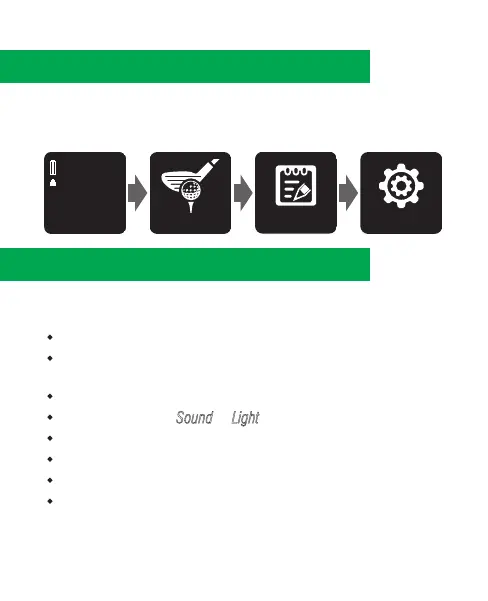
3. Watch Menus
1. Press ➂ to enter main menu.
2. Press ➁/➃ to scroll up/down the menu.
3. Choose a selected function and press ③ to enter.
4. Watch Settings
Press ➂ to enter main menu. Use ➁/➃ to scroll to
[
SETTINGS
]
.
Once in
[
SETTINGS
]
, you will find following options :
•
Language - Select your preferred language.
•
Clock - Set time, alarm, toggle between 12-hour and 24-hour
mode, summer time <1>, and sun rise/set time.
•
Backlight - Set the duration for the backlight to remain on.
•
Alert - Select either Sound or Light for your alert mode.
•
Unit - Toggle between imperial/metric units.
•
GPS - Search for GPS signal.
•
Factory Reset - Reset the watch to factory settings.
•
About Watch - Watch version number.
<1> When summer time is on, the time will be adjusted one
hour ahead.
3.



 To Next Page