2. Starting with the Watch
At first time use, or after factory reset, or after software update, please
choose language and set time. You can set the time by manual or by GPS.
please refer to [GPS Locating Tips] on Page 1.
If you choose to set time by GPS
1. At first time use, please charge the device more than 2
hours in advance.
2. If the watch battery runs out, time will need to be reset.
NOTE
4. Watch Menus
1. Press ④ to enter main menu.
2. Press ③/⑤ to scroll up/down the menu.
3. Choose a selected function and press ④ to enter.
GOLF
TOOLS
SETTINGS
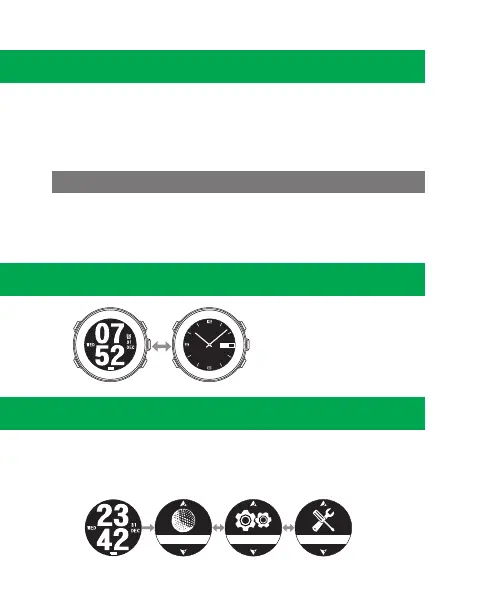
3. Time Mode
Under the Time Mode, press
② to switch Time display
interface.
22
WED
②
3.


 To Next Page
 Loading...


