2
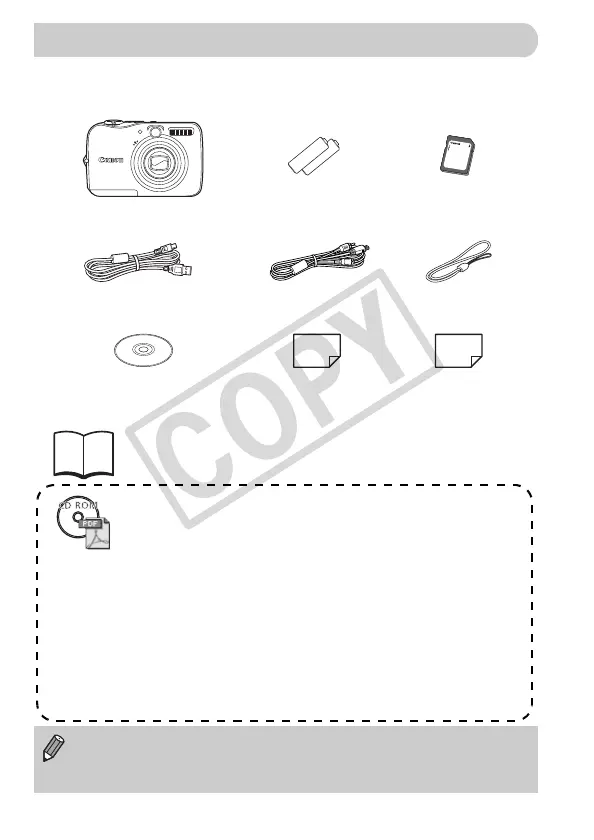
Check if the following items are included in your camera package. If anything
is missing, contact the retailer where you purchased the camera.
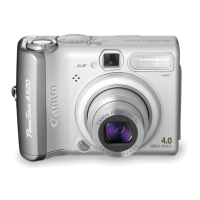
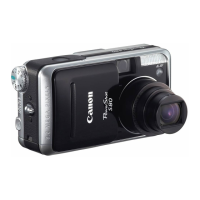
Camera
AA-size Alkaline
Batteries (x2)
Memory Card
(32MB)
Interface Cable
IFC-400PCU
AV Cable
AVC-DC400
Wrist Strap
WS-DC6
Canon Digital Camera
Solution Disk
Warranty Card
“Canon Customer
Support” Leaflet
Getting Started
Also refer to the electronic manuals (PDF) on the CD-ROM.
•Camera User Guide
This Guide
•Direct Print User Guide
Read when you want to connect the camera to a printer and print.
•Software Starter Guide
Read when you want to connect the camera to a computer.
Explains how to install and use the software on the Canon Digital
Camera Solution Disk.
Download ZoomBrowser EX/ImageBrower Software Guide (PDF)
from:
http://web.canon.jp/imaging/information-e.htm
• You can use the included memory card to try out your new camera and
take some test shots.
• Adobe Reader must be installed to view the PDF manuals.
Checking the Package Contents
(EC255) CDP-E065_Guide_E.book Page 2 Friday, July 4, 2008 10:35 AM



 To Next Page