EasyManua.ls Logo

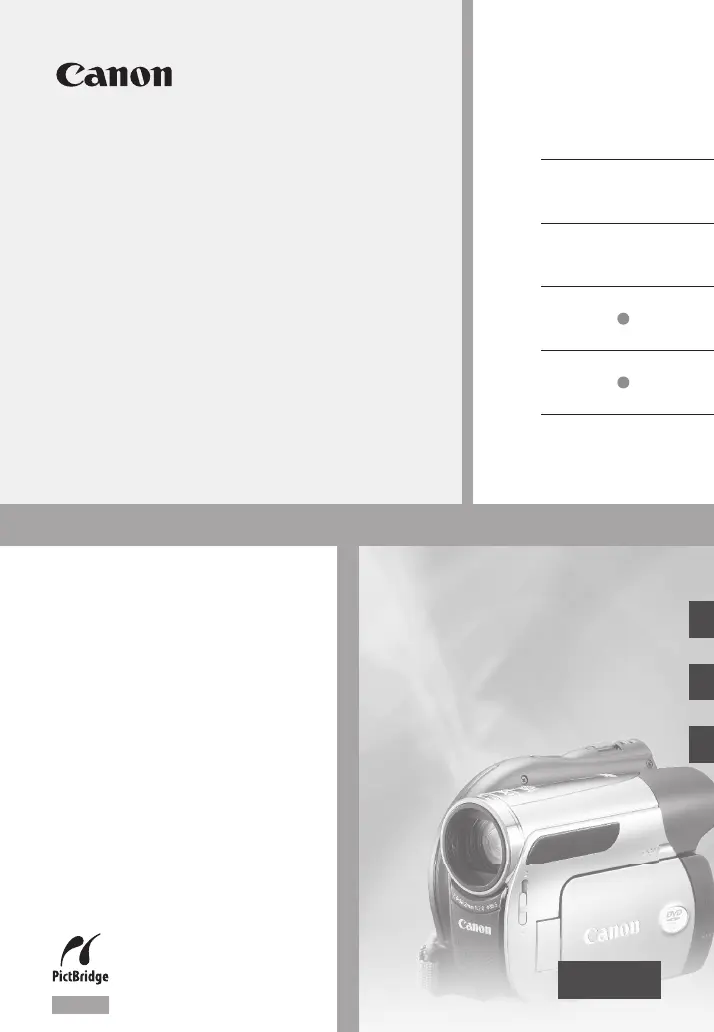
Canon DVD CAMCORDER DC410 - User Manual

Canon DVD CAMCORDER DC410
98 pages
Print Icon
To Next Page IconTo Next Page
Loading...
PUB. DIM-890
DVD Camcorder
Instruction Manual
Caméscope DVD
Manuel d’instruction
English
Français
Español
Videocámara DVD
Manual de Instrucciones
NTSC
DC420
DC410
DC420

Table of Contents

Questions and Answers

  • R
    Ryan MartinAug 19, 2025
    Why does my Canon Camcorder not turn on?
    • C
      Christopher WalterAug 20, 2025
      Your Canon Camcorder might not turn on because the battery pack is exhausted. Try replacing or charging the battery pack. Also, try removing the battery pack and reattaching it correctly.
  • F
    Felicia ZimmermanAug 22, 2025
    What to do if my Canon DVD DC410 Camcorder won't focus?
    • W
      Wendy SaundersAug 22, 2025
      If your Canon Camcorder won't focus, it could be due to several reasons. Autofocus may not work on the subject, so try to focus manually. You can also adjust the viewfinder with the dioptric adjustment lever. Clean the lens with a soft lens-cleaning cloth if it is dirty.
  • R
    rebecca95Aug 25, 2025
    What to do if my Canon Camcorder cannot charge the battery pack?
    • C
      Catherine GarciaAug 25, 2025
      If your Canon Camcorder isn't charging, make sure you charge the battery pack in temperatures between 0 °C and 40 °C (32 °F and 104 °F). If the battery pack is too hot, charging will start once the battery pack temperature is below 40 °C (104 °F). If this doesn't help, the battery pack might be damaged, so try using a different battery pack.
  • G
    Gregory ChristianAug 26, 2025
    Why does my Canon DVD DC410 stop recording shortly after starting?
    • K
      Kiara LamAug 26, 2025
      If your Canon Camcorder stops recording soon after you hit record, the disc may be dirty. Clean the disc with a soft lens-cleaning cloth. If that doesn't solve the issue, try replacing the disc. Also, the camcorder may have exceeded its operational temperature, so turn it off and let it cool down before resuming use.
  • M
    Mrs. Kimberly SchmidtAug 27, 2025
    Why is there video noise and distorted sound during playback on my Canon DVD DC410?
    • B
      bradleymarkAug 28, 2025
      If you are experiencing video noise and distorted sound during playback on your Canon Camcorder, the disc may be dirty. Clean the disc with a soft lens-cleaning cloth. You may also encounter issues playing discs recorded or edited with other DVD recorders or computer DVD drives.
  • M
    Mrs. Terri HarrisAug 29, 2025
    Why does video noise appear on the screen of my Canon DVD DC410?
    • B
      Brian RobertsAug 29, 2025
      If video noise appears on the screen of your Canon Camcorder, keep a distance between the camcorder and devices that emit strong electromagnetic fields such as plasma TVs and cellular phones.
  • L
    Lee Morris MDAug 31, 2025
    Why is the viewfinder picture blurred on my Canon DVD DC410 Camcorder?
    • M
      Michael GibsonSep 1, 2025
      If the viewfinder picture is blurred on your Canon Camcorder, adjust the viewfinder with the dioptric adjustment lever.
  • C
    Courtney LiSep 2, 2025
    What does it mean if the CHARGE indicator flashes rapidly on my Canon Camcorder?
    • O
      ojonesSep 3, 2025
      If the CHARGE indicator flashes rapidly on your Canon Camcorder, charging has stopped because the compact power adapter or the battery pack is faulty.
  • M
    Michael SimonSep 4, 2025
    Why does my Canon DVD DC410 Camcorder display screen turn on and off repeatedly?
    • J
      Jeff MorganSep 4, 2025
      The screen of your Canon Camcorder may be turning on and off repeatedly because the battery pack is exhausted. Replace or charge the battery pack. Alternatively, try removing the battery pack and then reattaching it correctly.
  • T
    tsmithSep 6, 2025
    What to do if pressing Start/Stop will not start recording on my Canon DVD DC410?
    • H
      hlandrySep 6, 2025
      If pressing Start/Stop doesn't initiate recording on your Canon Camcorder, ensure you are using a disc whose performance has been tested with this camcorder. If using a DVD-RW in VR mode, delete some recordings to free up space or replace the disc. If using a DVD-RW in VIDEO mode, unfinalize the disc. Additionally, if the camcorder has exceeded its operational temperature, turn it off and let it cool down before resuming use.

Summary

Important Safety and Usage Instructions

Warnings and Cautions

Highlights critical safety warnings regarding fire, shock, and proper accessory use.

Copyright and FCC Compliance

Notice about unauthorized recording of copyrighted materials and FCC compliance.

How to Select a DVD Disc

DVD-R Disc Selection

Details on DVD-R discs, their compatibility, and single-use recording.

DVD-R DL Disc Selection

Information on dual-layered discs, increased capacity, and recording limitations.

DVD-RW Disc Selection

Features of DVD-RW discs, including editability, deletion, and reusability.

Enjoying Your DVDs

Shooting Video

Guidance on starting video recording, including EASY mode and advanced functions.

Finalizing and Playback

Steps for finalizing discs and playing back recordings on external devices or TVs.

About This Manual

Conventions Used in this Manual

Explains symbols, terms, and notations used throughout the manual for clarity.

Components Guide

Camcorder Overview

Identifies and describes the various external parts and controls of the camcorder.

Screen Displays

Recording and Playback Indicators

Explains the meaning of icons and information shown on the camcorder's screens.

Preparations

Getting Started

Initial steps for using the camcorder, including battery charging.

Preparing Accessories

Instructions for attaching the grip belt and shoulder strap for optimal use.

Basic Operation and Menus

Covers power switch usage, joystick navigation, and menu system access.

Initial Settings

Guides on setting date, time, language, and time zone before first use.

Getting Ready to Record

Steps for opening the lens, adjusting the LCD panel, and inserting media.

Video Recording

Basic Shooting

Fundamental steps for recording video, including test recordings and final steps.

Recording Modes and Quality

Explains recording modes (XP, SP, LP) affecting quality and time, and aspect ratio settings.

Zoom Functions

Details on using optical, advanced, and digital zoom types and speeds.

Playback and Scene Management

Covers basic playback, special modes, and deleting/managing recorded scenes.

Additional Functions

Special Scene Recording Programs

Utilizing preset programs for optimized shooting in various conditions.

Shutter Speed Control

Adjusting shutter speed for motion effects or freezing action.

Manual Adjustments

Manually controlling exposure, focus, and white balance for precise image capture.

Image and Digital Effects

Applying visual effects like color saturation, contrast, and digital filters.

LCD Video Light and External Microphone

Using the LCD as a light source and connecting external microphones for better audio.

Editing Playlists and Disc Operations

Creating and Managing Playlists

Building custom playback sequences by adding, dividing, moving, or deleting scenes.

Disc Initialization and Finalization

Preparing discs for recording and making them playable on external devices.

Photos

Basic Photo Recording

Steps for capturing still images, including setting size and quality.

Photo Playback and Management

Viewing, magnifying, slideshows, erasing, and protecting still images.

Printing Photos

Instructions for printing images directly from the memory card or camcorder.

External Connections

Camcorder Terminals

Identification of connection ports like AV, USB, and MIC terminals.

Connection Diagrams

Visual guides for connecting the camcorder to TVs, VCRs, and printers.

TV Playback and Recording Transfer

Steps for playing back on a TV and copying recordings to external video devices.

Additional Information

Menu Options Lists

Comprehensive reference of menu items, their settings, and availability.

Troubleshooting

Solutions for common problems, error messages, and indicators.

Handling Precautions

Guidelines for safe operation, care, and storage of the camcorder and accessories.

Maintenance and Cleaning

Instructions for cleaning the camcorder body, lens, and screen.

Optional Accessories

Information on available accessories like battery packs, chargers, and cases.

Specifications

Technical details of the camcorder's system, sensor, lens, and dimensions.

Warranty Information

U.S.A. Limited Warranty

Details the limited warranty terms and conditions for equipment purchased in the US.

Canada Limited Warranty

Outlines the limited warranty terms and conditions for equipment purchased in Canada.

Canon DVD CAMCORDER DC410 Specifications

General IconGeneral
Optical Zoom35x
Digital Zoom1000x
Video Resolution720 x 480
Image StabilizerElectronic
LCD Screen Resolution123, 000 pixels
Focus SystemTTL auto focus
Recording MediaDVD-R, DVD-RW
Image Sensor1/6 inch CCD
LCD Screen Size2.7 inches
Optical Sensor Size1/6 inch

Related product manuals