219
QuickReference(English/
中
文
)
■ After loading the batteries/reset the machine
1
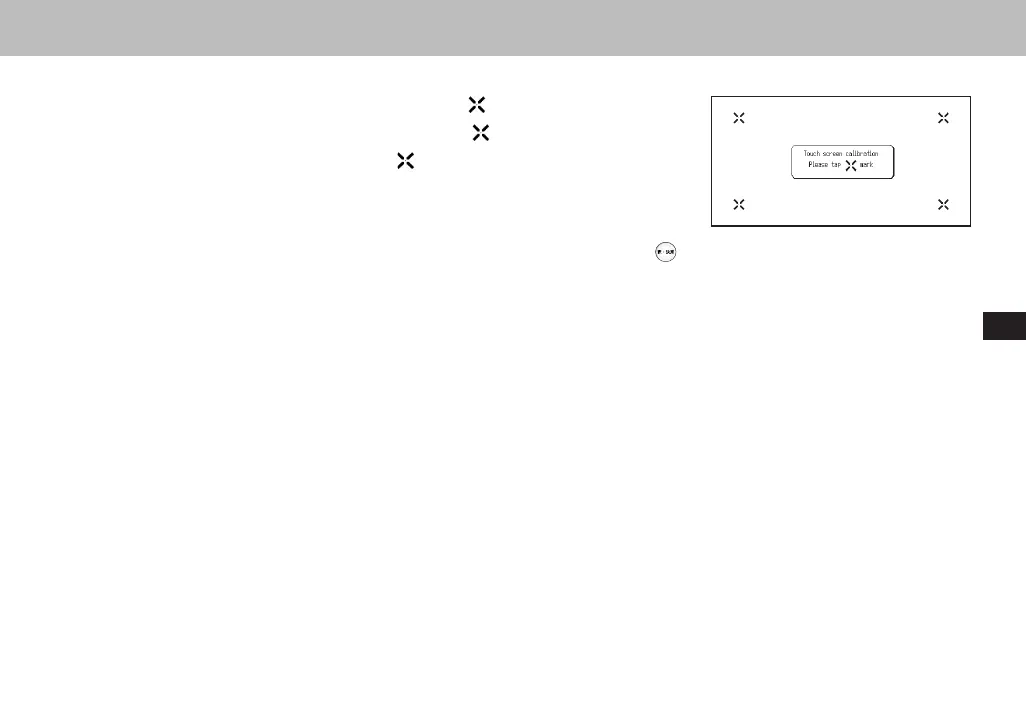
A message that reads「タッチスクリーン補正
をスタイラスでタップし
てください」(Touch screen calibration. Please tap
mark) appears on the dis-
play. With the stylus pen, tap the four
at the corners and then they will be
disappeared.
2
A message that reads 「システムを初期化しますか/是否要初始化系统/Do
you want to reset?
」
. To initialize the system, select "Yes" and press the
button.
3
The menu is display, and the machine is ready for use.
QuickReference
CSH06H206-P218-226 06.8.17, 4:40 PMPage 219 AdobePageMaker6.5J/PPC



 To Next Page