EasyManua.ls Logo

Canon ELPH 2 - Setting the Date and Time

Canon ELPH 2
53 pages
Print Icon
To Next Page IconTo Next Page
To Previous Page IconTo Previous Page
Loading...
Setting
the
Date
and
Time
When
you
replace
the
battery
or
travel
abroad,
use
the
procedure
below
to
set
or
adjust
the
date
and
time
settings.
Always
use
the
push-button
projection
on
the
strap
buckle
to
push
the
SELECT
and
SET
buttons.
(^
p.12)
'99
H
n
fijpf
r#
a#
f
DATE
button
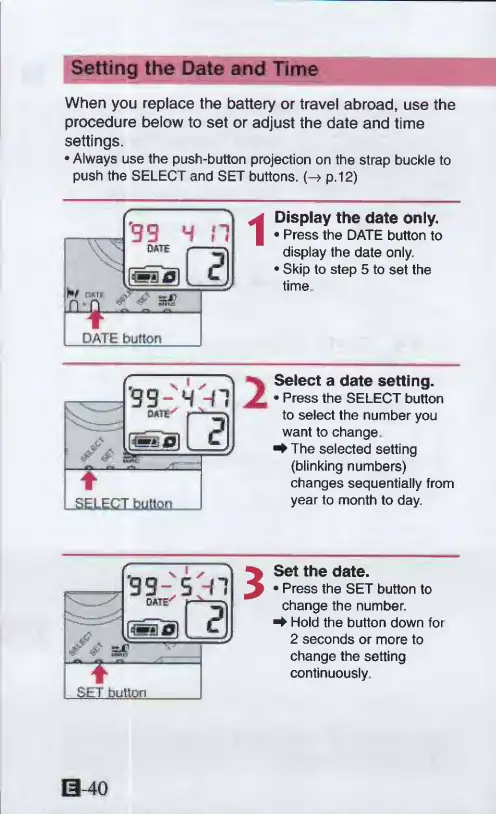
Display
the
date
only.
Press
the
DATE
button
to
display
the
date
only.
Skip
to
step
5
to
set
the
time
Select
a
date
setting.
Press
the
SELECT
button
to
select
the
number
you
want
to
change
^
The
selected
setting
(blinking
numbers)
changes
sequentially
from
year
to
month
to
day.
Set
the
date.
Press
the
SET
button
to
change
the
number.
^
Hold
the
button
down
for
2
seconds
or
more
to
change
the
setting
continuously
0-40

Other manuals for Canon ELPH 2

Related product manuals