EasyManua.ls Logo

Canon ES8600 - Page 71

Canon ES8600
75 pages
Print Icon
To Next Page IconTo Next Page
To Previous Page IconTo Previous Page
Loading...
71
E
Additional
Information
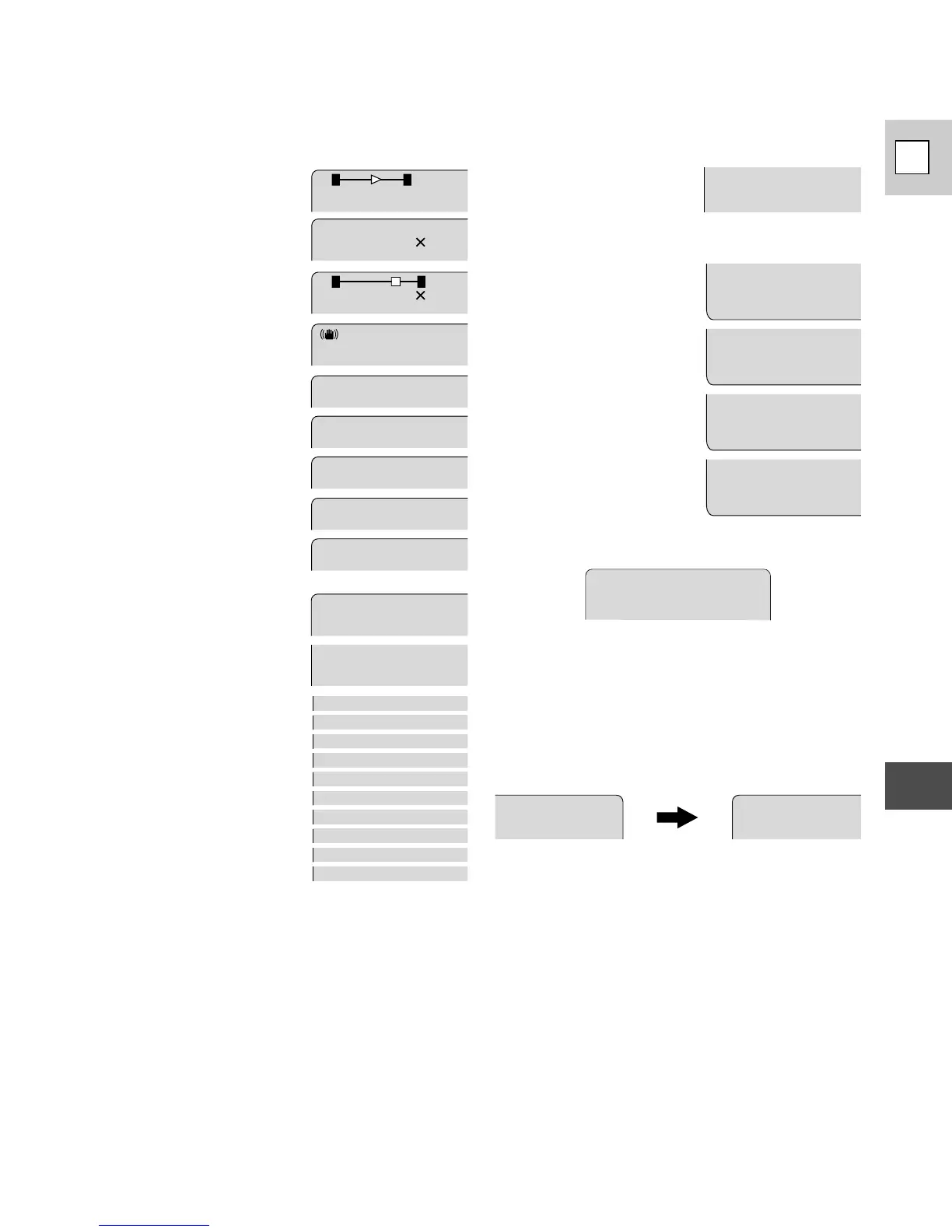
Optical zoom (p. 17)
Digital zoom is turned on
(p. 17).
Digital zoom (p. 17)
Image stabilizer
(p. 31)
Specialized AE programs
(p. 40)
Autofocus is turned off
(p. 42).
Backlight compensation
(p. 43)
Digital effects:
The display flashes when
the effect is being
selected, and appears
steadily when it is
activated (p. 47–50).
SPORTS
PORTRA I T
SPOTL I GHT
SAND&SNOW
AUTO
MF
BLC
D. ZOOM
IMAGE S .
i
D.E.SELECT
D.E.ON/ OFF
DA T E
TITLE
FADE
BLC
Custom key settings
Tape counter
The tape counter indicates the approximate
running time of the tape — 1 hour, 23 minutes
and 45 seconds in this example. The tape
counter is reset when a cassette is loaded, or
when you press the C.RESET button (p. 8).
Recording reminder
When you start recording, the camera counts
from 0sec to 10sec (for PHOTO recording from
0sec to 6sec). Shots which are shorter than 10
seconds may be difficult to edit later. On the
other hand, if you are not planning to edit the
recording, remember that a shot which does
not contain action should generally last no
longer than 10 seconds.

54:32:1
1 0sec
0sec
(p. 29)
T
W
T
W
080
080
SEP I A
BLK&WHT
MIRROR
MOSA I
C
ART
1 6:9
CINEM
A
STROBE
GHOS T
NEGAT VIE
FlexiZone AE/
Exposure lock (p. 44)
EXP . LOCK