11.2 Blurring the Subject’s Motion11 HOW TO CHOOSE A SHUTTER SPEED
11.2 Blurring the Subject’s Motion
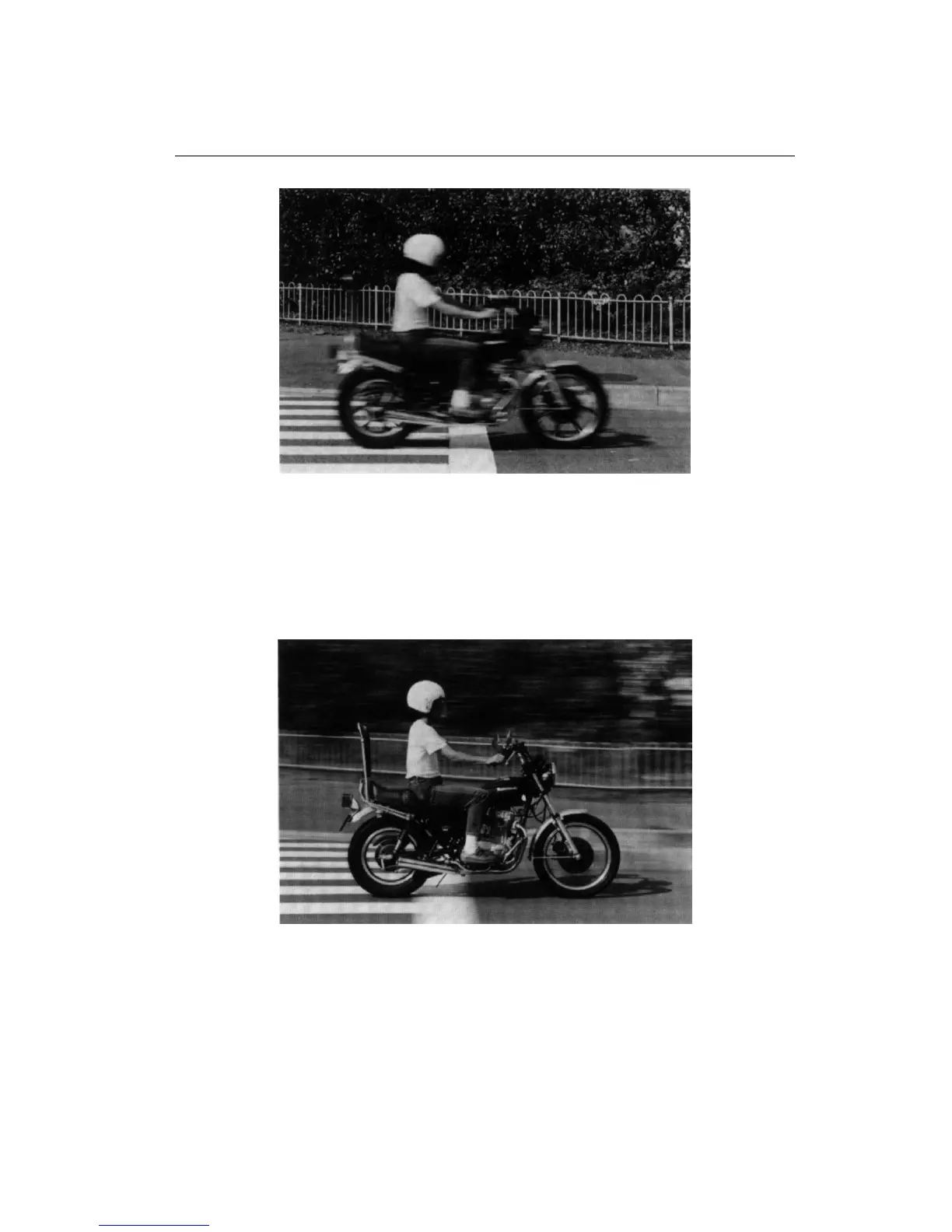
Blurring part of the picture can give a convincing sense of action. To blur the sub-
ject, simply set a shutter speed which is too slow to freeze its action. In this photo
it was blurred at 1/15 sec.
11.3 Panning
You can blur the background while keeping the subject relatively sharp by ”pan-
ning.” Choose a shutter speed suitable for the subjec t’s motion and release the
shutter as you follow the movement, turning the upper part of your body.
22











 To Next Page