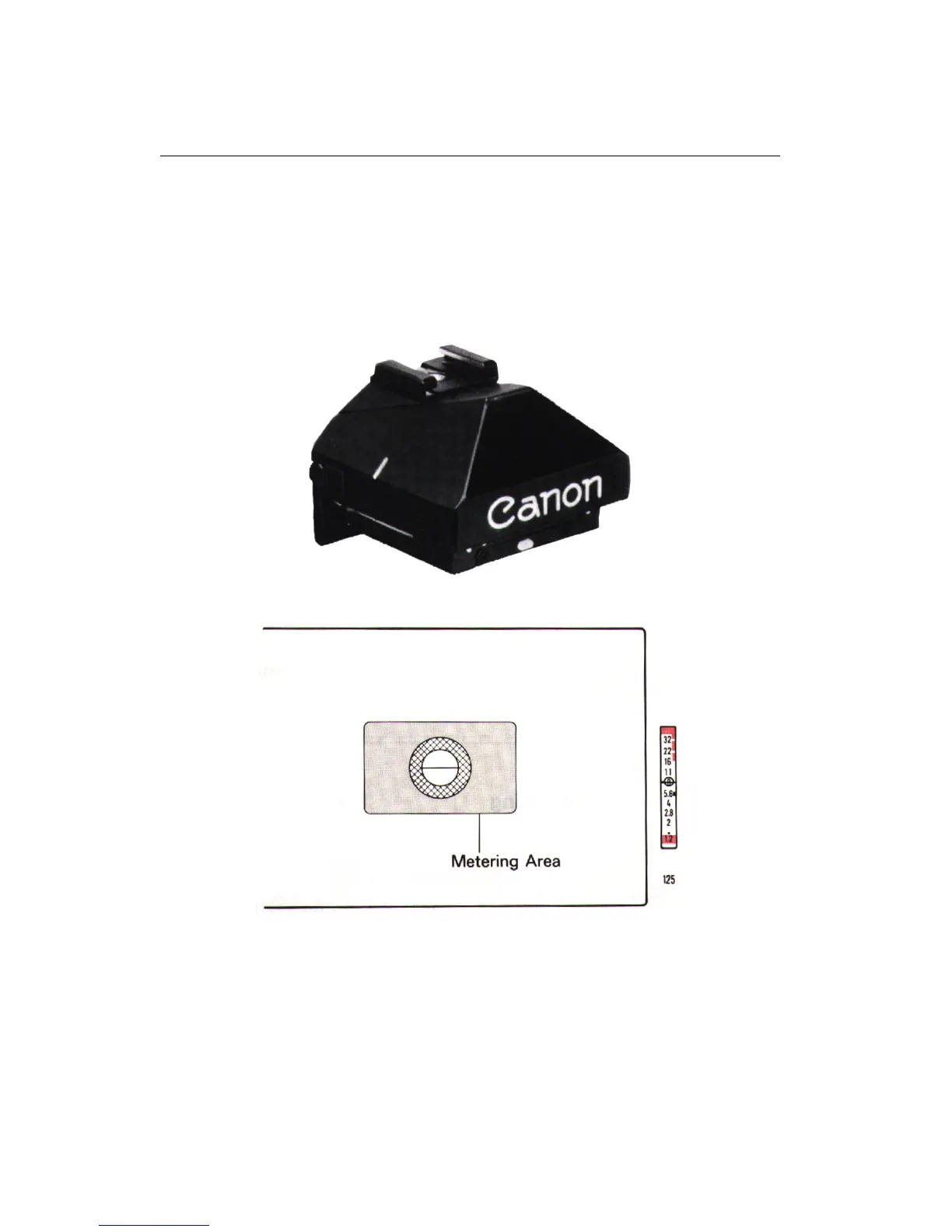
16 EYE-LEVEL FINDER FN
16 Eye-Level Finder FN
With the Eye-Level Finder FN, an aperture scale and the pre-set shutter speed
are displayed to the right of the field of view. Focusing Screen FN-PE, which
offers selective-area metering, is supplied with the New Canon F-1 Eye-Level Finder
combination.
16.1 Match-needle Metering
1. Turn the shutter dial to the desired speed.
2. Look into the viewfinder and focus the subject.
29











 To Next Page