Canon FS200 Basic Video Operation
_____________________________________________________________________________________
DaveWatneeJuly4,2009Page2of2
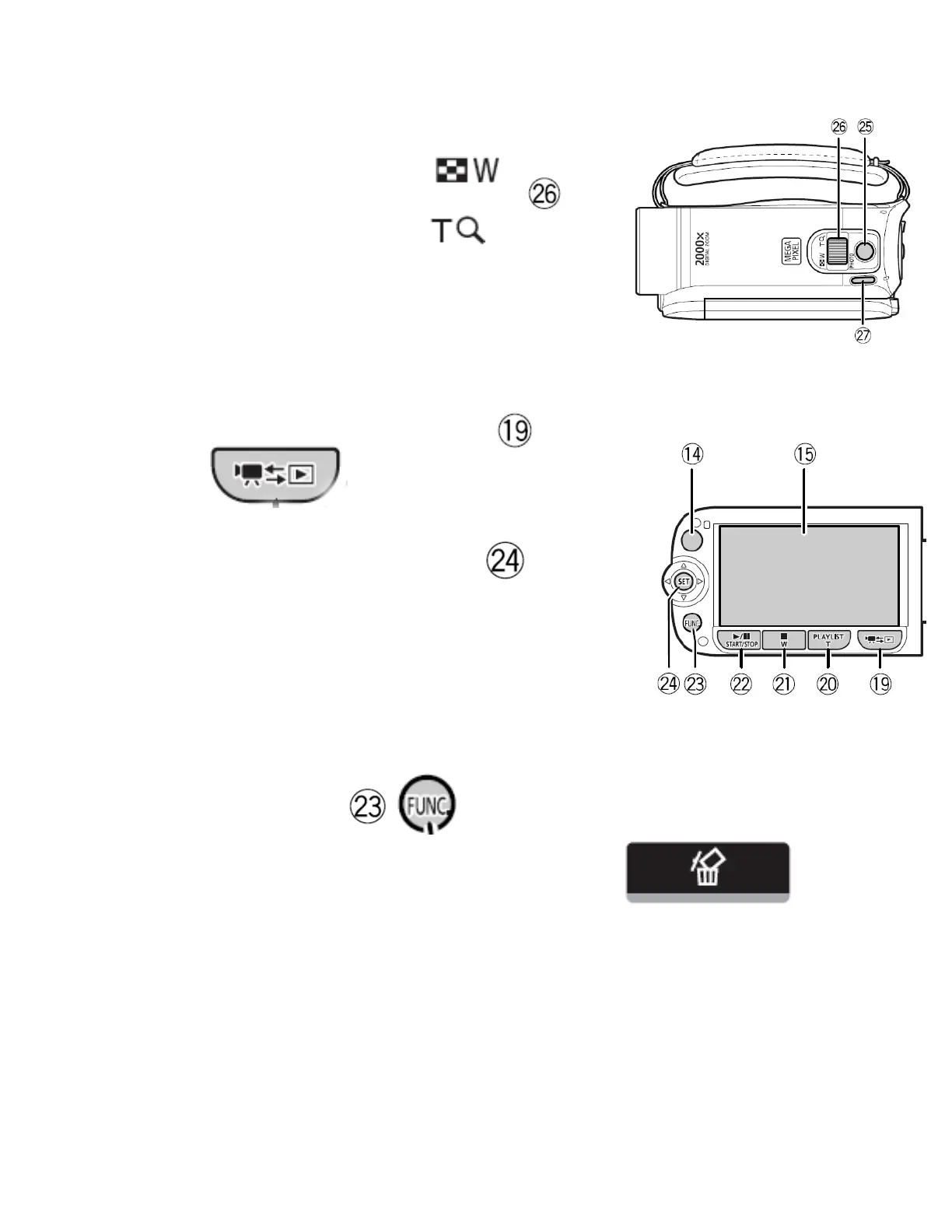
Zooming Lever
• Slide the Zoom Lever to toward W
to increase the video frame size.
• Slide the Zoom Lever toward the T
to decrease the video frame size.
Playing Back Record Video
• Open the LCD panel
• Press the Camera/Play button
until you see thumbnails of video segments.
• Use the Joystick to move to video segment
you want to play.
• Press the Joystick in to begin playback. Playback will include
that video segments and any video segments after it
Deleting a Recorded Video Segment
• Use the Joystick to move to the video segment you
wish to delete.
• Press the FUNC
button.
• Use the Joystick to move to the DELETE function icon (trash
can).
• Press the Joystick twice.
• Use the Joystick to move to YES.
• Press the Joystick and wait till the segment is deleted.
• Press the Joystick.



 To Previous Page