2
Setting Up the Machine to Suit Your Needs
Copy
Print
Scan
Settings are now complete.
Preparing the Toner Cartridges P. 7
Connecting the Power Cord
P. 11
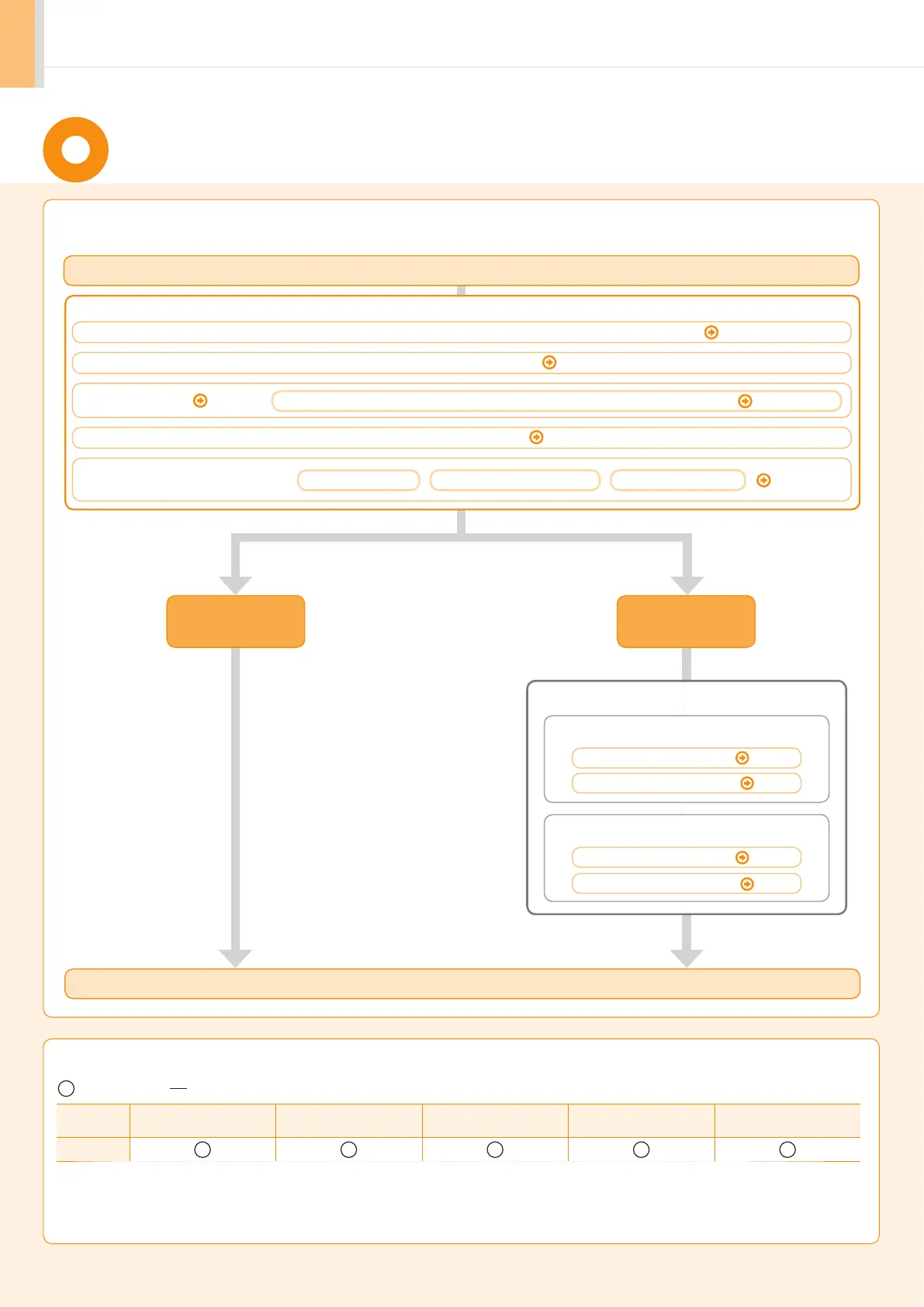
Determine which machine functions (Copy, Print, Scan) you intend to use, and make settings according to the flowchart
below
.
Start settings.
Carrying the Machine to the Installation Site and Removing the Packing Materials
P. 6
Turning the Power ON and
Specifying the Initial Settings
Language Settings
Country and Region Settings
Current Time Settings
P. 12
Loading Paper
P. 10
Settings for paper sizes and paper types are required after turning the power ON.
P. 13
Settings in a Computer
: available : not available
Copy Print 2-sided Printing Scan
ADF
(2-sided)
D550
Available Features
Required Operations
For Macintosh
Installing the Software
P. 18
Connecting a USB Cable
P. 19
For Windows
Installing the Software
P. 15
Connecting a USB Cable
P. 16














 To Next Page