EasyManua.ls Logo

Canon ImageCLASS D420 - User Manual

Canon ImageCLASS D420
177 pages
Print Icon
To Next Page IconTo Next Page
Loading...
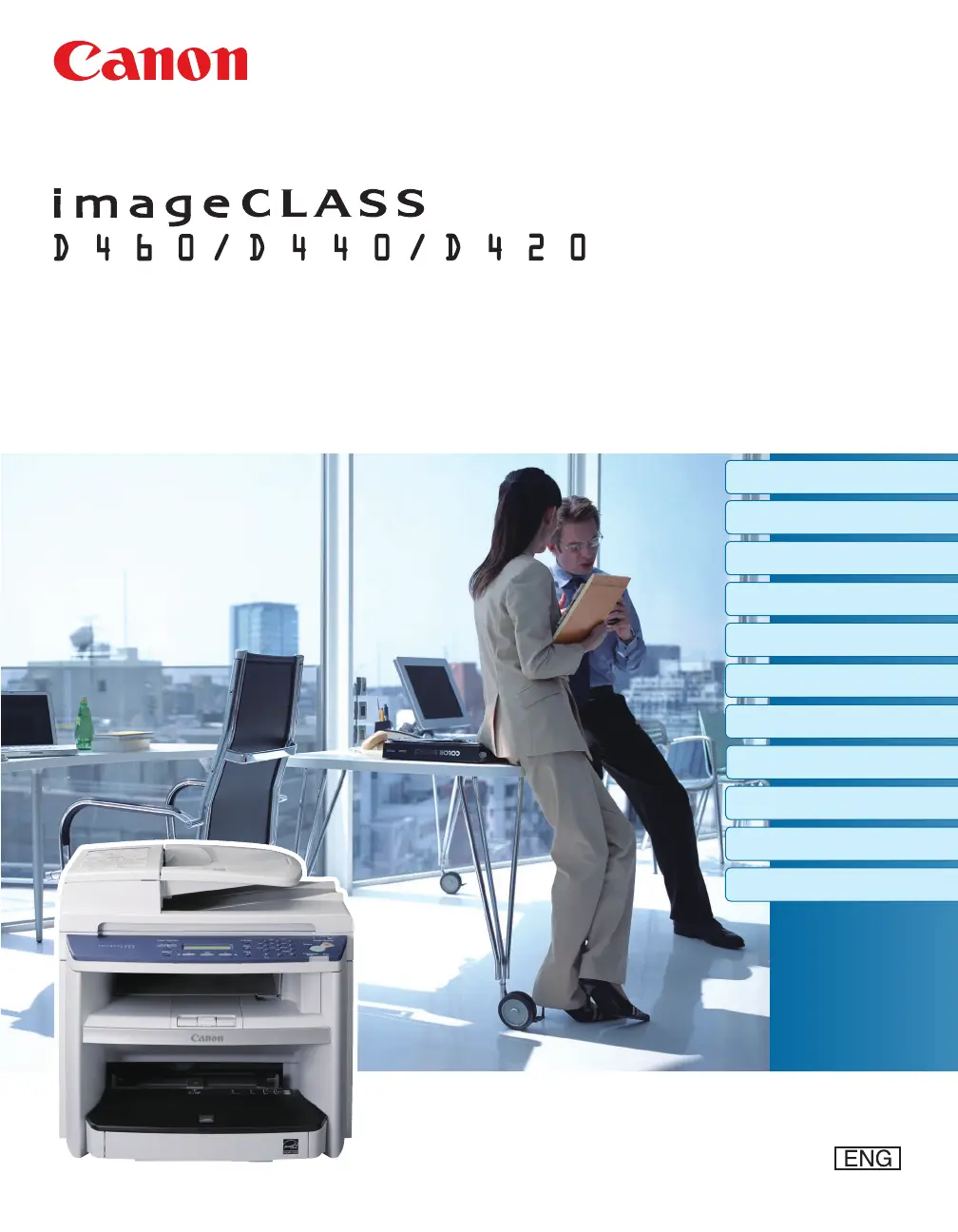
Basic Operation Guide
Please read this guide before operating this product.
After you finish reading this guide, store it in a safe place for future reference.
Before Using the Machine
Documents and Print Media
Copying
Printing
Scanning
Network
Settings from a PC
Maintenance
Troubleshooting
Machine Settings
Appendix

Table of Contents

Other manuals for Canon ImageCLASS D420

Questions and Answers

  • R
    ryan53Aug 17, 2025
    How to clear paper jam on Canon Printer?
    • L
      Lisa FosterAug 17, 2025
      If your Canon Printer shows 'PAPER JAM', clear the paper jam and reload paper in the paper cassette or multi-purpose tray. The printer cover must be opened and closed to resume the current job.
  • J
    Justin PhillipsAug 20, 2025
    What to do if Canon Printer says 'LOAD PAPER'?
    • S
      Shelby PageAug 20, 2025
      If your Canon Printer displays 'LOAD PAPER', it indicates that no paper is loaded in the paper cassette or multi-purpose tray during a copy or print job. Load paper correctly, and then press the [OK] button if you are using the paper cassette.
  • J
    Jason WilliamsAug 22, 2025
    What to do if Canon Printer shows 'LOAD CORRECT PAPER'?
    • B
      Barbara FloydAug 23, 2025
      If your Canon Printer displays 'LOAD CORRECT PAPER', it means that the size of the paper in the paper cassette or multi-purpose tray is different from the paper size specified in the settings for the cassette or MP tray. Load the correct size paper or change the paper size in the printer's settings.
  • C
    Cathy PetersonAug 25, 2025
    How to fix paper jam in the rear cover of Canon Printer?
    • M
      michaelellenAug 26, 2025
      If your Canon Printer displays 'PAPER JAM OPEN REAR COVER', clear the paper jam and reload paper in the paper cassette or multi-purpose tray. The cover must be opened and closed to resume the current job.
  • W
    William SmithAug 27, 2025
    How to fix 'OUT OF TONER CHANGE TONER' on Canon Printer?
    • D
      davisjonathanAug 27, 2025
      If your Canon Printer displays 'OUT OF TONER CHANGE TONER', it means the toner has completely run out. Replace the toner cartridge to resolve this issue.
  • E
    Erika PattersonAug 30, 2025
    What to do if Canon Printer says 'MEMORY FULL'?
    • T
      timothy64Aug 30, 2025
      If your Canon Printer displays 'MEMORY FULL', the machine is full of jobs. To solve this, try the following: 1. Print, send, or delete any documents stored in memory. 2. Divide the document or data into smaller parts and try again. 3. Send the document with a lower resolution.
  • R
    Richard MartinSep 1, 2025
    How to fix 'CLOSE COVER TONER COVER' error on Canon Printer?
    • R
      Roger MurphySep 1, 2025
      If your Canon Printer displays 'CLOSE COVER TONER COVER', it means that the toner cover is not completely closed. Check the toner cover and ensure that it is completely closed.
  • K
    Kylie HammondSep 4, 2025
    What to do if Canon Printer shows 'SET PAPER AGAIN SET TONER AGAIN'?
    • A
      alfredrollinsSep 4, 2025
      If your Canon Printer displays 'SET PAPER AGAIN SET TONER AGAIN', it means that the paper is not loaded properly or the toner cartridge is not set. Load paper properly and set the toner cartridge in the machine.
  • T
    Tamara HillSep 6, 2025
    How to resolve 'PAPER SIZE' error on Canon Printer?
    • S
      Stephanie HillSep 6, 2025
      If your Canon Printer displays 'PAPER SIZE', load the correct size paper as indicated on the display, then press [OK] to resume the job.
  • A
    Andre YoungSep 9, 2025
    What does 'LOST IMAGE' mean on Canon Printer?
    • R
      Ryan ShawSep 9, 2025
      If your Canon Printer displays 'LOST IMAGE', it means the machine was turned OFF with documents stored in its memory. The error will automatically clear after two seconds. The printer will then automatically print a report showing the records still existing in the activity report.

Canon ImageCLASS D420 Specifications

Copier Specifications IconCopier Specifications
copy speed23 cpm
copy resolution600 x 600 dpi
warm-up time10 seconds
first copy time9 seconds
maximum number of copies99 copies
Paper Handling IconPaper Handling
standard paper source250-sheet cassette plus 1-sheet multipurpose tray
paper output100 sheets
envelope capacity20 envelopes (cassette); 1 envelope (multipurpose tray)
Printer Specifications IconPrinter Specifications
print speed23 ppm
first print time9 seconds
maximum monthly print volume7, 500 pages
Power IconPower
power consumption630W (Max)
power consumption energy saver mode3W
voltage120V
Weight and Dimensions IconWeight and Dimensions
dimensions15.4" (W) x 17.0" (D) x 12.0" (H)
unit weight without cartridge24.7 lbs
unit weight with cartridge27.3 lbs

Related product manuals