9-5
Troubleshooting
Clearing Jams
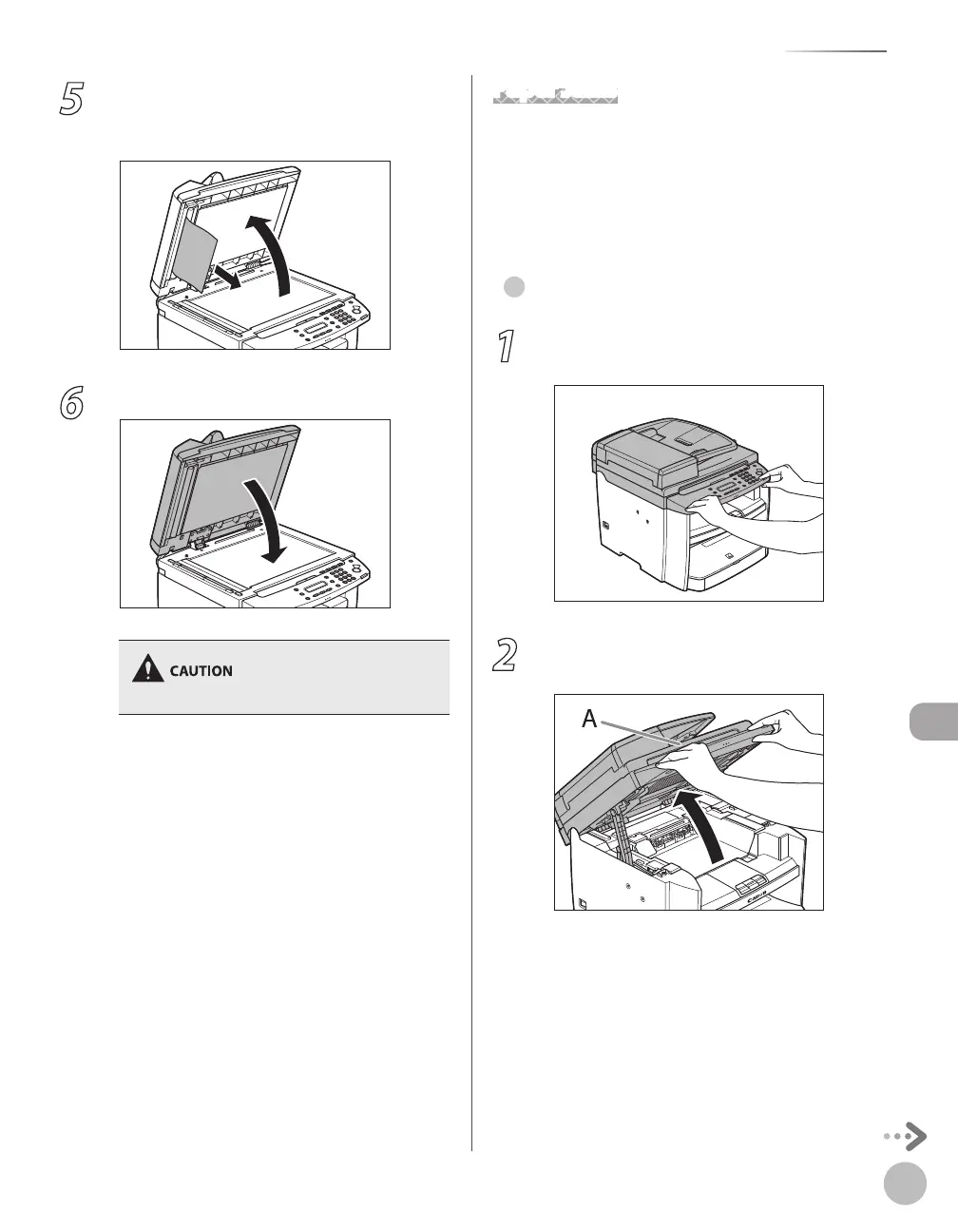
5
Open the ADF and then hold both sides
of any jammed documents and gently
pull them out.
6
Close the ADF.
Be careful not to get your fingers caught.
Paper Jams
When <PAPER JAM> or <PAPER JAM/OPEN REAR
COVER> appears on the display, remove jammed
paper from the inside of the machine first, then
from the paper cassette or multi-purpose tray if
necessary.
For D460
1
Hold the front side of the operation panel
with your hands.
2
Lift the scanning platform (A) until it is
locked. (You will hear an audible “click.”)
●














 To Next Page