Documents and Print Media
2-4
Placing Documents
Placing Documents
This section describes how to place your documents on the platen glass and in the ADF.
On the Platen Glass
1
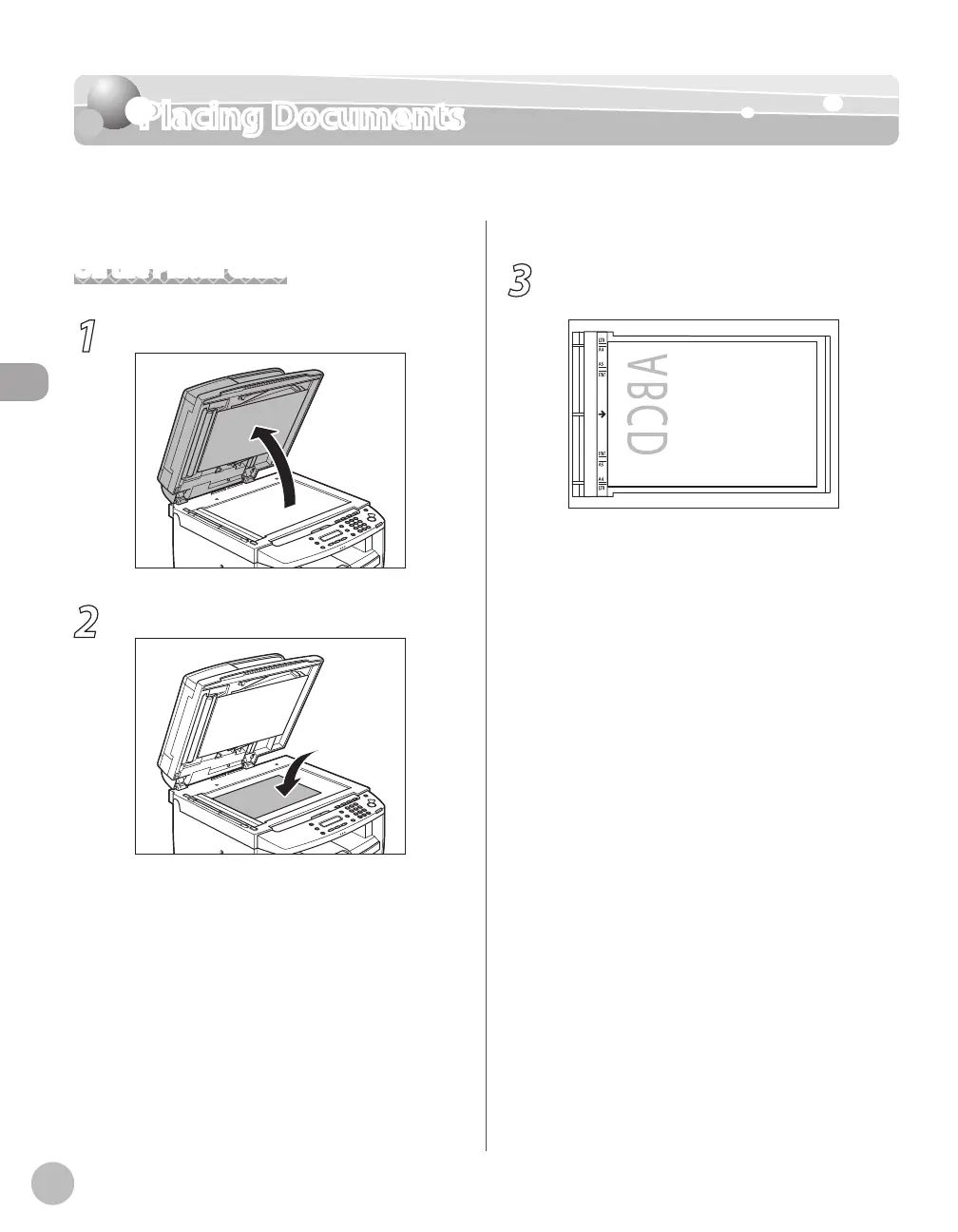
Lift up the ADF.
2
Place a document face down.
3
Align the document with the appropriate
paper size marks.
If your document does not match any of the
paper size marks, align the center of your
document with the arrow mark.














 To Next Page