8-12
Maintenance
Replacing the Toner Cartridge
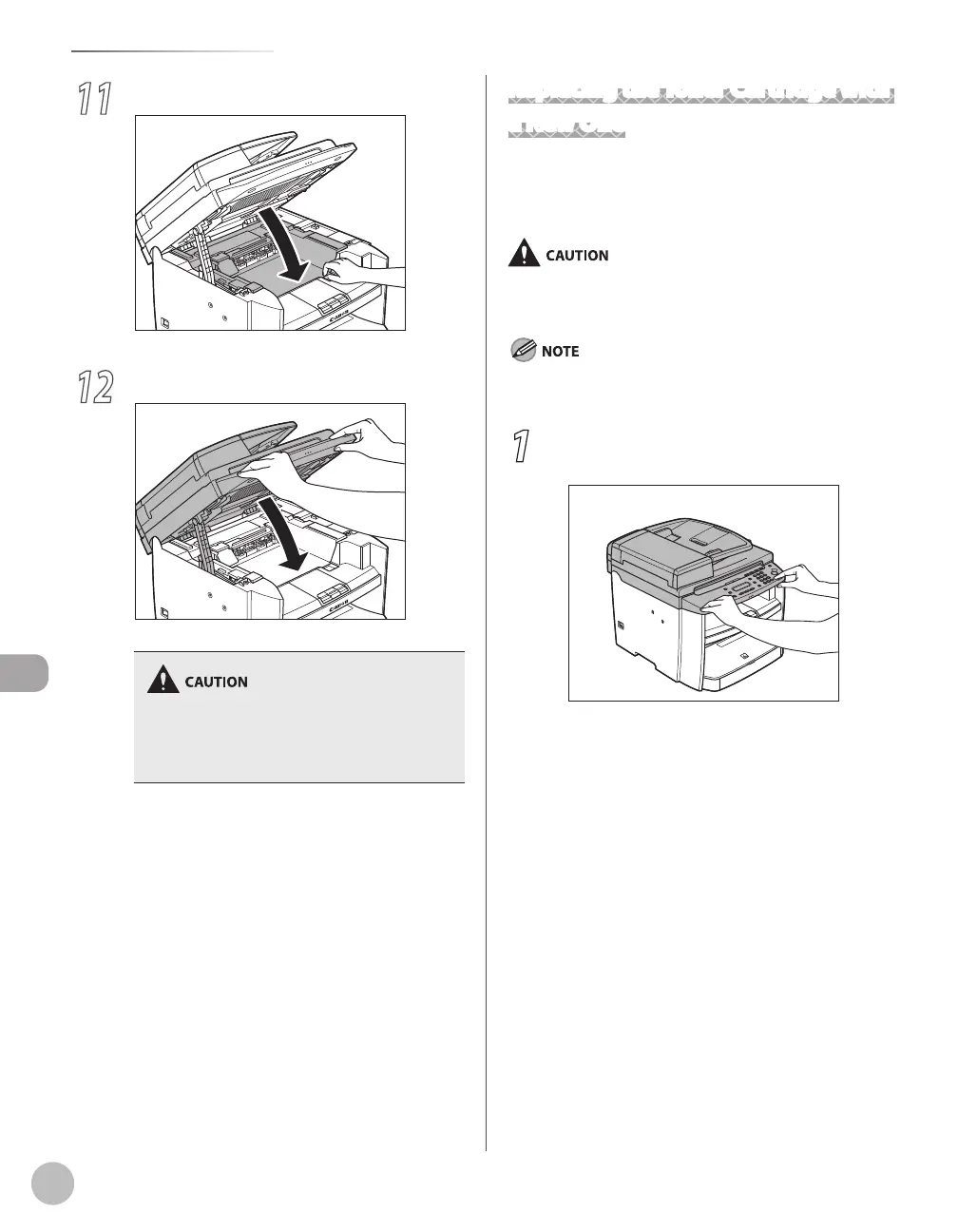
11
Close the toner cover.
12
Lower the scanning platform.
Be careful not to get your fingers caught.
If you cannot close the toner cover, do not force
it to close. Open the cover and make sure the
toner cartridge is properly set in the machine.
–
–
Replacing the Toner Cartridge with
a New One
When the message <OUT OF TONER /CHANGE
TONER> appears, replace the toner cartridge with a
new one.
Do not touch the rollers and parts which have labels “CAUTION!
Hot surface avoid contact” on. They become very hot during
use.
If the toner gauge indicates that the toner is empty, replace the
toner cartridge. (See “Checking the Toner Level,” on p. 1-12.)
1
Hold the front side of the operation panel
with your hands.














 To Next Page