10-2
Machine Settings
Machine Settings
Machine Settings
You can adjust the machine settings from the Setting Menu to customize the way the
machine works.
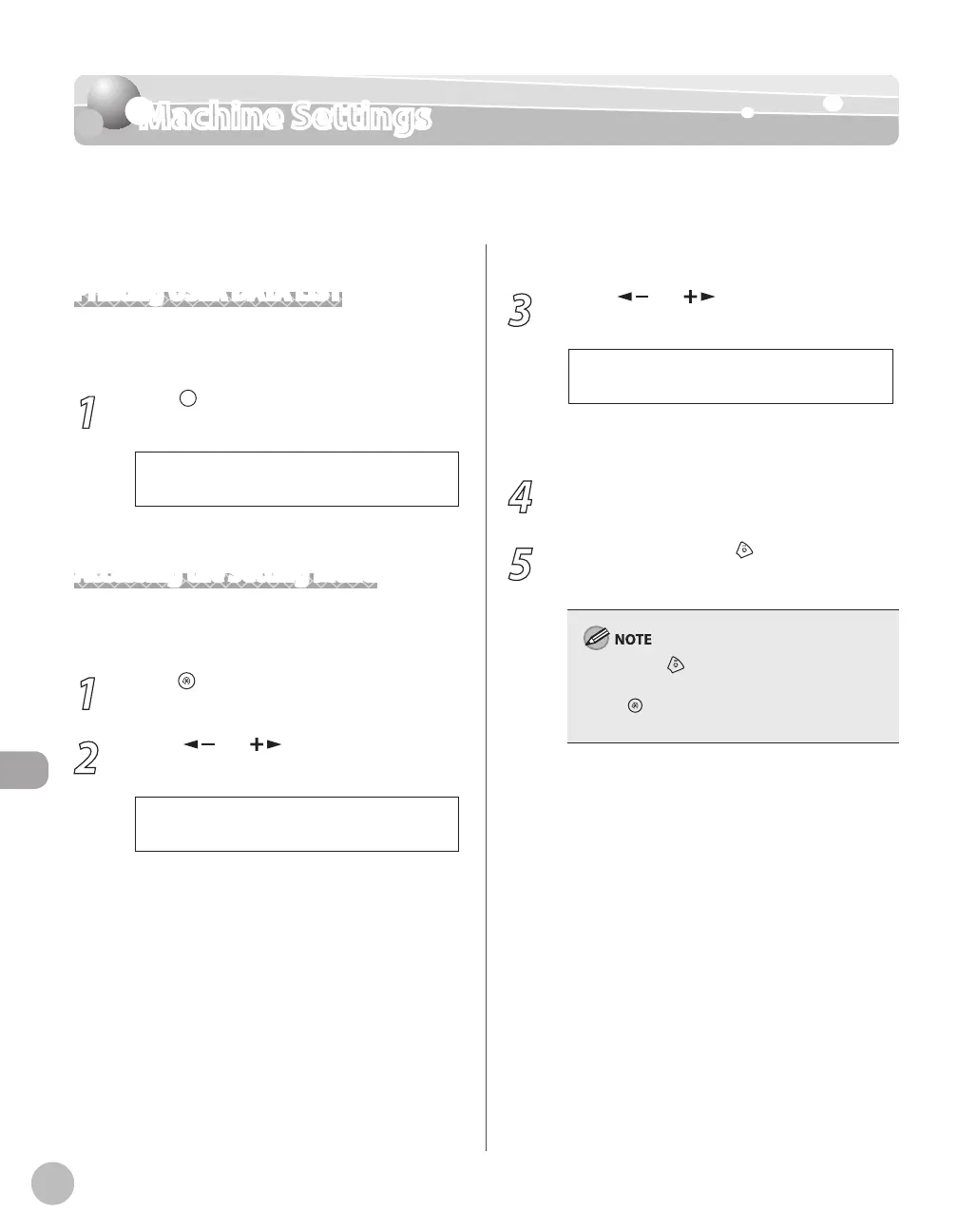
Printing USER DATA LIST
To see the list of current settings, print out USER
DATA LIST.
1
Press [Report] repeatedly to select
<USER DATA LIST>, then press [OK].
USER DATA LIST will be printed.
Accessing the Setting Menu
To access the setting menu, follow the procedures
bellow.
1
Press [Menu].
2
Press [ ] or [ ] to select the menu
you want to access, then press [OK].
1 C O M M O N S E T T I N G S
1 M E N U
<COMMON SETTINGS>
<COPY SETTINGS>
<PRINTER SETTINGS>
<TIMER SETTINGS>
<ADJUST./CLEANING>
<SYSTEM SETTINGS>
–
–
–
–
–
–
3
Press [ ] or [ ] to select a submenu,
then press [OK].
1 I N I T I A L F U N C T I O N
C O M M O N S E T T I N G S
For details on the submenu, see “Setting Menu,”
on p. 10-3.
4
To register the settings or go to a
submenu item, press [OK].
5
When finished, press [Stop/Reset] to
return to the standby mode.
If you press [Stop/Reset] before pressing
[OK], the setting will not be registered.
Press [Menu] to return to the previous
display.
–
–














 To Next Page