Copying
3-18
2-Sided Copying
2-Sided Copying
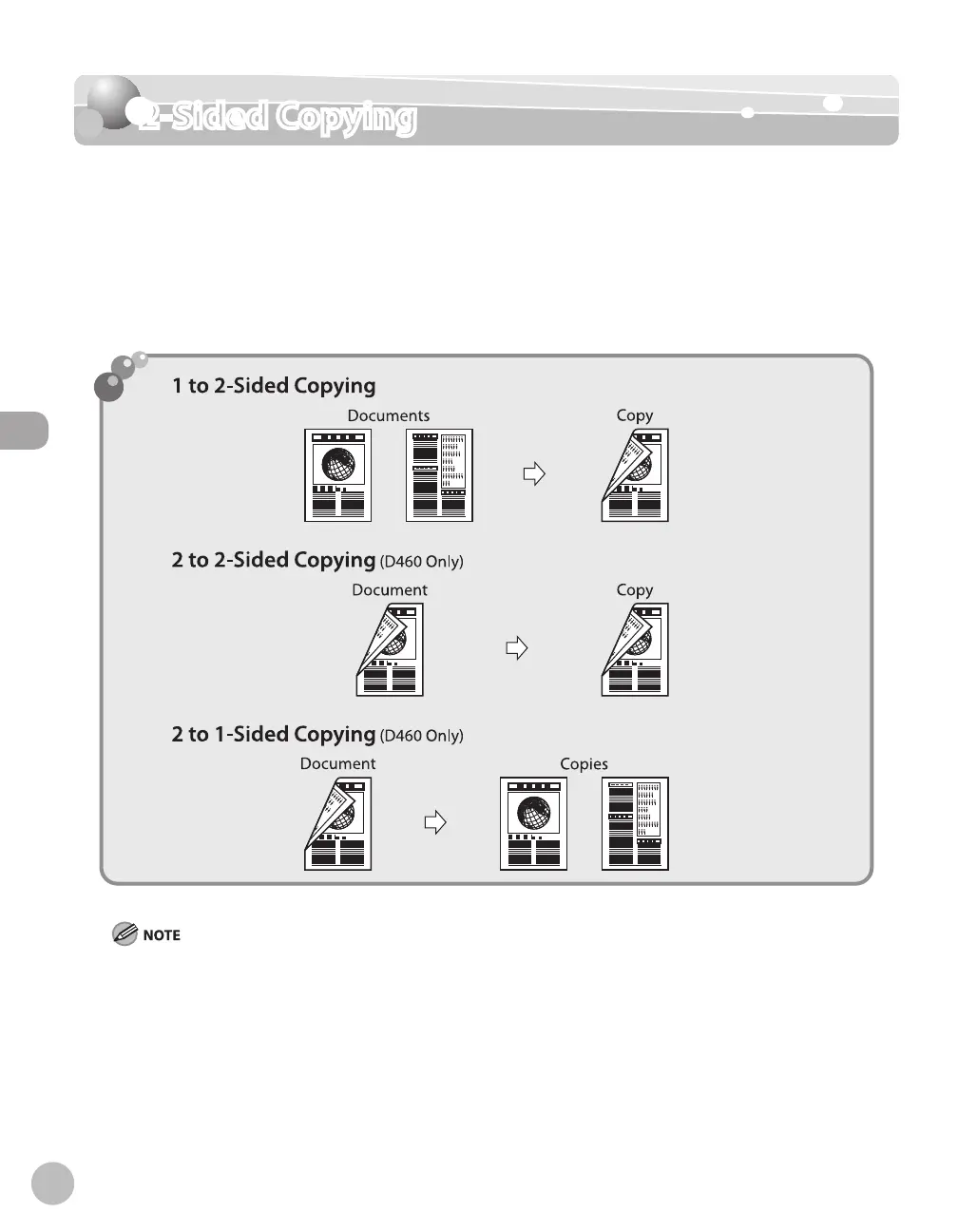
This mode enables you to make 2-sided copies from 1-sided or 2-sided documents, or make
1-sided copies from 2-sided documents. This enables you to cut print costs in half when
copying in large quantities.
This feature can be used together with both “Collating Copies”
(see p. 3-13) and “2 on 1
Combination”
(see p. 3-15).
The default setting is <OFF>.
Paper used to make 2-sided copies must conform to the following specifications:
Paper size: LTR, A4 (envelopes cannot be used for 2-sided copying)
Paper weight: 17 to 21 lb (64 to 80 g/m
2
)
–
–














 To Next Page