Before Using the Machine
1-16
Timer Settings
Timer Settings
The timer settings enables you to set the Sleep Mode.
Setting the Sleep Mode
If the machine remains idle for a certain period of
time, it automatically enters the Sleep mode.
The default settings are as follows:
<AUTO SLEEP>: ON
<AUTO SLEEP TIME>: 5MIN.
We recommend that you use this option in the
default setting.
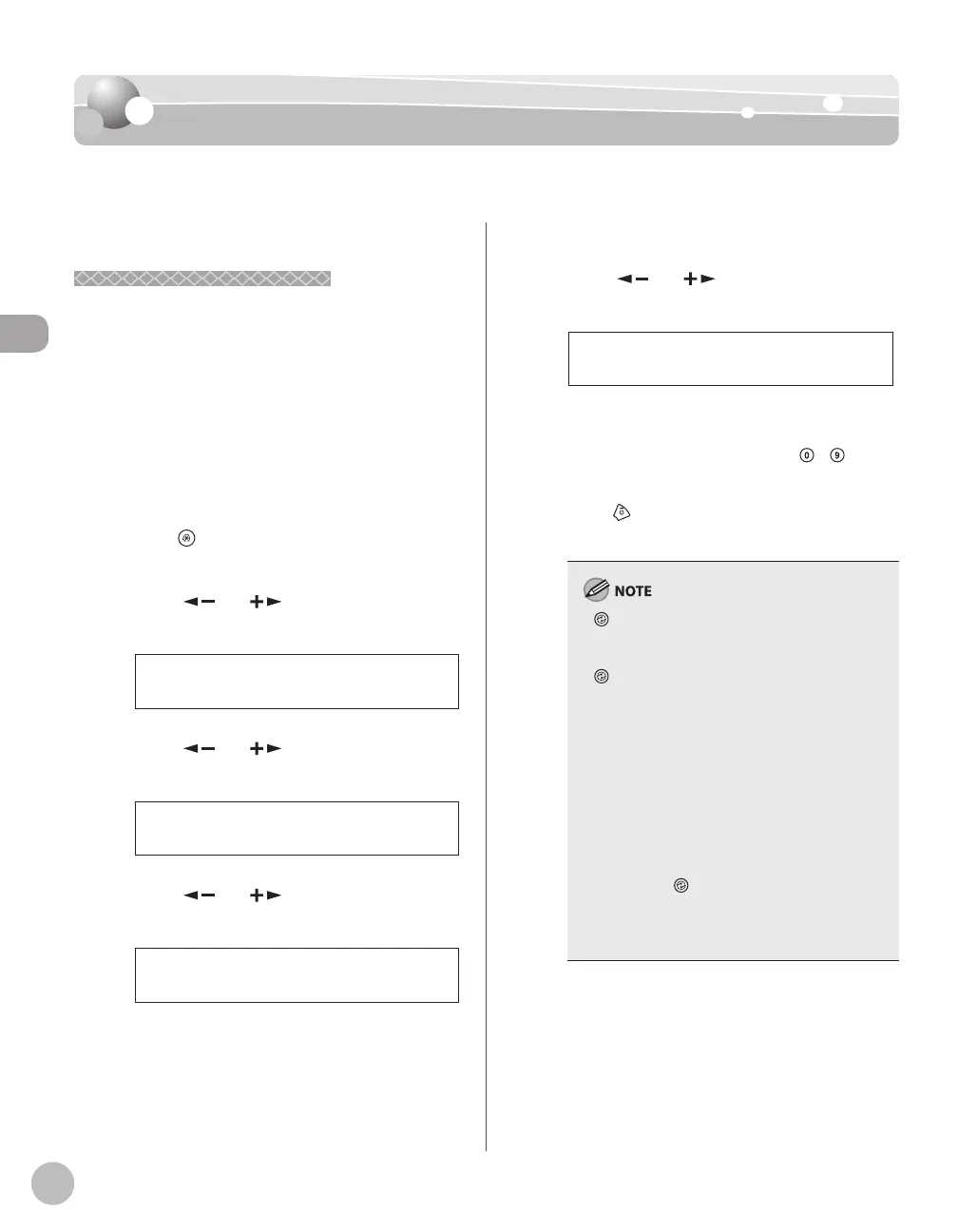
Press [Menu].
Press [ ] or [ ] to select <TIMER
SETTINGS>, then press [OK].
8 TIMER SETTINGS
MENU
Press [ ] or [ ] to select <AUTO
SLEEP>, then press [OK].
ON
AUTO SLEEP
Press [ ] or [ ] to select <ON>, then
press [OK].
ON
AUTO SLEEP
–
–
Press [ ] or [ ] to select the desired
interval, then press [OK].
5MIN.
AUTO SLEEP TIME
You can set the interval from 3 to 30 minutes
(in one-minute increments).
You can also enter values using
–
[numeric keys].
Press [Stop/Reset] to return to the
standby mode.
[Energy Saver] lights green when the
machine enters the Sleep mode.
To enter the Sleep mode manually, press
[Energy Saver] on the operation panel.
The machine will not enter the Sleep mode
when:
the machine is in operation
the Processing/Data indicator lights or blinks
a message appears on the display and the
Error indicator blinks
paper is loaded in the multi-purpose tray
a paper jam occurs in the machine
The machine will leave the Sleep mode when:
you place documents in the ADF
you press [Energy Saver] on the operation
panel
a print job is sent from a computer, and the
print is started
–
–
–
•
•
•
•
•
–
•
•
•
–
–














 To Next Page