Before Using the Machine
1-15
Entering Characters
1
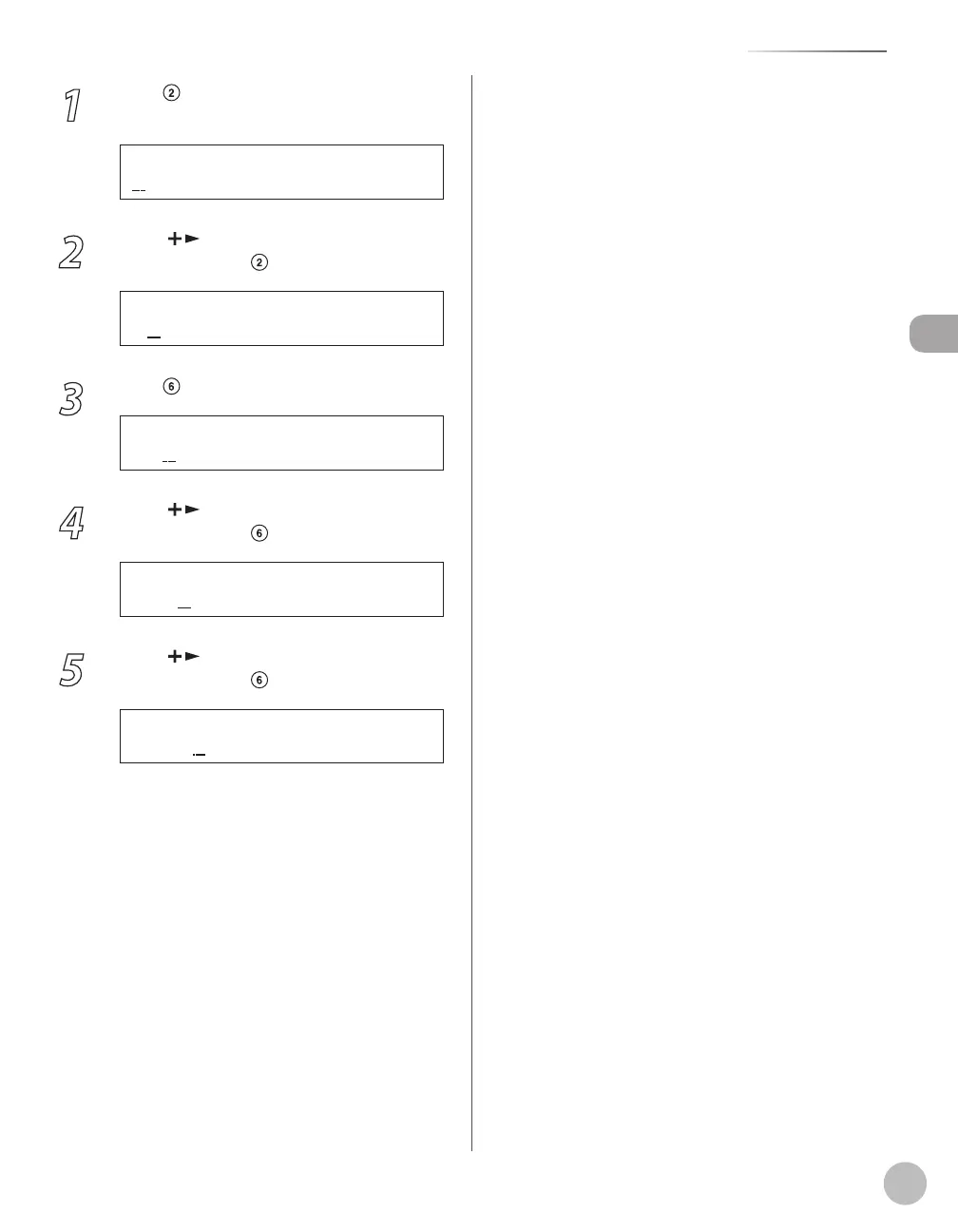
Press repeatedly until an uppercase
<C> appears.
2
Press [ ] to move the cursor to the
right, then press until an <a> appears.
3
Press until an <n> appears.
4
Press [ ] to move the cursor to the
right, then press until an <o> appears.
5
Press [ ] to move the cursor to the
right, then press until an <n> appears.














 To Next Page