Scanning
5-5
Basic Scanning Operations
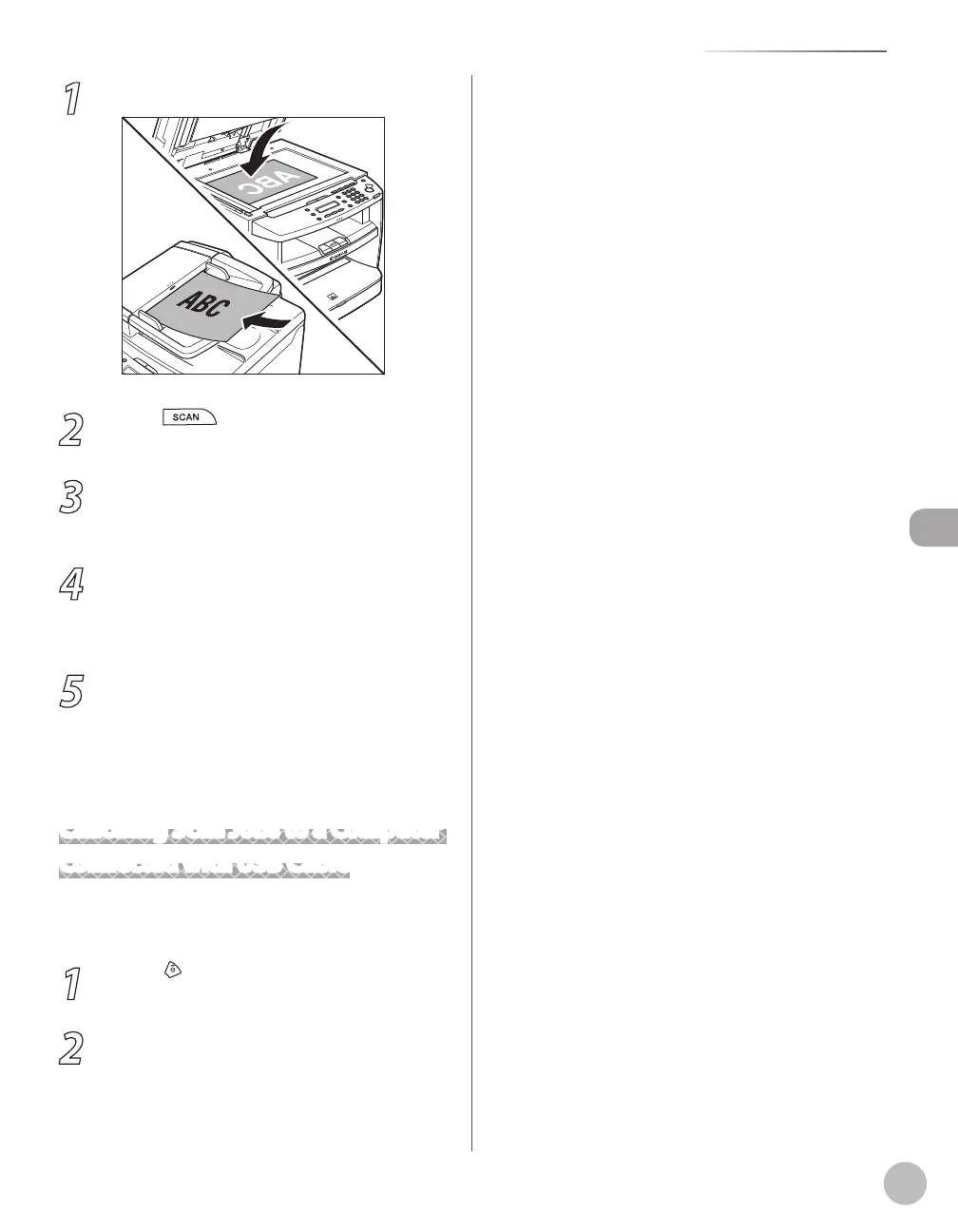
1
Place documents.
2
Press [SCAN] repeatedly to select
<NETWORK SCANNING>.
3
Start Color Network ScanGear from the
application on your computer.
For details, see “Scan,” in the e-Manual.
4
Make scan settings on the [Main],
[Options], and [Scanner Info] sheets.
For details about the settings in each sheet, refer
to the Online Help for that sheet.
5
Click [Scan].
Color Network ScanGear Main Window closes
and the scanned image is transferred to the
application. During scanning, a scanning
progress dialog box is displayed. To interrupt
scanning, click [Cancel].
Canceling Scan Jobs to a Computer
Connected with USB Cable
Follow the procedure below to cancel an ongoing
scan job via USB.
1
Press [Stop/Reset].
2
Click [OK] on the computer screen.














 To Next Page