En
Es
Fr
Pt
3
1 2 3 4 5 6 7 11
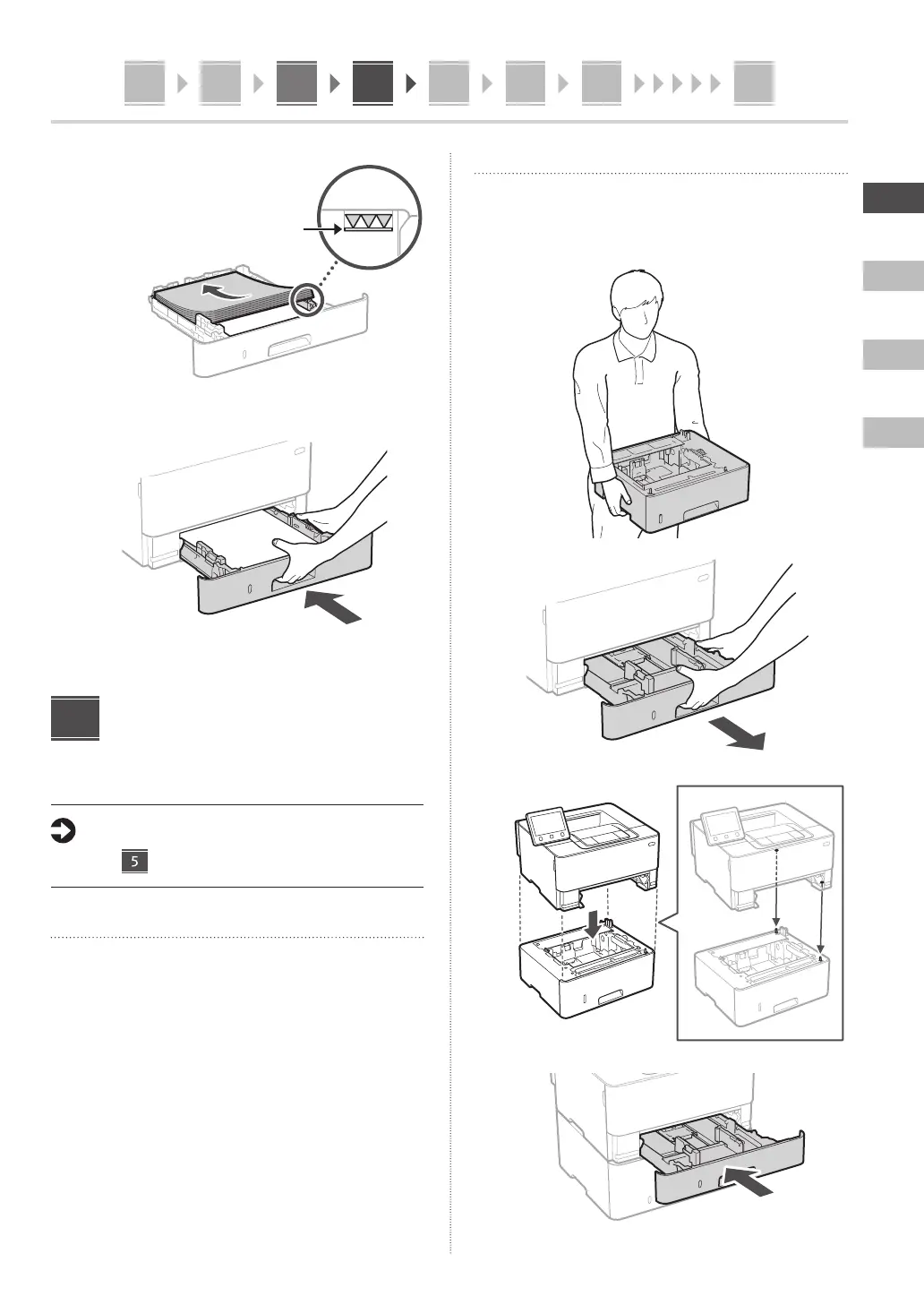
3.
Ensure that the amount
of paper loaded is not
above this line
4.
Installing the Optional
Part
If you are not using optional part, proceed to
step .
Before Installing the Optional Part
When installing the optional part after the machine has
been installed, perform the following before starting work:
1.
Shut down the machine and your computer.
2.
Unplug the machine from the mains power outlet.
3.
Disconnect all cords and cables from the machine.
4
Cassette feeding module
1. Install the cassette feeding module in the
location where it will be used.
2.
3.
4.














 To Next Page