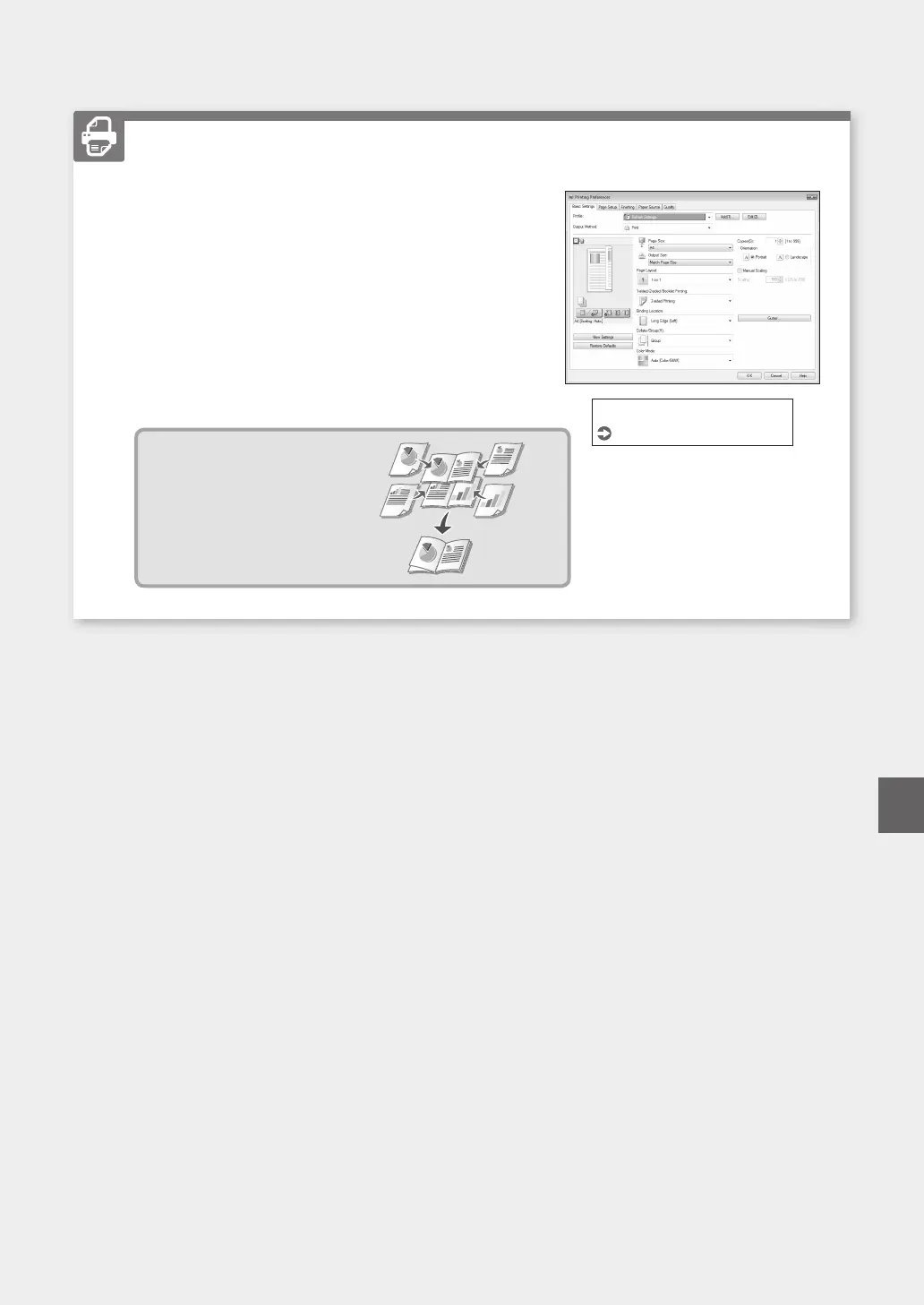
1. Open the document to print, and select the print function of the
application.
2. Select the printer driver for the machine, and select [Preferences]
or [Properties].
3. Specify the paper size.
4. Specify the paper source and paper type.
5. Specify the print settings, as necessary.
6. Select [OK].
7. Select [Print] or [OK].
Useful print settings
■
2-sided*
■
N on 1
■
Booklet Printing*
* This function may not be available
depending on the model of the machine.
Printing
For details
"Printing" in the User's Guide
31
Quick Operation
En













 To Next Page