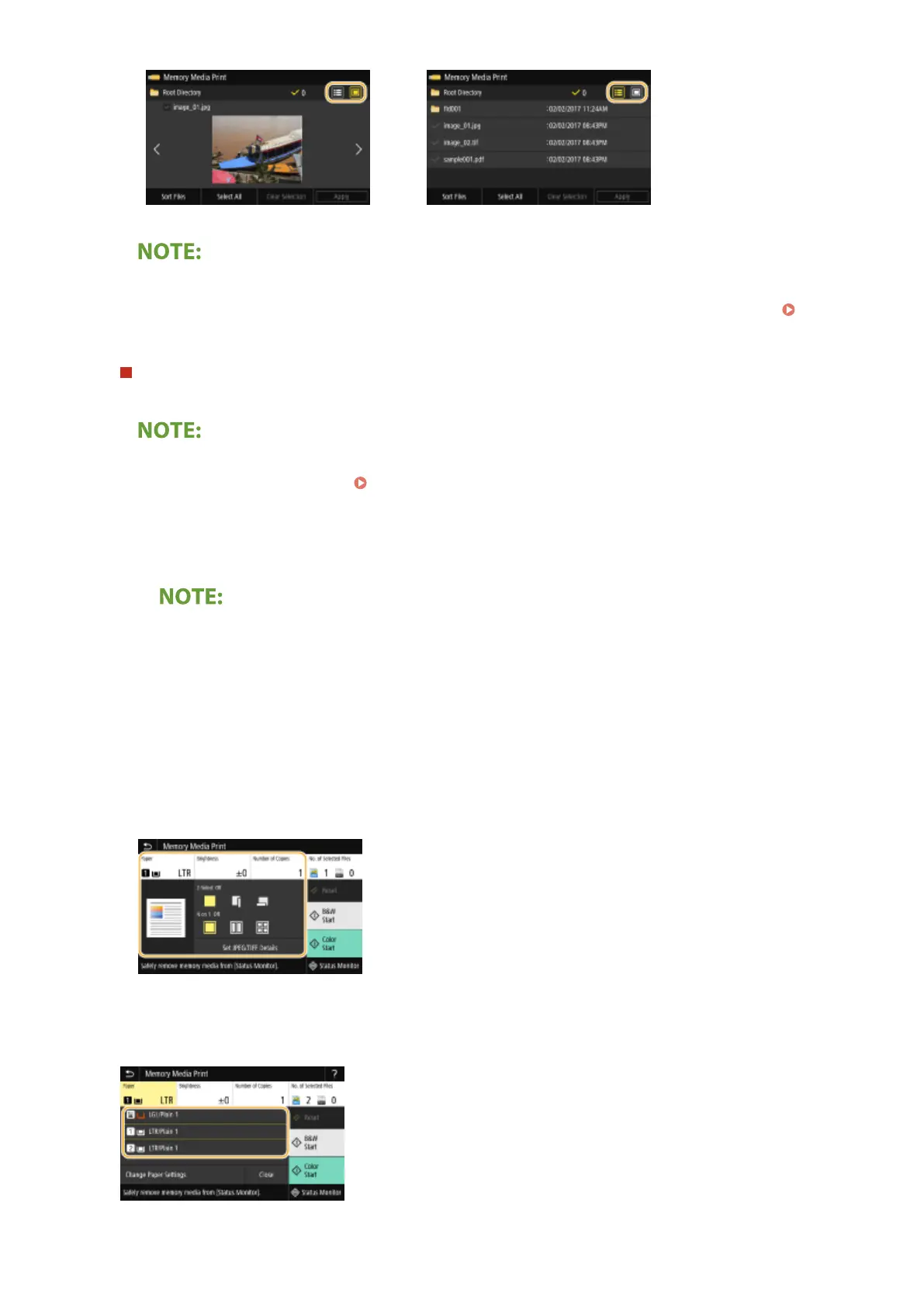
● You cannot view the contents of a PDF le.
● You can specify the le display method used to display the <Memory Media Print> screen. <Default
Display Settings>(P. 558)
To change the le sort order
You can change the sort order of the les in a USB memory device.
● You can specify a sort setting such as <Name (Ascending)> or <Date/Time (Ascending)> as the default
setting for the le sort order. <File Sort Default Settings>(P. 559)
1
Select <Sort Files>.
2
Select the criteria for le sorting.
● When you select <Date/Time (Ascending)> or <Date/Time (Descending)>, les are sorted based on the
modication dates and time of the les.
3
Select <Apply>.
4
Specify the print settings as necessary.
● You can select <Reset> to restore all the default print settings.
<Paper>
Select the paper source that contains the paper to use for printing.
Printing
271








 To Next Page