Displaying the Screen for AirPrint
You can display the screen for AirPrint, on which you can not only access the AirPrint Settings but also view
information about consumables, such as paper and toner cartridge. Further, you can congure security function
settings.
1
Select [System Preferences] [Printers & Scanners], then add the machine to the Mac
you are using.
● If the machine has already been added, this operation is not required.
2
Select this machine from the list of printers in [Printers & Scanners].
3
Click [Options & Supplies].
4
Click [Show Printer Webpage].
5
Logging in to the Remote UI.
● To change the AirPrint settings, it is necessary to log in as an administrator.
◼
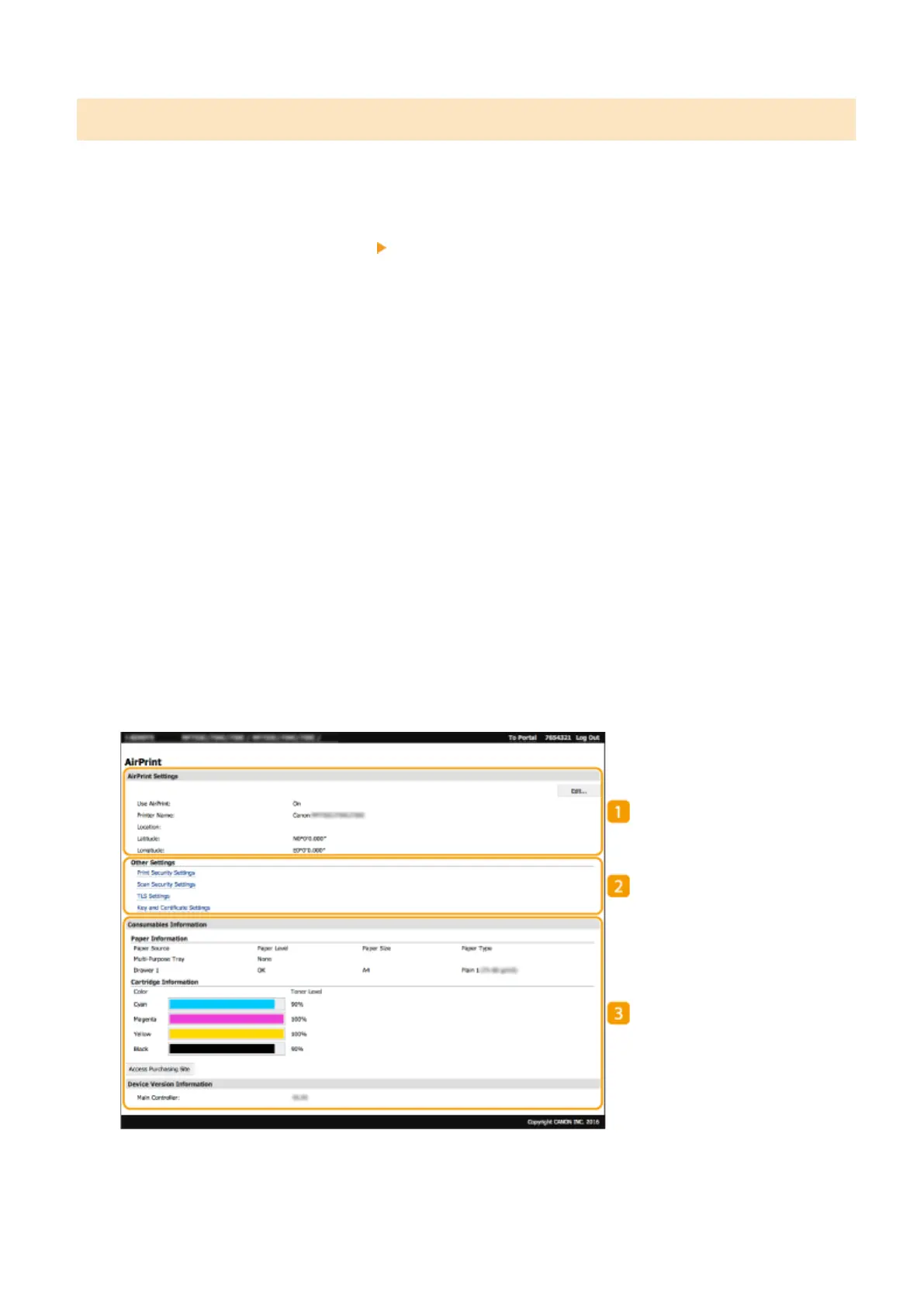
AirPrint-Dedicated Page
When you log in with administrator privileges, the AirPrint-dedicated page is displayed as shown below.
Linking with Mobile Devices
336








 To Next Page