Setting TTLS/PEAP
1
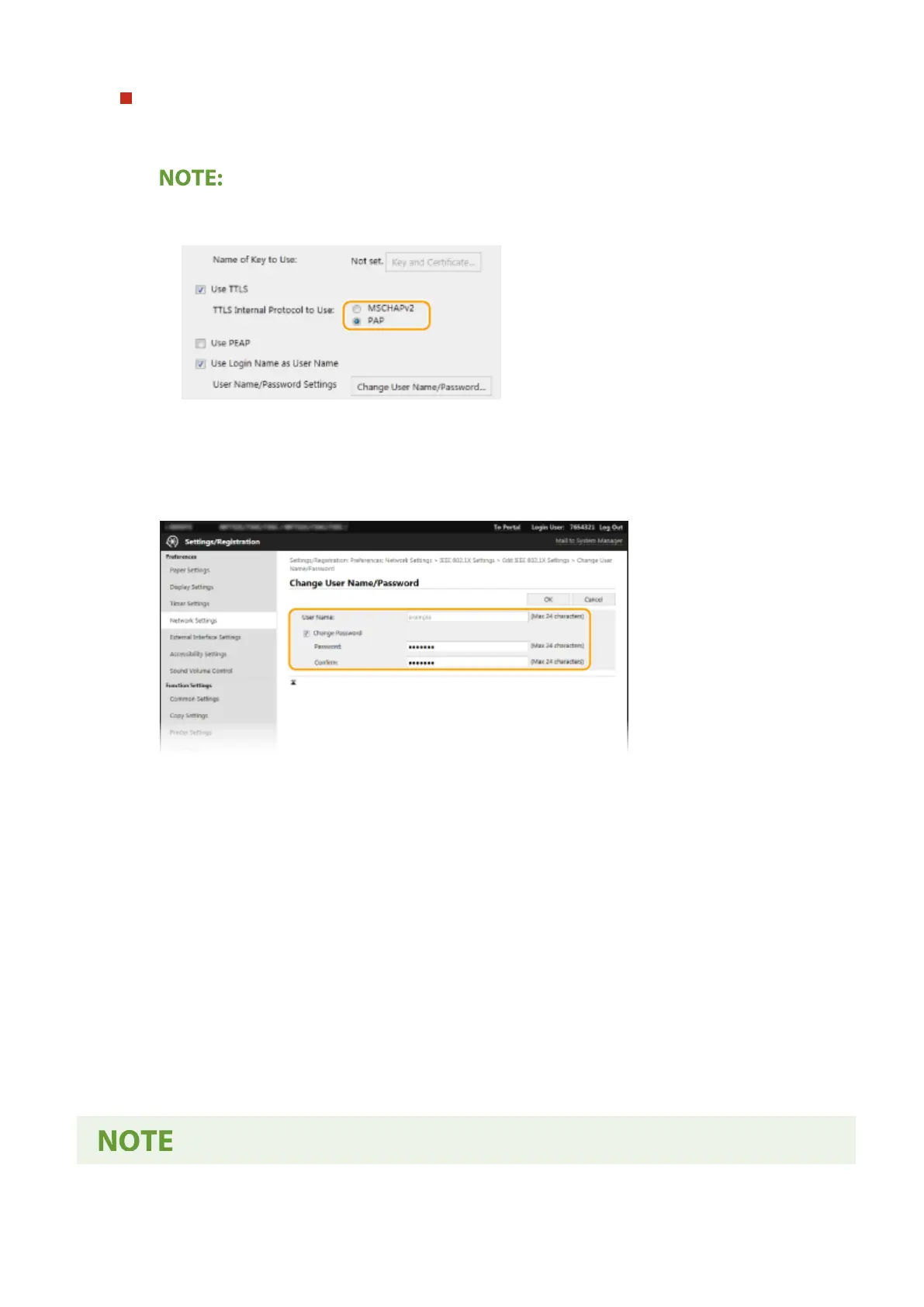
Select the [Use TTLS] or [Use PEAP] check box.
Internal protocol for TTLS
● You can select MSCHAPv2 or PAP.
2
Click [Change User Name/Password].
● To specify a user name other than the login name, clear the [Use Login Name as User Name] check
box. Select the check box if you want to use the login name as the user name.
3
Set the user name/password.
[User Name]
Enter alphanumeric characters for the user name.
[Change Password]
To set or change the password, select the check box and enter alphanumeric characters for the new
password both in the [Password] and [Conrm] text boxes.
4
Click [OK].
7
Click [OK].
8
Restart the machine.
● Turn OFF the machine, wait for at least 10 seconds, and turn it back ON.
Managing the Machine
400








 To Next Page