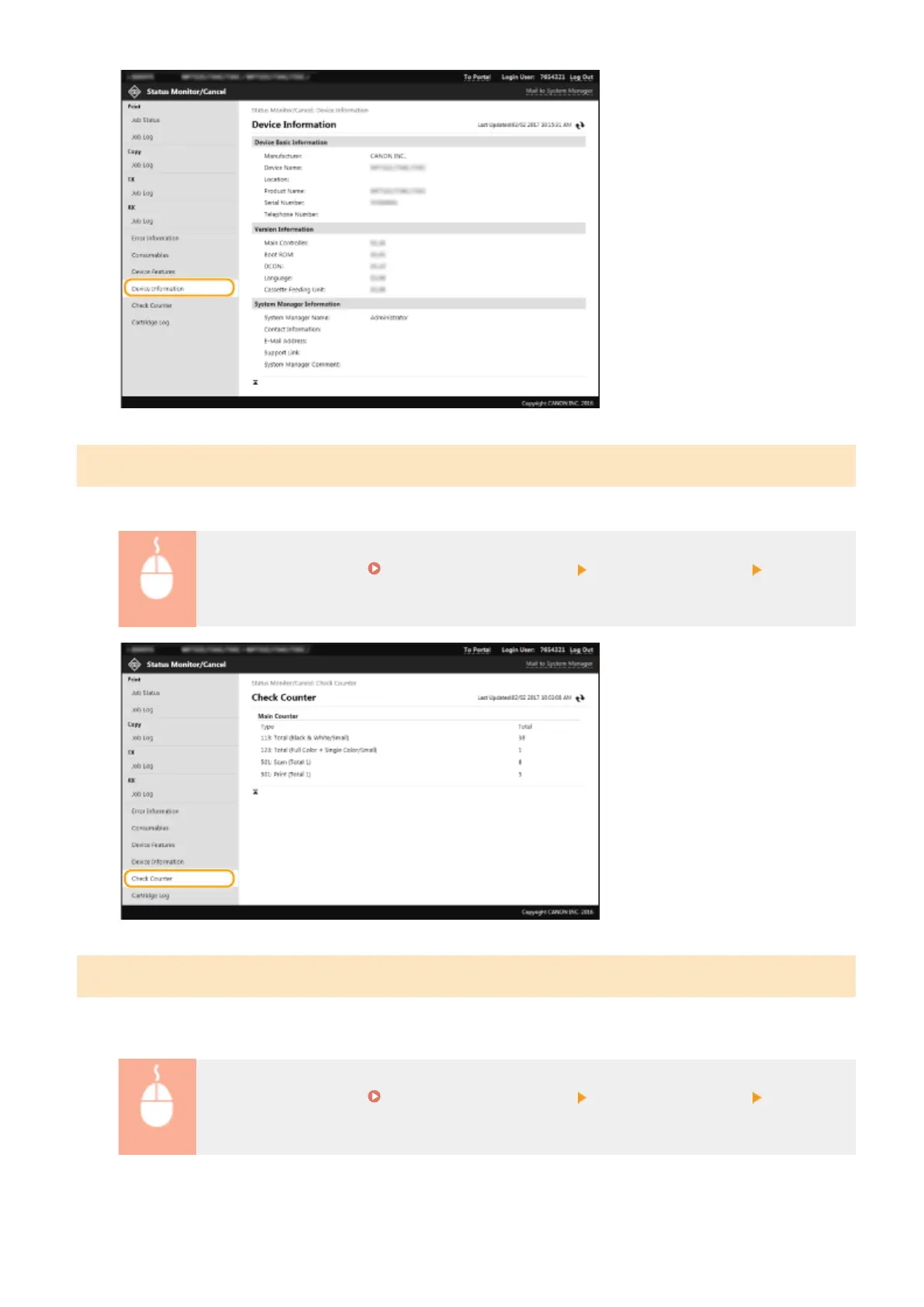
Checking Print Total Counter
The total number of pages that have been printed by the copy, print, and fax functions is displayed.
Log in to the Remote UI ( Starting Remote UI(P. 419) ) [Status Monitor/Cancel] [Check
Counter]
Checking History of Toner Cartridges
You can check the usage logs of toner cartridges and other logs. The display can be changed for each color of the
toner cartridge.
Log in to the Remote UI ( Starting Remote UI(P. 419) ) [Status Monitor/Cancel] [Cartridge
Log]
Managing the Machine
425








 To Next Page