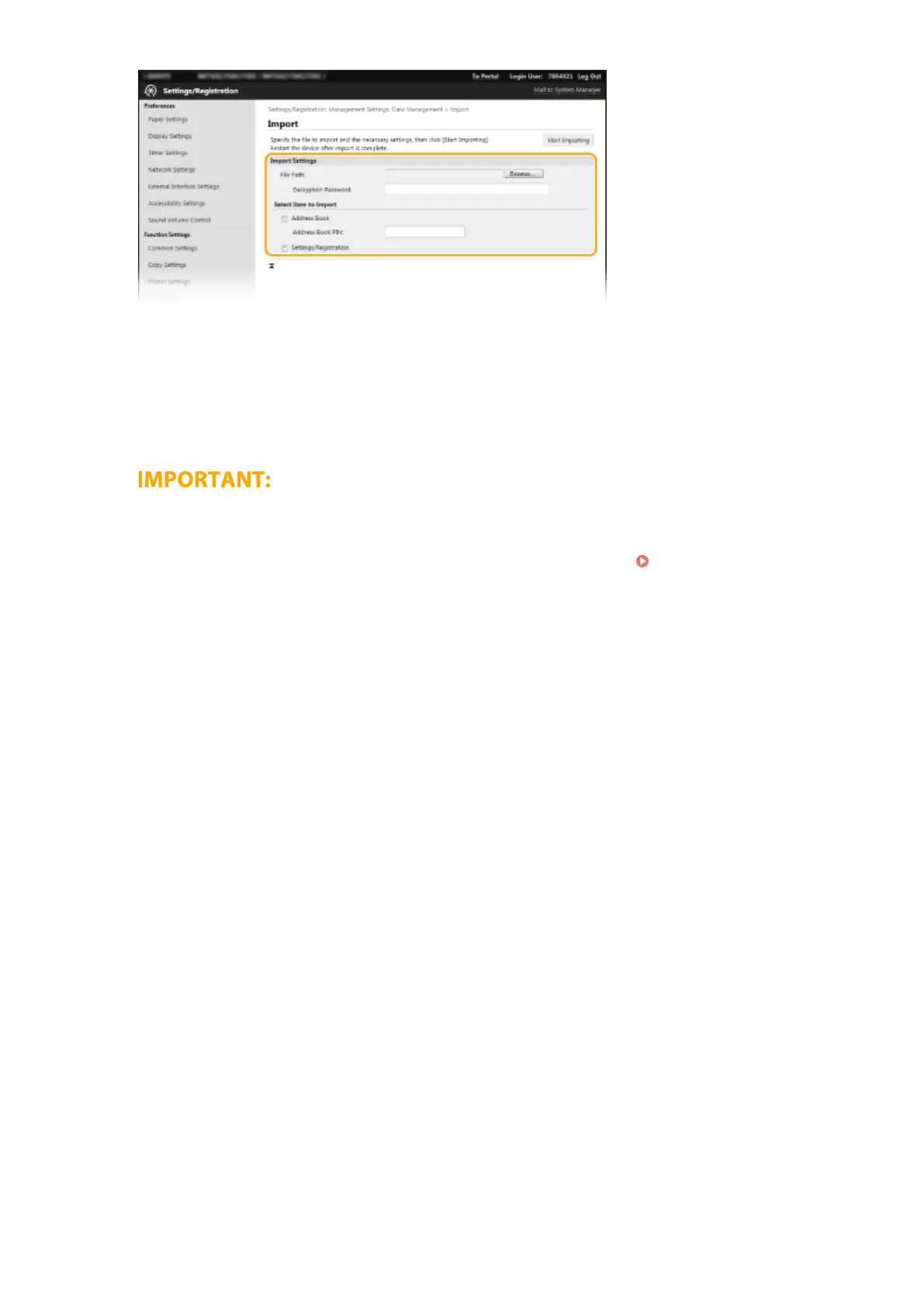
[File Path]
Click [Browse] and select the le.
[Decryption Password]
Enter the password set when the settings were exported.
[Address Book]
Select the check box to import Address Book data.
● Importing Address Book data will overwrite the Address Book entries currently registered on the machine.
[Address Book PIN]
If the Address Book is code protected, enter the code for the Address Book. Restricting Use of the
Address Book(P. 405)
[Settings/Registration]
Select the check box to import machine settings data.
5
Click [Start Importing].
6
Click [OK].
➠
The selected settings data is loaded into the machine.
7
Click [OK].
➠ If the [Settings/Registration] check box is selected in step 4, the machine automatically restarts.
Managing the Machine
436








 To Next Page