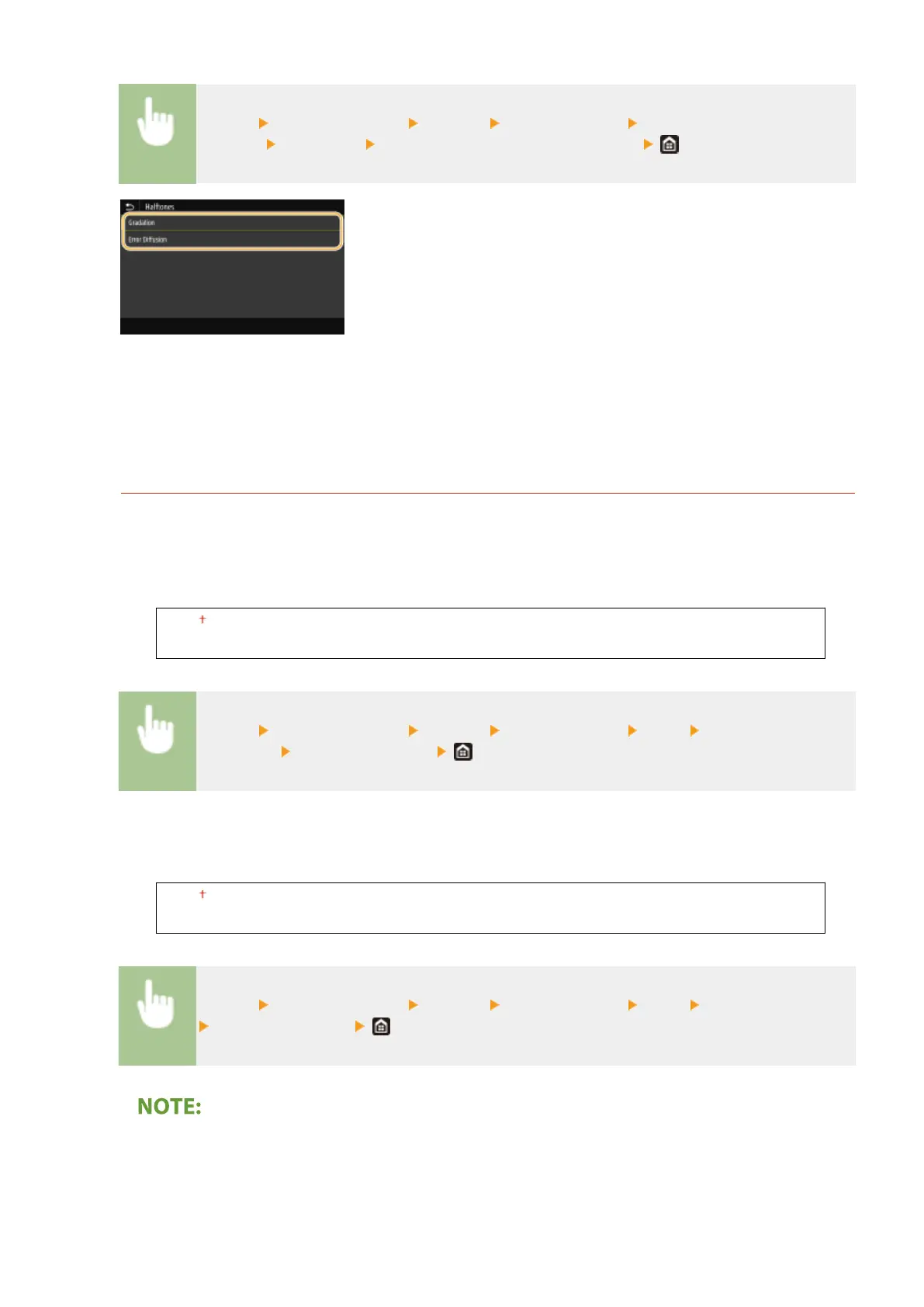
<Menu> <Function Settings> <Printer> <Printer Settings> <Imaging
Settings> <Halftones> Select <Gradation> or <Error Diffusion>
<Gradation>
Prints images with ne gradation, such as digital camera images, with a smooth nish.
<Error Diffusion>
Prints images with small text or ne lines with a clear nish.
<PDF>
You can change settings for PDF les.
<Enlarge/Reduce to Fit Paper Size>
Specify whether to enlarge or reduce the original according to the print range of paper. Note that size
enlargement/reduction will not affect the aspect ratio of the original.
<Off>
<On>
<Menu> <Function Settings> <Printer> <Printer Settings> <PDF> <Enlarge/Reduce to Fit
Paper Size> Select <Off> or <On>
<Enlarge Print Area>
Specify whether to extend the print range to the paper size.
<Off>
<On>
<Menu> <Function Settings> <Printer> <Printer Settings> <PDF> <Enlarge Print Area>
Select <Off> or <On>
● If you specify <On>, it may occur that edge-adjacent portions of page are not printed or that printouts
come out partially smudged depending on the original.
Setting Menu List
523








 To Next Page