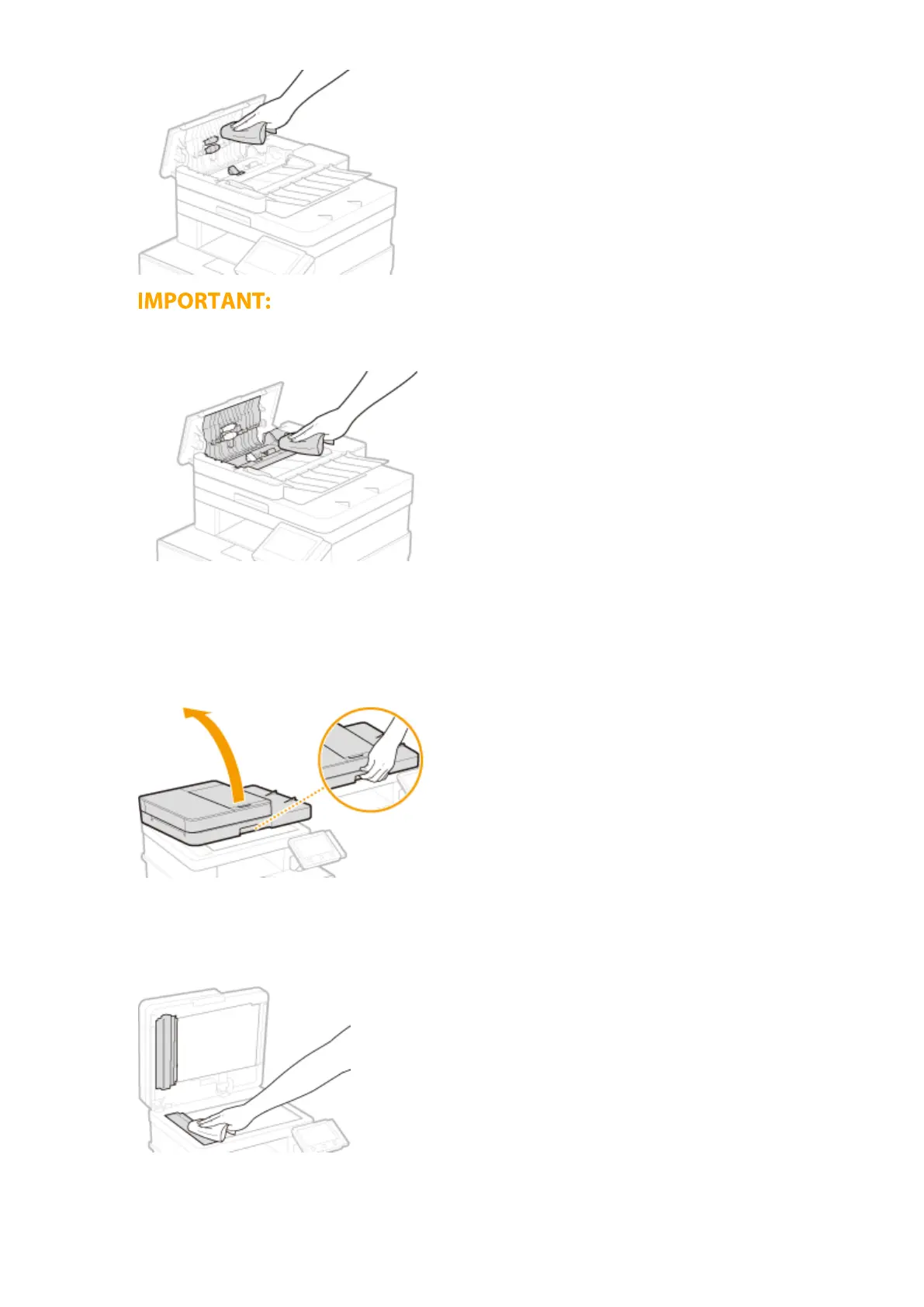
● If the rollers and surrounding areas are very dirty, clean them out. To do this, wet a cloth with water and
wring it out well, then wipe the dirty areas. Afterwards, wipe the areas with a soft and dry cloth.
5
Close the feeder cover and original supply tray.
6
Open the feeder.
7
Wipe the document feed scanning area.
● Wipe with a cloth that has been moistened with water and wrung out, and then wipe with a dry cloth.
8
Wait for the cleaned area to dry completely.
Maintenance
581








 To Next Page