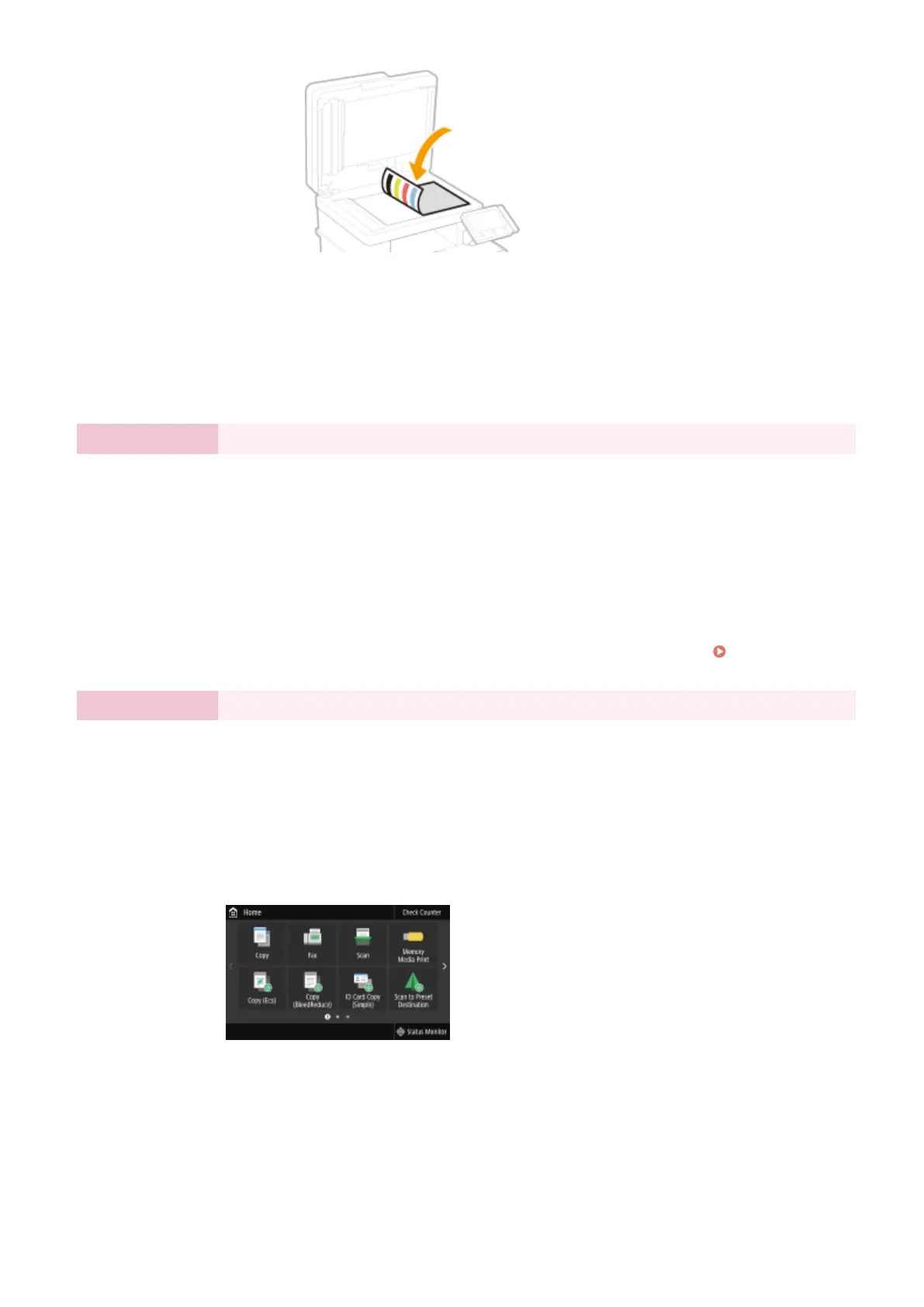
6
Gently close the feeder.
7
Select <Start Scanning>.
➠ Adjustment starts.
● When adjustment is complete, remove the adjustment image from the platen
glass.
Step 4 Setting the Wireless LAN
Congure the settings to connect to the network using the wireless LAN.
1
Select <Yes>.
● If you select <No>, wireless LAN is not set, and the Setup Guide proceeds to
step 5.
2
Select <OK>.
3
Select the setting method.
● For more information about the wireless LAN settings, see Connecting to a
Wireless LAN(P. 17) .
Step 5 Viewing Application Library
The one-touch button referred to as "Application Library" is provided in the Home screen. You
can read the description of each function.
1
To nish the Setup Guide, select <End>.
➠ When the Setup Guide is complete, the Home screen appears.
Setting Up
10








 To Next Page