Editing the Registered Destinations in the Address
Book
1647-03W
You can change your settings, such as changing a registered fax number or name, changing the type of destination
registered as a fax number to an e-mail destination, changing a coded dial number, and adding or deleting group
destinations. You can also delete destinations or groups.
● If you delete a destination from the Address Book, it is also deleted from the favorite settings. Registering
Frequently Used Settings(P. 174)
1
Select <Address Book> in the Home screen. Home Screen(P. 122)
2
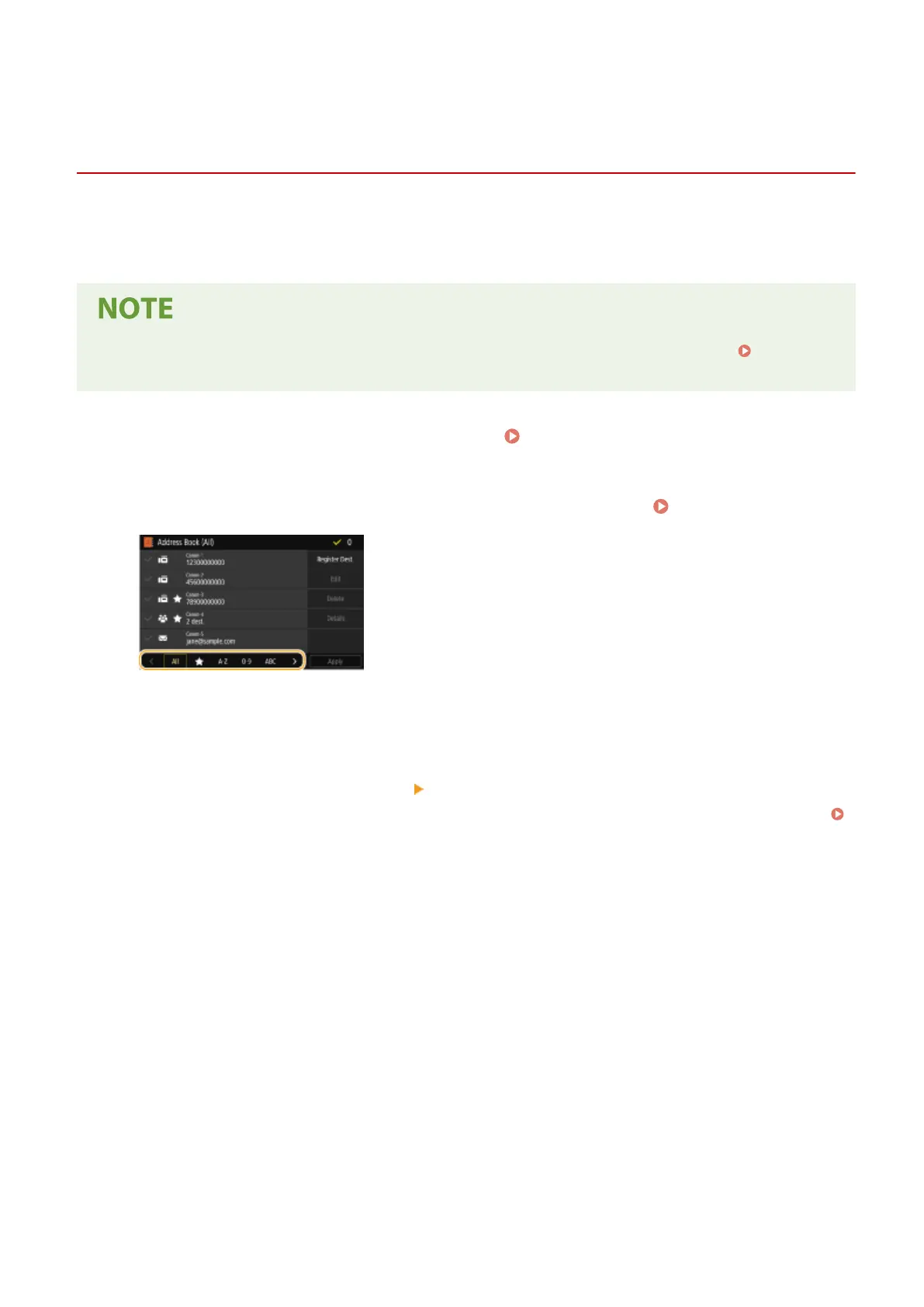
Select the index containing the destination you want to edit. Index(P. 182)
3
Select the destination, and select <Edit>.
● If you select <Details>, you can view information about the destination.
● To delete the destination, select <Delete>
<Yes>.
● If a screen appears prompting you to enter a PIN, enter the PIN for the Address Book and select <Apply>.
Restricting Use of the Address Book(P. 405)
4
After editing the necessary items, select <Apply>.
Basic Operations
189








 To Next Page