Loading Paper(P. 139)
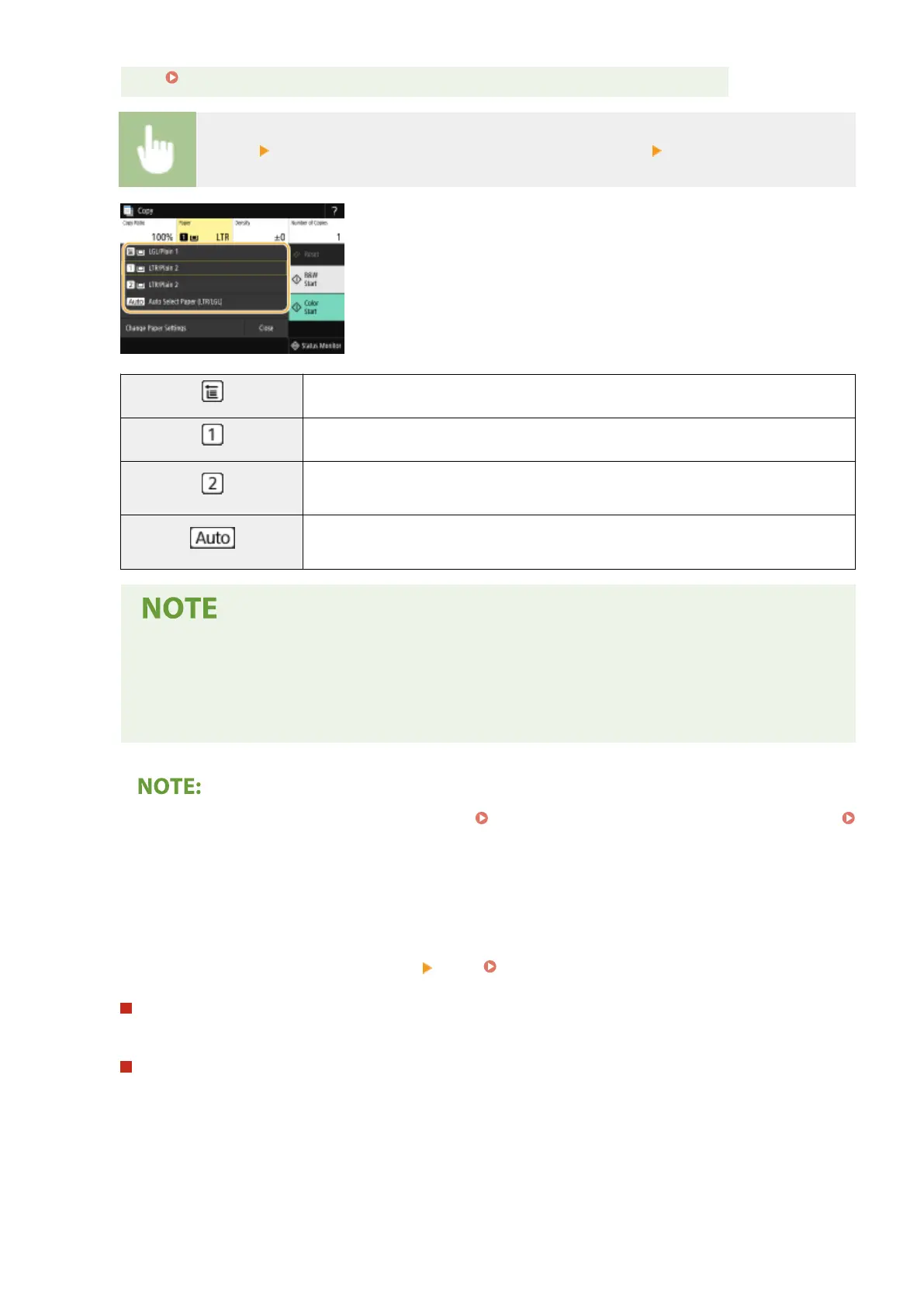
<Paper> Select the paper source or <Auto Select Paper (LTR/LGL)> <Close>
Uses the paper that is loaded in the multi-purpose tray to make copies.
Uses the paper that is loaded in the paper drawer (Drawer 1) of the machine to make copies.
Uses the paper that is loaded in the optional cassette feeding module (Drawer 2) to make
copies.
Automatically selects the Letter or Legal size paper depending on the original size loaded in
the feeder.
● <Auto Select Paper (LTR/LGL)> may not be displayed depending on the model you are using.
● <Auto Select Paper (LTR/LGL)> is not available when no original is loaded in the feeder.
● <Auto Select Paper (LTR/LGL)> is not available when using <N on 1>, <Erase Frame>, or <ID Card
Copy>.
● For information about other copy settings, see Enhancing and Adjusting Copy Quality(P. 203) or
Useful Copy Functions(P. 208) .
6
Select <Start>.
➠ Copying starts.
● If you want to cancel, select <Cancel> <Yes>. Canceling Copies(P. 200)
When placing originals in the feeder in step 1
The original is automatically scanned.
When placing originals on the platen glass in step 1
For 2-sided copying or N on 1 copying, the screen prompting you to load the next original is displayed.
1
Place the next original on the platen glass, and select <Scan Next>.
● You can also specify <Density>, <Original Type>, and <Color Balance> separately for each original.
Copying
198








 To Next Page