5
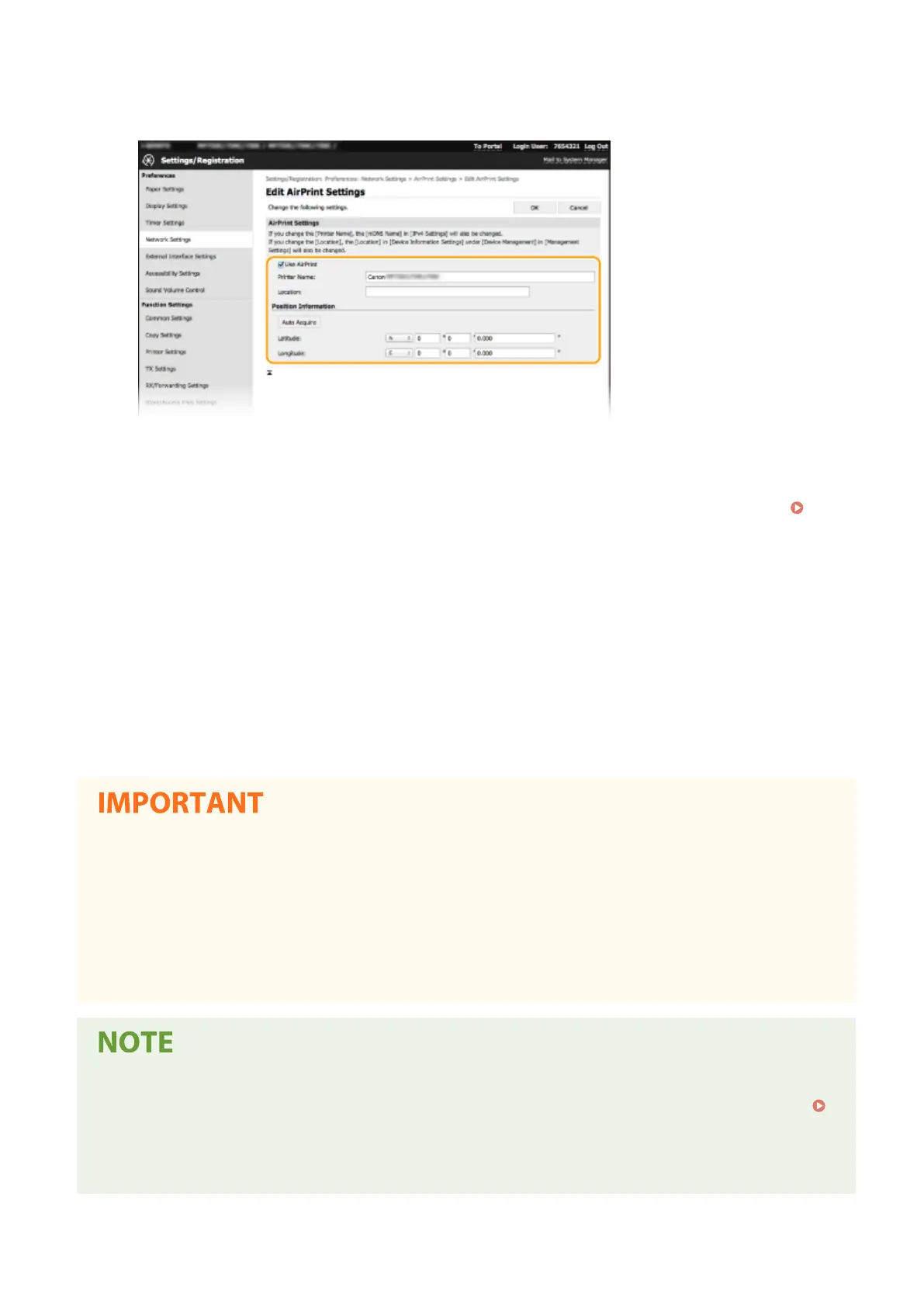
Specify the required settings.
[Use AirPrint]
Select the check box to enable AirPrint. To disable AirPrint, clear the check box.
[Printer Name]
Enter the name of the machine. If an mDNS name has already been registered in [mDNS Settings] (
Conguring DNS(P. 55) ), the registered name is displayed.
[Location]
Enter the location of the machine. If a location has already been registered in [Device Information Settings]
([Device Management] in [Management Settings] (Settings/Registration)), the registered name is displayed.
[Latitude]
Enter the latitude of the location where the machine is installed.
[Longitude]
Enter the longitude of the location where the machine is installed.
6
Click [OK].
If you select [Use AirPrint], the following settings in <Network> are set to <On>.
● Use HTTP
● IPP Print Settings
● IPv4 Use mDNS
● IPv6 Use mDNS
● Use Network Link Scan
● If you change [Printer Name] that you have once specied, you may be unable to print any more from the
Mac that has been able to be used for printing so far. This phenomenon occurs because <mDNS Name> (
Conguring DNS(P. 55) ) of IPv4 is also changed automatically. In this case, add the machine to the Mac
again.
● Entering the printer name makes it easier to identify multiple printers that support AirPrint.
Linking with Mobile Devices
334








 To Next Page