Do you print data without margins?
● This symptom occurs if a margin is set to none in the printer driver. A margin of 1/4" (5 mm) or less
around the edge of paper or 3/8" (10 mm) or less around the edge of envelopes is not printable with the
machine. Make sure to have margins around the document to print.
[Finishing] tab
[Advanced Settings] [Expand Print Region and Print] [Off]
Do the paper guides align with the edges of the paper?
● If the paper guides are too loose or too tight, part of a document may not be printed.
Loading Paper(P. 139)
Is the machine installed in an environment where the temperature changes
rapidly and drastically?
● When the temperature changes rapidly in the environment where the machine is installed, condensation
occurs, which may cause fading or bleeding in images and text. If <Control Condensation> is set to <On>,
condensation inside the machine will be removed. Condensation removal may be performed automatically
due to temperature change.
<Control Condensation>(P. 484)
● While condensation removal is being performed, printing may not be performed properly and blank paper
may be output.
● If you set to <On>, you need to keep the machine turned ON to maintain the effect of condensation
removal.
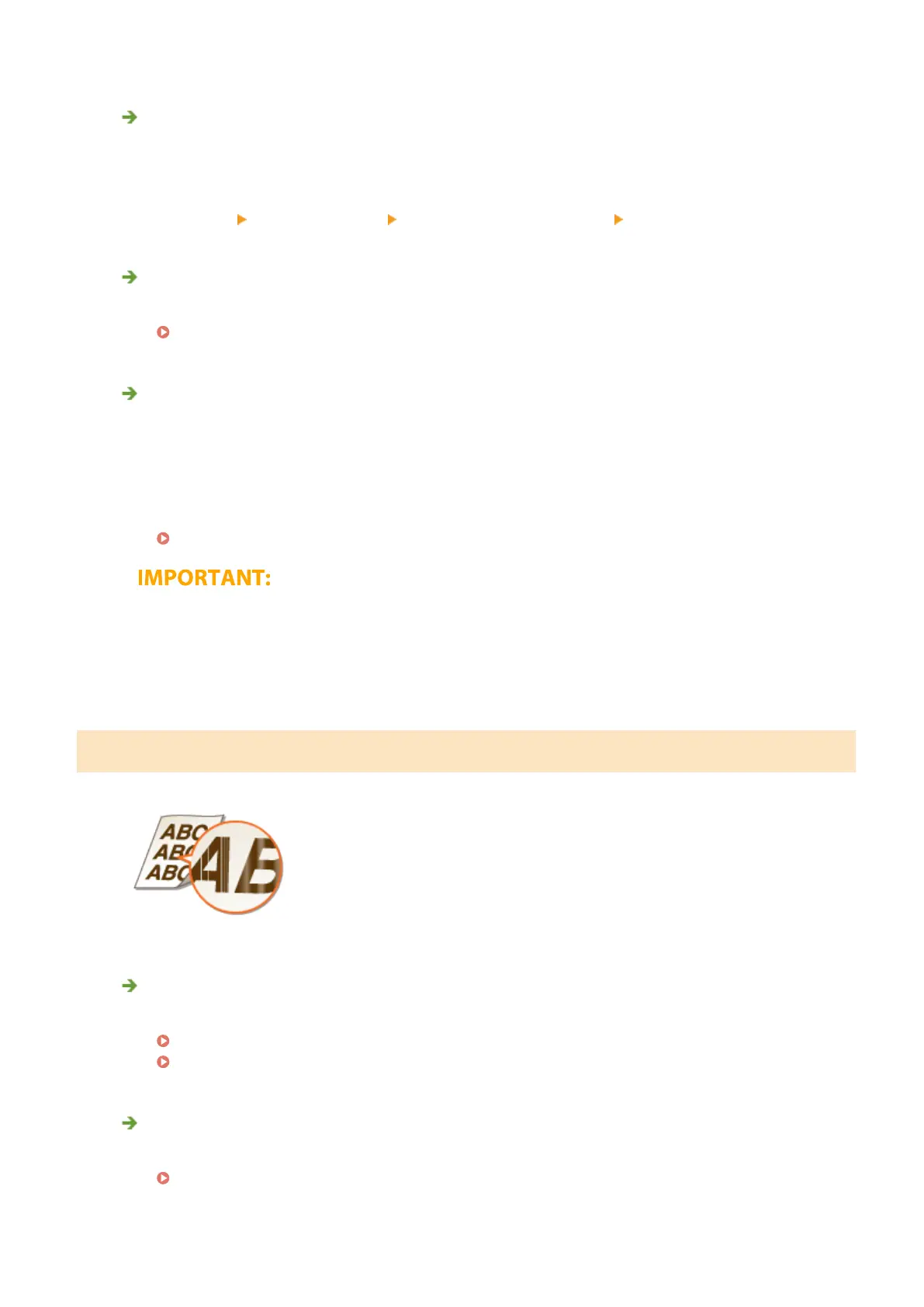
Streaks Appear/Printing is Uneven
Are you using appropriate paper?
● Check usable paper, and replace with appropriate paper.
Available Paper(P. 701)
Loading Paper(P. 139)
Is the platen glass dirty?
● Clean the platen glass and the underside of the feeder.
Cleaning the Platen Glass(P. 579)
Troubleshooting
633








 To Next Page