7 8 9 10 1211 131
En
Es
Fr
Pt
6
On models with a fax function,
configure the fax settings next.
Downloading from the Canon website
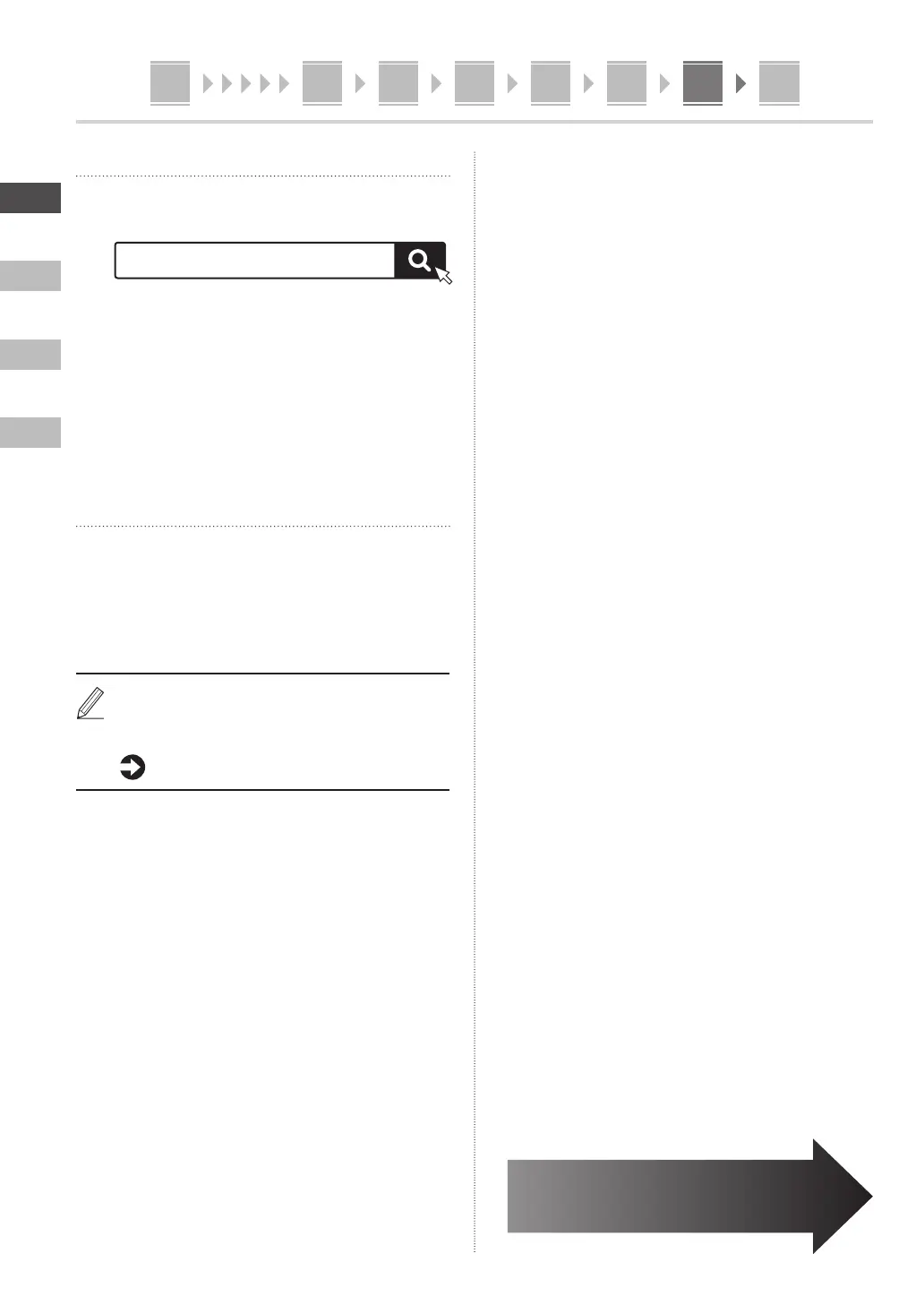
1. Search for “(model name) download.”
Example: MF753Cdw download
XXXXXXX download
If you cannot find the download site, go to
https://global.canon/en/support/
2. Download the software and drivers, and
install them on your computer.
To use the scan function, install the “MF Scan Utility”
scanning application and the scan driver.
Installing from the Bundled CD/DVD-
ROM
1. Load the CD/DVD-ROM into your computer,
and install the software and drivers.
For normal installation, select “Easy Installation.”
Selecting “Easy Installation” installs the drivers along
with the standard software and manuals.
If a problem arises during the installation, see “See
Troubleshooting (FAQ) for drivers” in “FAQ.”
Accessing the FAQ
p. 8 “Accessing the Online Manual”








 To Next Page