5
Preparing to Transfer the Printer
Do not remove the Maintenance Cartridge during this process.•
6
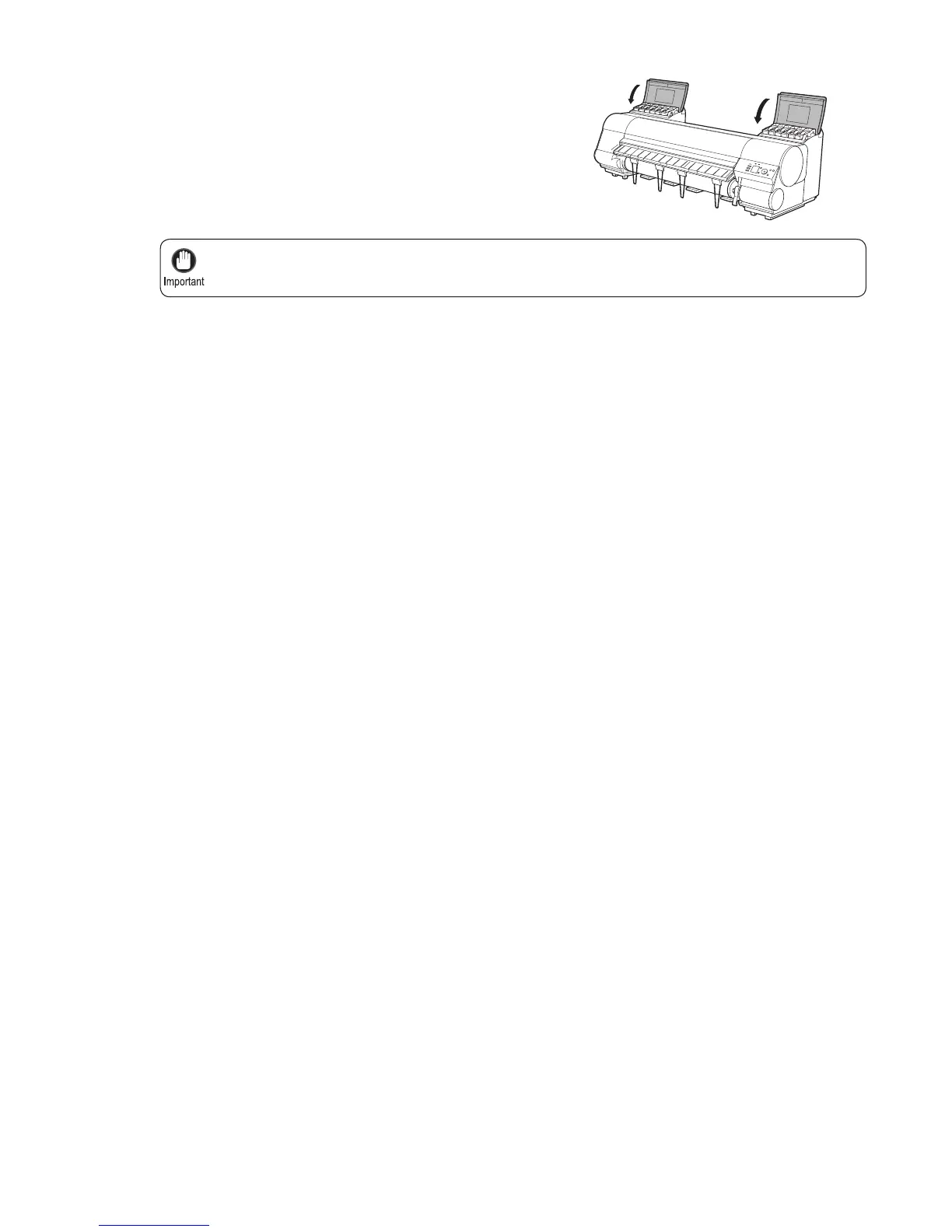
Close the Ink Tank Cover .
At this point, ink is drawn out from inside the tubes.
When the process is fi nished, Preparations for moving
the printer fi nished. Turn the power off is displayed.












 To Next Page