EasyManua.ls Logo

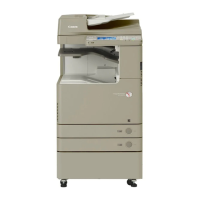
Canon imageRUNNER ADVANCE C250iF - User Manual

Canon imageRUNNER ADVANCE C250iF
102 pages
Print Icon
To Next Page IconTo Next Page
Loading...
S
S
e
e
r
r
v
v
i
i
c
c
e
e
G
G
u
u
i
i
d
d
e
e

Table of Contents

Other manuals for Canon imageRUNNER ADVANCE C250iF

Questions and Answers

  • A
    Anthony MendozaAug 6, 2025
    What to do if scanned originals become dirty on Canon imageRUNNER ADVANCE C250iF?
    • K
      kimberlyparkerAug 6, 2025
      If your scanned originals from the Canon All in One Printer appear dirty or have streaks, the feed rollers may need cleaning. Clean the feed rollers to resolve this issue.
  • A
    Amanda BellAug 22, 2025
    How to fix originals that cannot be scanned properly on Canon All in One Printer?
    • B
      bakercarrieAug 22, 2025
      If originals are not being scanned properly on your Canon All in One Printer, it could be due to a dirty platen glass or a dirty underside of the feeder. Clean both the platen glass and the underside of the feeder by following the recommended procedure.

Summary

Product Overview and Configuration

Overview

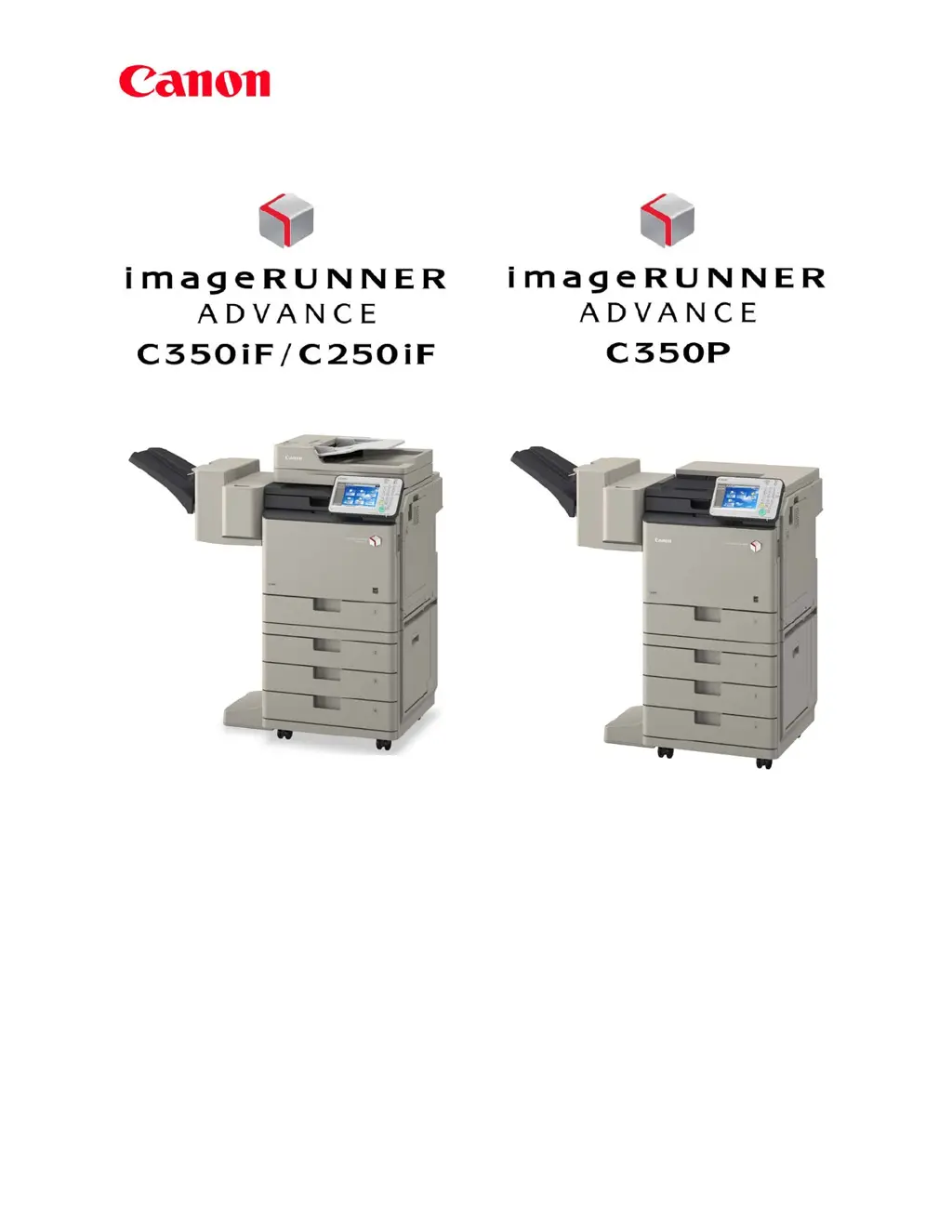
Detailed description of the imageRUNNER ADVANCE C350iF/C250iF/C350P series MFP and printer.

Features

Highlights system, performance, and environmental features of the machines.

System Options

Data Security Options

Options for securing data, including encryption and secure print.

Security Features

Device Authentication

Methods for authenticating users at the device, like Department ID.

Data Security

Various methods to protect and secure data on the machine's HDD.

Network Security

Securing network communications using IPSec and other protocols.

Software Solutions

Device Security and Management Software

Software for managing device security and access control.

Educational Training

Training Program Overview

Overview of the training programs available for technicians.

Certification

Requirements for obtaining certification for selling and servicing machines.

Servicing Notes

Power and Plug Requirements

Recommends dedicated, grounded outlets and NEMA 5-15 receptacles.

Firmware Upgrades Using the Service Support Tool

Guide on using the SST for upgrading system components like firmware.

Suggested End-User Customer Service Offerings

Limited Warranty Support

Provides information on end-user limited warranty conditions and drum unit warranty.

Product Technical Support Offerings

Dealer Support Requirements

Details technical training requirements for receiving technical support.

Appendix

Specifications

Main unit specifications for C350iF, C250iF, and C350P models.

Main Unit Limited Warranty

Provides limited warranty terms for the main units.

Canon imageRUNNER ADVANCE C250iF Specifications

General IconGeneral
FunctionsPrint, Copy, Scan, Fax
Print Resolution1200 x 1200 dpi
Copy Resolution600 x 600 dpi
Scan Resolution600 x 600 dpi
Paper Capacity (Standard)250 sheets
Duplex PrintingYes
Fax Speed33.6 Kbps
Memory (Standard)2 GB
Control Panel5-inch Color Touchscreen
Monthly Duty Cycle30, 000 pages
Paper Capacity (Maximum)2300 Sheets
Supported Paper SizesLetter, Legal, Statement, Executive
ConnectivityUSB, Ethernet, Wi-Fi
Mobile PrintingApple AirPrint, Google Cloud Print, Canon PRINT Business

Related product manuals