Advanced Guide
Troubleshooting
Contents
>
Printing
> Printing Photos (Easy-PhotoPrint EX)
Printing Photos (Easy-PhotoPrint EX)
Print image data saved on your computer by using Easy-PhotoPrint EX supplied with your printer.
This section describes the procedure, using print setting for borderless photo print on 4" x 6" / 10 x 15 cm
photo paper as a sample.
For details on Easy-PhotoPrint EX, refer to the on-screen manual:
dvanced Guide
.
Note
The screens used in this section are for printing with Windows. The operations are also the same
for printing with Macintosh.
Install Easy-PhotoPrint EX from the
Setup CD-ROM when it has not been installed or has been
uninstalled. To install Easy-PhotoPrint EX, select Easy-PhotoPrint EX in Custom Install.
1.
Prepare for printing.
(1)
Make sure that the printer is turned on.
See
Front View
.
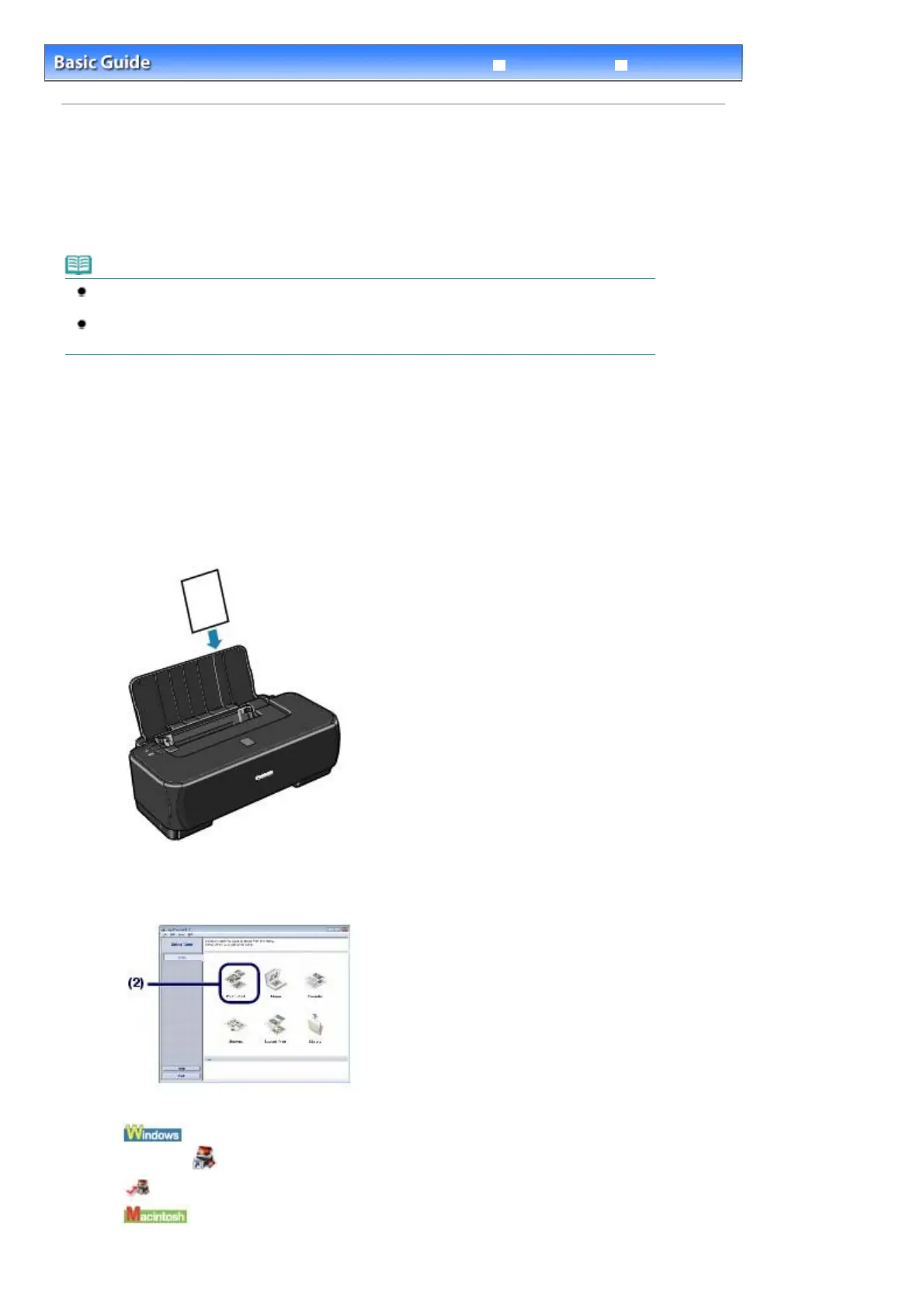
(2)
Load paper.
See
Loading Paper
.
Here we load 4" x 6" / 10 x 15 cm photo paper.
2.
Start Easy-PhotoPrint EX, and select Photo Print.
(1)
Start Easy-PhotoPrint EX.
Double-click
(Easy-PhotoPrint EX) on the desktop.
Click Here: Easy-PhotoPrint EX
Select the Go menu, Applications, Canon Utilities, Easy-PhotoPrint EX, then double-click Easy-
PhotoPrint EX.
Стр. 8 из 342 стр.Printing Photos (Easy-PhotoPrint EX)











 To Next Page