Before starting the installation
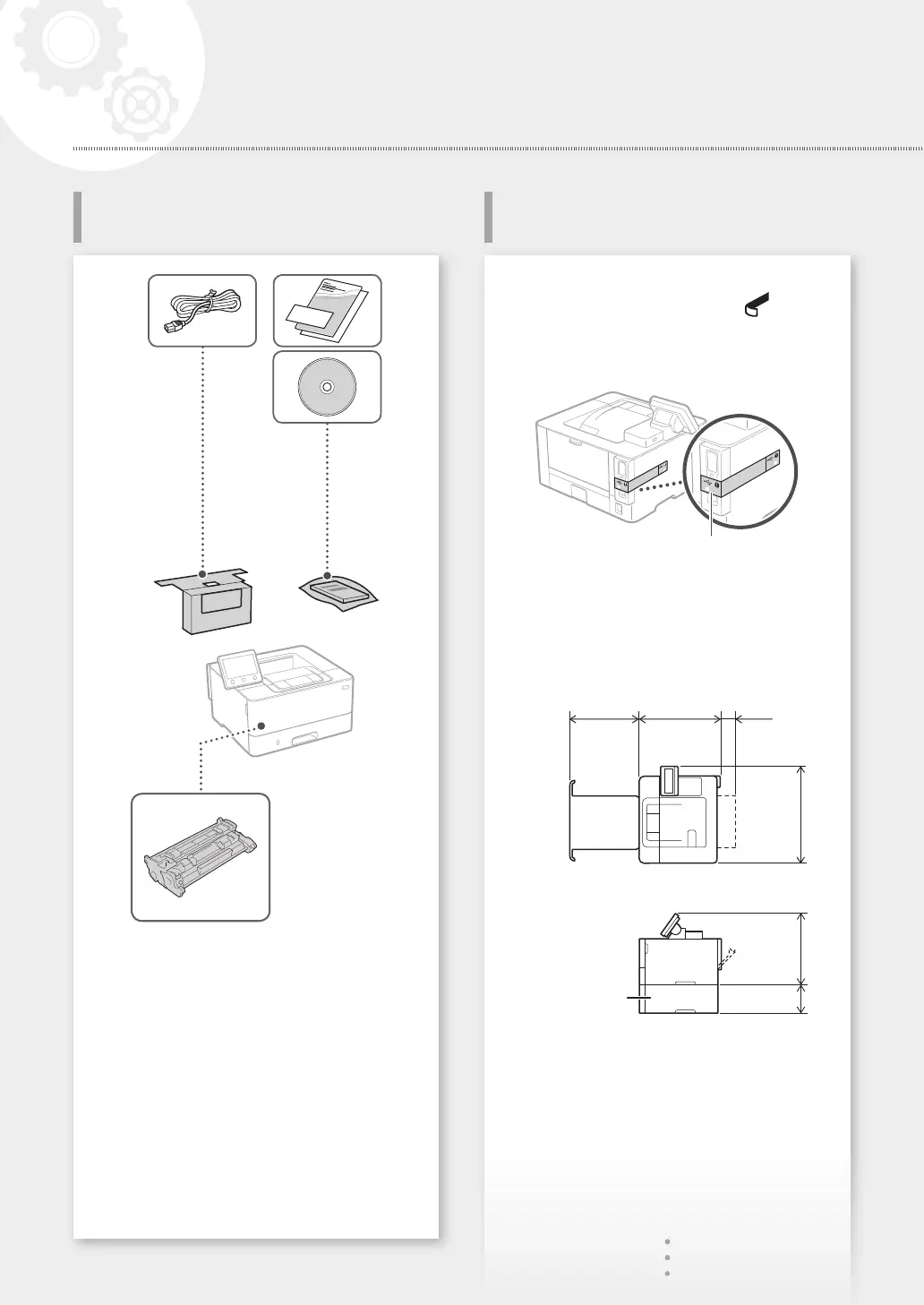
• Remove all of the tape.
• Do not remove the sticker that covers the USB
port.
Sticker
Installation requirements
Provide a space of 100 mm or more around the
machine.
LBP228x
431 mm 373 mm 70 mm
438 mm312 mm131 mm
Cassette feeding
module (optional)
Starter toner cartridge is included.
4
Installation of the Machine
Installing the MachineItems Included with the Machine
Quick Setup










 To Next Page