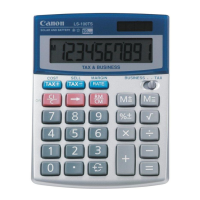
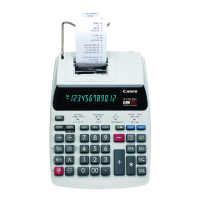
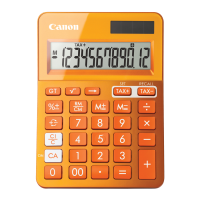
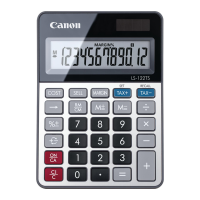
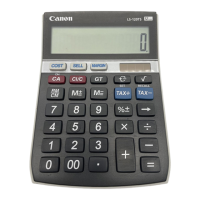
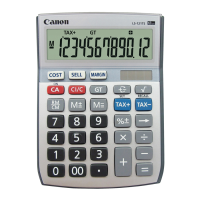
POWER SUPPLY
This calculator comes with a dual power source. The duration of
alkaline battery depends entirely on individual usage. When the
battery is exhausted, you can still use the solar cell to power the
calculator.
(Note: Do not attempt to change the battery by yourself. Have
a Canon Service Center change the battery for you.)
AUTOMATIC POWER-OFF FUNCTION
When the power is turned “ON” and none of the keys are pressed
for more than
7 minutes, the calculator turns off automatically to
save power. Press
key to restart the calculator. “0” will
appear on the display.
■ Electromagnetic interference or electrostatic
discharge may cause the display to malfunction
or the contents of the memory to be lost
or altered. Should this occur, use the tip
of a ball point pen (or similar sharp
object) to press the [RESET] button on the back of the
calculator. After resetting, be sure to set the tax rate again.
KEY INDEX
Power On/Clear Indicator and Clear Key – Used
for turning the calculator on. Press once to clear last
entered value. Press again to clear all entered
values, except memory. This key is also used for
clearing the overflow error.
+
-
Sign Change Key – Used for changing the sign
(+ or –) of the displayed numbers.
Right Shift Key: Used for shifting and correcting an
entered numeral. A single press deletes the last
digit on the right.
Square Root Key – Used for performing square root
calculations.
Percent Plus-Minus Key: Used for performing
percentage, add-on and discount calculations.
RM
CM
Recall/Clear Memory Key – A double function key.
Press once to recall the memory contents. Press
the key successively to clear the memory contents.
M
+
=
Memory Plus Equal Key: Used for obtaining a
calculation result and adding the result automatically
to the memory. This key is also used for adding
number to the memory.
M
=
Memory Minus Equal Key: Used for obtaining a
calculation result and subtracting the result
automatically from the memory. This key is also
used for subtracting a number from the memory.
BUSINESS SALES CALCULATION
Set the switch to “BUSINESS” to perform cost, sell
and profit margin calculation.
– Used for calculating the cost, selling price and profit
margin amount. Enter the value of any 2 items to obtain
the balance value item. (e.g. enter the value of the cost
and the selling price to obtain the profit margin.)
TAX CALCULATION
Set the switch to “TAX” to perform tax calculation.
RATE
Store the Tax Rate – Enter the tax rate
figure, then press
RATE
to store.
RATE
TAX
Recall the Tax Rate – Press
RATE
TAX
to
recall the current tax rate.
Add Tax Key – Used for adding the tax
amount to the displayed figure.
TAX
Deduct Tax Key – Used for deducting the tax
amount from the displayed figure.
SPECIFICATION
Power Source: Solar cell and Alkaline battery (LR44 X 1)
Usable Temperature: 0
0
C to 40
0
C (32
0
F to 104
0
F)
Dimensions:103mm (W) x 135mm (L) x 32mm (H)
4-1/16” (W) x 5-5/16” (L) x 1-17/64” (H)
Weight: 102g (3.6oz)
(Subject to change without notice)
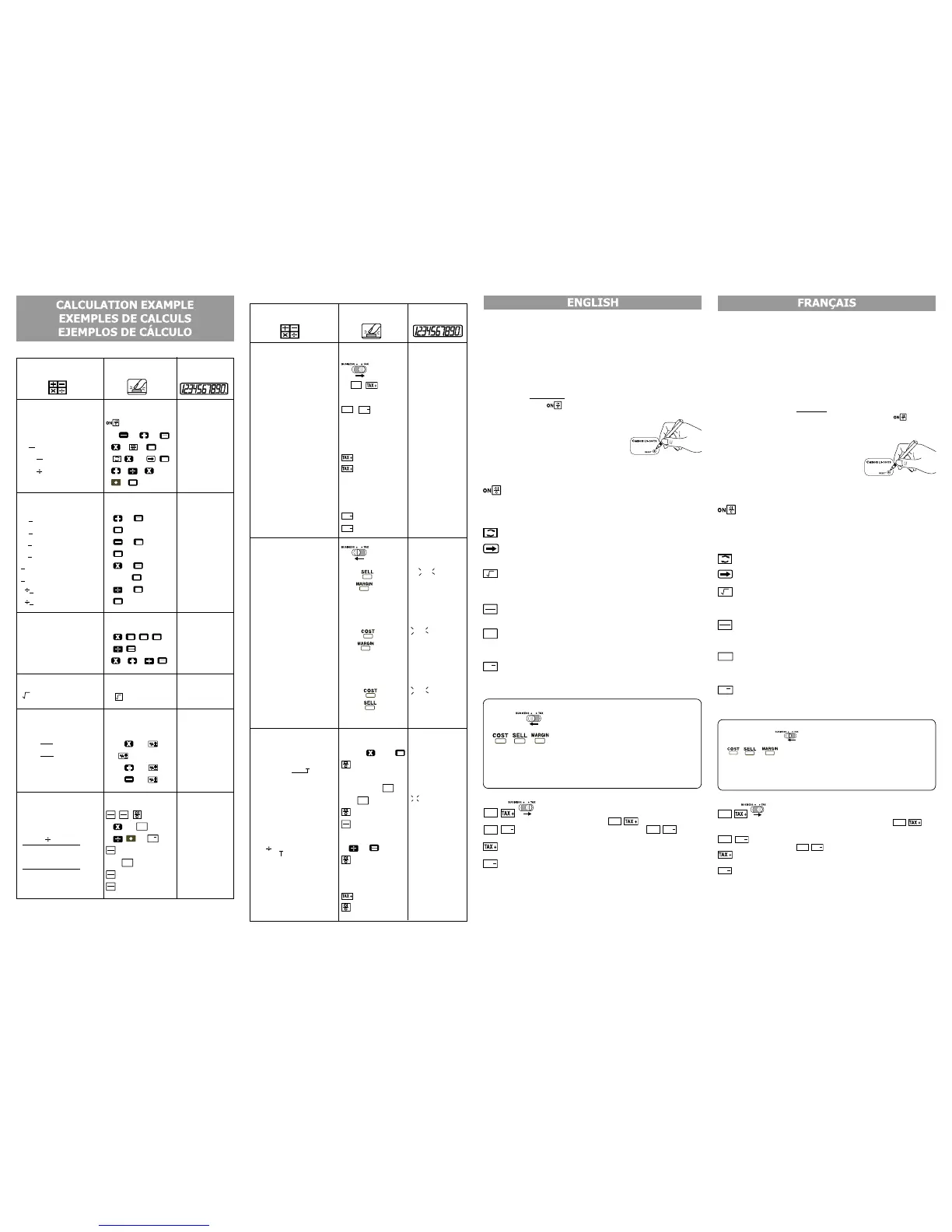
CALCULATION OPERATION DISPLAY
▼ ▼
▼ ▼
▼ Mixed
( 0.)
140–35+22=127 140
35 22 ( 127.)
2x 2 3=6 2
2 3 = ( 6.)
–7x9 9 =–63 7
99 ( –63.)
(2+4)
3x8.1=16.2 2 4 3 x
8
1 ( 16.2)
▼ ▼
▼ ▼
▼ Constant
2+3=5 2 3 ( 5.)
4+
3=7 4 = ( 7.)
1–
2=–1 1 2 = ( –1.)
2–
2=0 2 = ( 0.)
2x3=6 2 3 = ( 6.)
2x4=8 4 = ( 8.)
6
3=2 6 3 = ( 2.)
9
3=3 9 = ( 3.)
▼ ▼
▼ ▼
▼ Power, Fraction
3
4
=81 3 ( 81.)
1/5=0.2 5
÷ = ( 0.2)
1/(2x3+4)=0.1 2
3 4 ( 0.1)
▼ ▼
▼ ▼
▼ Square Root
)708050237.1 (3708050237.1 = 3
▼ ▼
▼ ▼
▼ Percentage
1200x =144 1200 12 ( 144.)
1200x =180 15 ( 180.)
1200+(1200x20%)=1,440
1200 20 ( 1'440.)
1200–(1200x20%)=960 1200
20 ( 960.)
▼ ▼
▼ ▼
▼ Memory
( 0.)
3x4= 12 3
4 ( 12.)
–) 6
0.2= 30 6 2 ( 30.)
– (81 –18.)
+) 200 200 ( 200.)
182
(Recall Memory)
( 182.)
(Clear Memory)
( 182.)
ALIMENTATION
Cette calculatrice est équipée d’une double source d’alimentation.
Les piles alcalines peuvent être utilisées pendant une assez longue
durée, selon le type d’utilisation réalisé. Lorsque les piles sont
épuisées, la calculatrice peut toujours être utilisée en étant
alimentée par la cellule solaire.
(Note : Ne pas tenter de remplacer soi-même les piles. Faire
effectuer cette opération par le centre de service
après-vente Canon.)
FONCTION DE MISE HORS CIRCUIT AUTOMATIQUE
Si la calculatrice est mise sous tension, mais qu’aucune touche n’est
actionnée pendant plus de
7 minutes, l’affichage s’éteint automatiquement
pour économiser l’énergie. Dans ce cas, actionner la touche
pour
commencer les calculs et le témoin « 0 » apparaîtra sur l’affichage.
■ Une interférence électromagnétique ou une décharge
électrostatique peuvent causer des erreurs
d’affichage ainsi que la perte ou la modification
du contenu de la mémoire. Dans de
telles circonstances, appuyer sur la
touche [RESET] et recommencer
l’opération de calcul depuis le début. Lorsque vous rallumez,
assurez-vous d’entrer de nouveau le taux du calcul de taxe.
INDEX DES TOUCHES
Touche de mise sous tension / effacement affichage /
effacement – À utiliser pour mettre la calculatrice sous
tension. En appuyant une seule fois, cette touche corrige
uniquement le nombre qui vient d’être entré. En appuyant
deux fois, toutes les entrées et tous les résultats sont
effacés, à l’exception de la mémoire.
+
-
Touche de changement de signe – Utilisée pour le
changement du signe (+ ou –) des chiffres affichés.
Touche droite – Cette touche sert à déplacer et à corriger un
chiffre entré. Une seule pression efface le dernier chiffre à droite.
Touche racine carrée – Utilisée pour le calcul des
racines carrées.
Touche de pourcentage plus-moins – Cette touche sert aux
calculs comportant des pourcentages, majorations et rabais.
RM
CM
Touche de rappel de mémoire / effacement de
mémoire – Si vous appuyez une fois, vous rappelez le
contenu de la mémoire. Si vous appuyez plusieurs fois de
suite, vous effacez le contenu de la mémoire.
M
+
=
Touche de mémoire plus-égal – Cette touche sert à
effectuer un calcul et à cumuler simultanément le résultat
obtenu dans la mémoire. Elle permet également
d’additionner un nombre à la mémoire.
M
=
Touche de mémoire moins-égal – Cette touche sert à
effectuer un calcul et à cumuler simultanément le résultat
obtenu dans la mémoire. Elle permet également de
soustraire un nombre à la mémoire.
CALCUL DES VENTES
Mettre le bouton en position « BUSINESS » pour effectuer le
calcul des coûts, des ventes et des marges bénéficiaires.
–
Utilisé pour le clacul du coûts, des prix de vente et du ratio de
marge bénéficiaire. Entrer la valeur de 2 éléments pour
obtenir la valeur moyenne. (par ex. Entrer la valeur du coût
et du prix de vente pour obtenir la marge bénéficiaire.)
CALCUL DE TAXE
Mettre sur « TAX » pour effectuer le calcul de taxe.
RATE
Pour mémoriser un taux de taxe – Entrer un taux
de taxe. Puis appuyer sur les touches
RATE
pour le mémoriser.
RATE
TAX
Pour rappeler le taux de taxe – Appuyer sur les
touches
RATE
TAX
pour rappeler le taux de taxe entré.
Touche d’addition de taxe – Sert à ajouter le
montant de la taxe aux chiffres affichés.
TAX
Touche de soustraction de taxe – Sert à déduire
le montant de la taxe des chiffres affichés.
FICHE TECHNIQUE
Alimentation : Cellule solaire et pile alcaline (LR44 x 1)
Température d’utilisation : 0 °C à 40 °C (32 °F à 104 °F)
Dimensions : 103 mm (larg.) x 135 mm (long.) x 32 mm (haut.)
Poids : 102 g
(Modifications possibles sans avis préalable)
CALCULATION OPERATION DISPLAY
▼ ▼
▼ ▼
▼ Tax
Tax Rate Set
Tax Rate = 5% 5 ( 5.)
Recall Tax Rate ( 5.)
Add the Tax Amount
Price $2,000 without tax 2000 ( 2'000.)
Selling price with tax? ($2,100)
( 2'100.)
).001 ()001$( = ?tnuoma xaT
Deduct Tax Amount
Selling price $3,150 with tax 3150
( 3'150.)
Price wihtout tax ? ($3,000)
( 3'000.)
).051 ()051$( = ?tnuoma xaT
▼ ▼
▼ ▼
▼
Business
Calculating Cost
Selling Price : $1,500 1500 ( 1’500.)
Profit Margin : 30% 30 ( 1’050.)
Cost =? ($1,050)
Calculating Selling Price
Cost : $2,000 2000 ( 2’000.)
Profit Margin : 20% 20 ( 2’500.)
Selling Price=? ($2,500)
Calculating Profit Margin
Cost : $1,500 1500 ( 1’500.)
Selling Price : $2,000 2000 ( 25.)
Profit Margin =? (25%)
▼ ▼
▼ ▼
▼ Overflow
1) 1234567x78900
1234567 78900
( 9.740733630)
=9740733630
)036337047.9 (0
2) 9999999999 9999999999 ( 9'999'999'999.)
123 123 ( 1.000000012)
( 1.000000012)
( 9'999'999'999.)
3) 6
0=0 6 0 ( 0.)
( 0.)
4) 9999999999 9999999999 ( 9’999’999’999.)
)999999940.1 ()%5 etar xaT .g.e(
( 1.049999999)
PUB E-IM-2065
12
100
15
100
CI
C
+
-
RM
CM
CI
C
RM
CM
RM
CM
M
+
=
M
=
RM
CM
RM
CM
M
M
+
=
M
M
M
M
RATE
TAX
RATE
TAX
TAX
M
+
=
M
+
=
CI
C
CI
C
CI
C
RM
CM
TAX %
TAX %
TAX +
TAX
TAX –
TAX
SELL
COST
COST
SELL
COST
MARGIN%
E
M
E
M
M
M
E
(ERROR)
(Add to Memory)
(Add to Memory)
(ERROR)
E
TAX +
CI
C


 To Previous Page
 Loading...