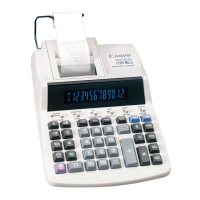
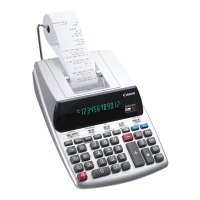
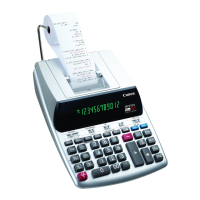
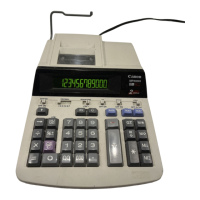
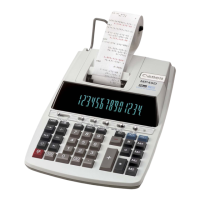
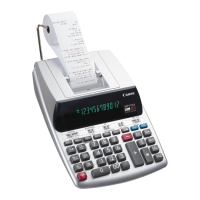
Need help?
Do you have a question about the Canon MP21DX and is the answer not in the manual?
Instructions for initial printer setup and ribbon tape removal before first use.
Guide to calculation examples and switch settings for matching illustrations.
How to accumulate and display grand totals using GT and G+ functions.
Functions for adding, deducting, and recalling tax rates and amounts.
Using the item counter switch to track calculation items and memory entries.
Performing percentage calculations, including adding percentages to totals.
Utilizing memory functions (M+, M-, MR, MC) for storing and recalling values.
Calculating percentage differences between two values for sales analysis.
Performing mark-up and mark-down calculations based on profit margins.
Understanding and clearing overflow errors indicated by 'E'.
How to print calculation data and transaction records.
Designates decimal point position for results and enables 2-digit auto-decimal for currency.
Controls rounding methods (up, off, down) for decimal results.
Manages grand total accumulation and setting/recalling tax rates.
Tracks the number of calculation items or memory operations.
Controls whether entries and results are printed or only displayed.
Explains the use of TAX+ and TAX- keys for tax adjustments.
Details causes of overflow (E symbol) and how to clear it.
Step-by-step instructions for replacing the ink ribbon spool.
Guide on how to properly load a new paper roll into the printer.
Details of the limited warranty provided by Canon U.S.A., Inc.
Information regarding FCC regulations and compliance for the device.
Special handling instructions for perchlorate material in the battery for California.
 General
| Type | Printing |
|---|---|
| Cover | No |
| Form factor | Desktop |
| Control type | Buttons |
| Product color | White |
| Tax calculation | Yes |
| Digits | 12 digits |
| Display type | Fluorescent |
| Print type | Ink ribbon |

 To Next Page