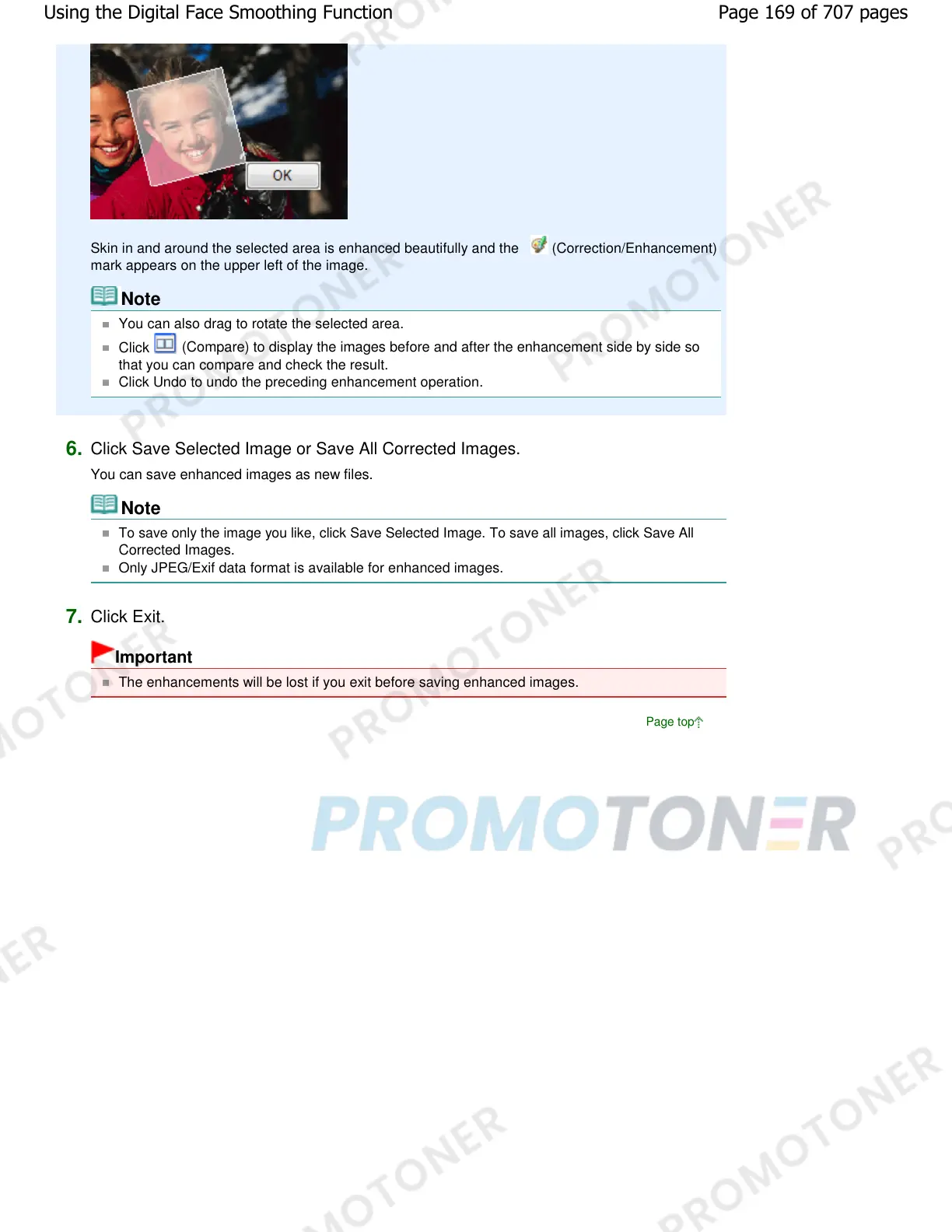
Skin in and around the selected area is enhanced beautifully and the (Correction/Enhancement)
mark appears on the upper left of the image.
Note
You can also drag to rotate the selected area.
Click
(Compare) to display the images before and after the enhancement side by side so
that you can compare and check the result.
Click Undo to undo the preceding enhancement operation.
6.
Click Save Selected Image or Save All Corrected Images.
You can save enhanced images as new files.
Note
To save only the image you like, click Save Selected Image. To save all images, click Save All
Corrected Images.
Only JPEG/Exif data format is available for enhanced images.
7.
Click Exit.
Important
The enhancements will be lost if you exit before saving enhanced images.
Page top
Page 169 of 707 pagesUsing the Digital Face Smoothing Function














 To Next Page