>
How to Use This Manual
> Operating the Contents Pane
Operating the Contents Pane
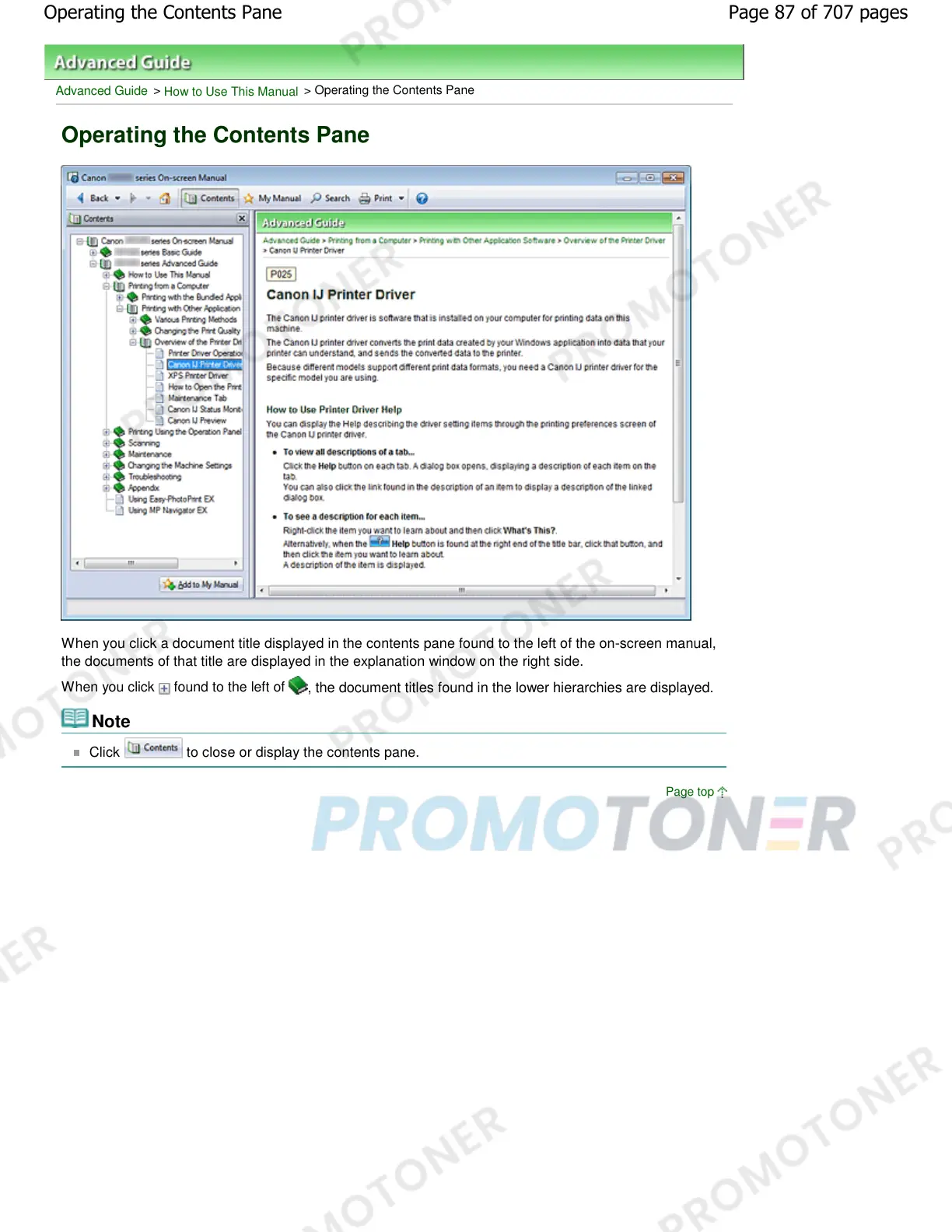
When you click a document title displayed in the contents pane found to the left of the on-screen manual,
the documents of that title are displayed in the explanation window on the right side.
When you click found to the left of
, the document titles found in the lower hierarchies are displayed.
Note
Click to close or display the contents pane.
Page top
Page 87 of 707 pagesOperating the Contents Pane














 To Next Page