>
How to Use This Manual > Operating the Explanation Window
Operating the Explanation Window
Explanation Window
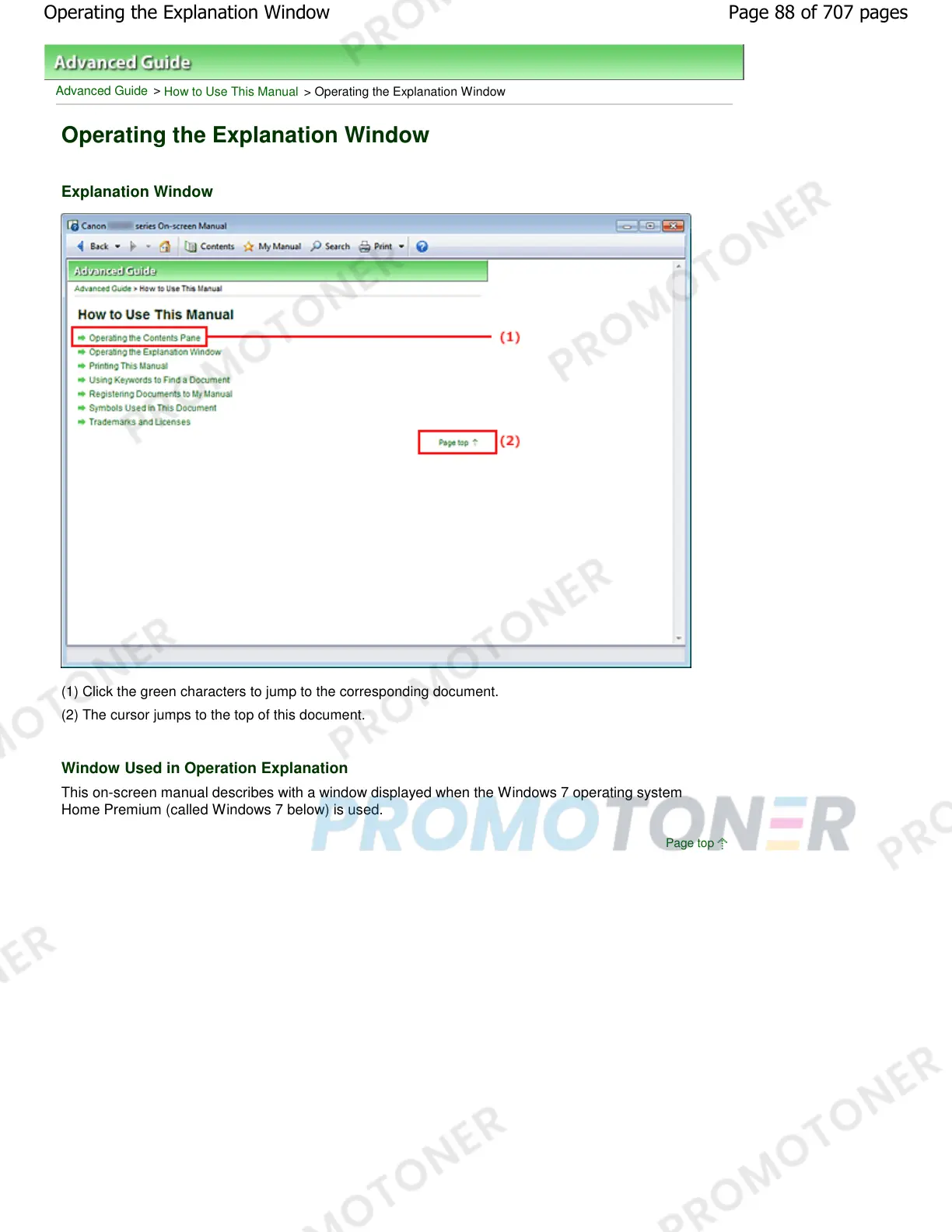
(1) Click the green characters to jump to the corresponding document.
(2) The cursor jumps to the top of this document.
Window Used in Operation Explanation
This on-screen manual describes with a window displayed when the Windows 7 operating system
Home Premium (called Windows 7 below) is used.
Page top
Page 88 of 707 pagesOperating the Explanation Window














 To Next Page